
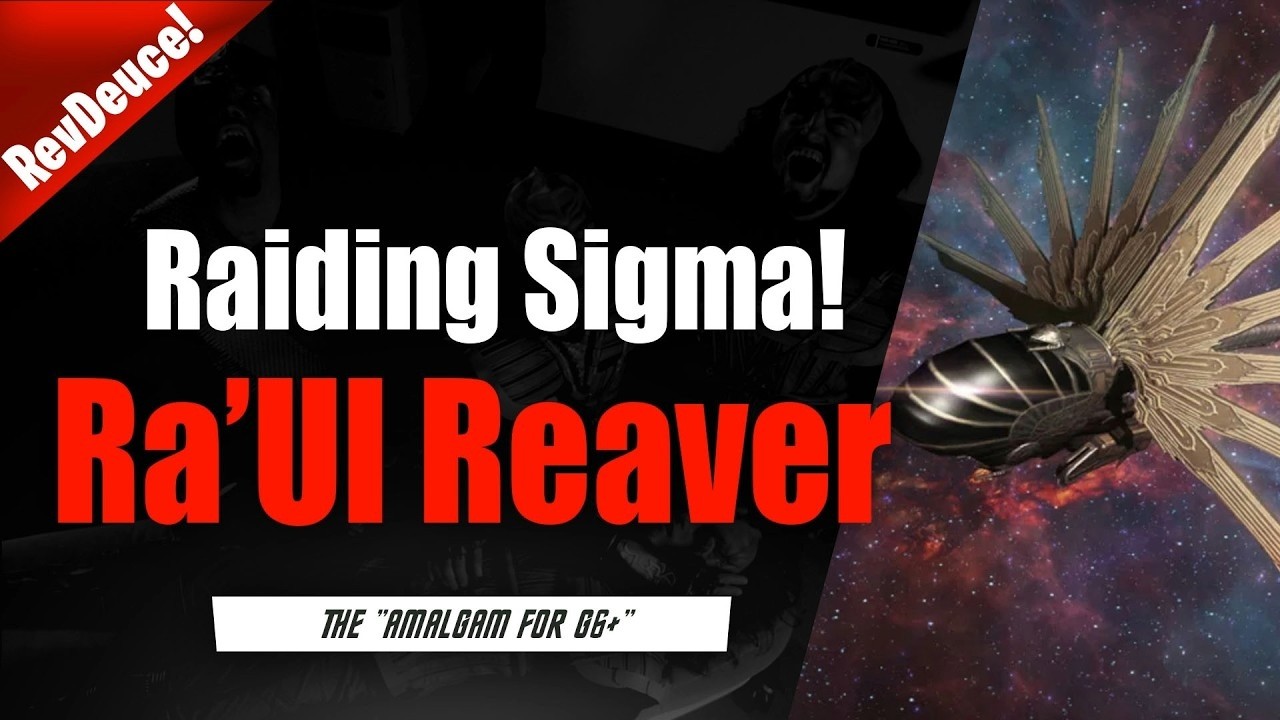
Deploy the Ra'Ul Reaver in Star Trek Fleet Command specifically for high-speed raiding runs against player bases and targets holding Grade 6 (G6+) Sigma resources. Because this vessel functions as a G6+ equivalent to the Amalgam, use its large cargo capacity and movement speed for fast resource extraction during active gameplay sessions rather than using it for standard combat.
How to Deploy the Ra'Ul Reaver
Reserve the Ra'Ul Reaver for targeted resource extraction rather than general fleet duties. Because the ship focuses its stat budget on utility and speed over heavy defense, leaving it unattended in hostile territory risks losing your fleet investment to enemy players.
- Identify High-Yield Targets: Locate unshielded player bases or rich resource targets carrying accumulated Sigma-tier reserves.
- Execute Short Raiding Windows: Launch the Reaver while actively monitoring your gameplay. Minimize its time spent in hostile systems.
- Recall Immediately: Pull the vessel back to safe territory as soon as cargo extraction finishes to avoid counter-attacks from higher-power warships.
| Activity Type | Ra'Ul Reaver Suitability | Tactical Focus |
|---|---|---|
| Sigma Base Raiding | Highly Suitable | Rapid hit-and-run resource haul |
| Daily PvE & Faction Grinding | Unsuitable | Standard warships offer better combat efficiency |
| Sustained Base Defense Assaults | Unsuitable | Lacks combat stats for prolonged engagements |
Crewing and System Upgrades
Optimize the Ra'Ul Reaver to minimize transit time and maximize cargo retention on every run. Generic offensive officers provide little value if they do not assist in getting cargo home safely.
- Bridge Officer Priority: Assign officers that boost cargo protection, expand specialized cargo limits, or increase warp and engine speed.
- Defensive Support: If enemy player stations damage the Reaver severely during raids, slot defensive support officers on the bridge to keep the vessel operational across consecutive runs without needing frequent repairs.
- Component Upgrades: Direct early upgrade resources into the ship's engine systems and specialized cargo holds to increase net resource gain per minute.
Managing Extracted Sigma Resources
The Ra'Ul Reaver accelerates resource gathering, but it does not protect loot once returned to your inventory. After completing a successful raid, immediately shield your station, move resources into protected base storage, or refine your gathered Sigma materials to prevent rival players from raiding your stockpile.

Free Star Trek Fleet Command Codes
Current active codes and how to redeem them.

Emily Johnson
Emily writes practical mobile strategy guides with a focus on resource planning, base progression, and the early decisions that shape a long-term account.
COMMUNITY
Player Comments
28 players commented on this guide.
The tips are practical and easy to follow.
I tried this today and it worked better than my old setup.
Nice guide. I am checking the other Star Trek Fleet Command articles next.
The explanation is clear, especially for beginners.