
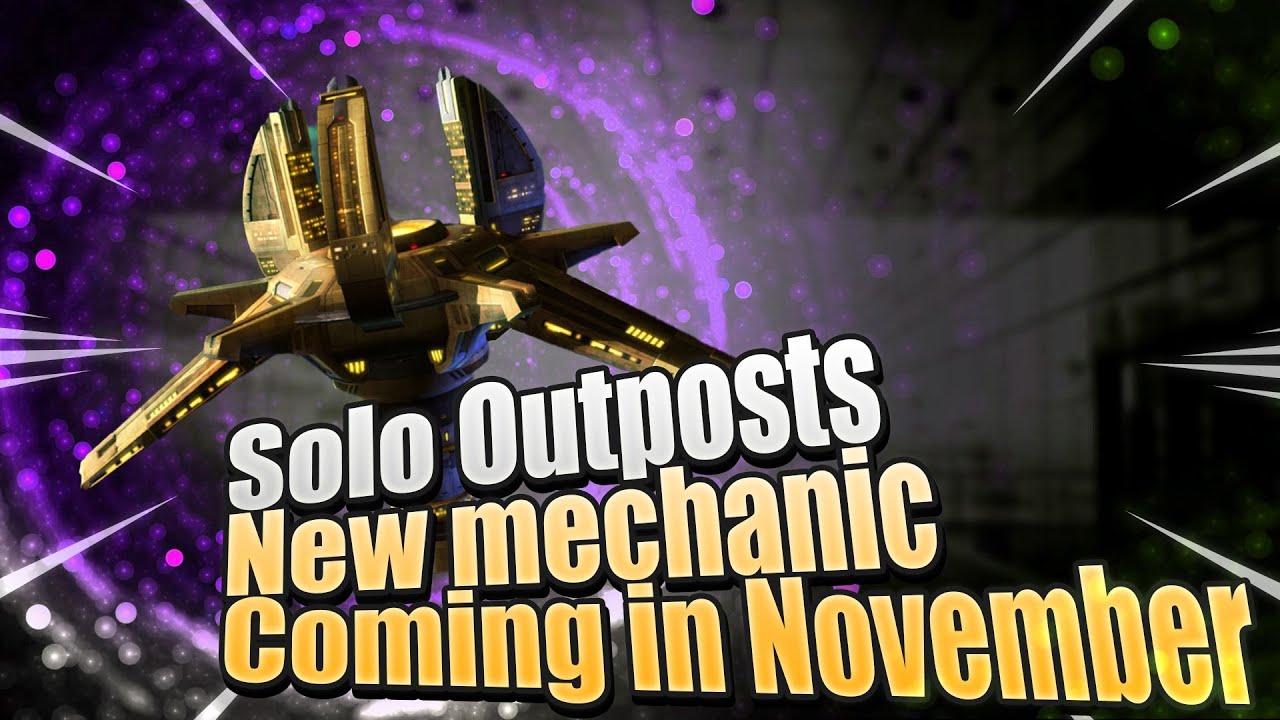
To set up a Solo Outpost in Star Trek Fleet Command, deploy the structure directly into a star system where you regularly complete daily hostile hunting or resource mining. Upgrading the Outpost Core takes precedence over all other internal structures, as its level caps the maximum tier of your auxiliary combat, defense, and economic modules.
How the Solo Outpost Works
The Solo Outpost is a personal forward staging platform on the galaxy map that belongs entirely to your account, operating independently of Alliance Starbases or alliance-held territory. It serves two distinct tactical functions:
- Forward Operational Anchor: Docking, repairing, and redeploying ships from a forward outpost eliminates the warp transit times required to fly back and forth from your main station.
- Account-Wide Stat Enhancements: Constructing and leveling internal outpost modules generates passive combat and survivability buffs that apply across your fleets.
Because outpost progression requires dedicated materials, balance your construction pacing so outpost investments do not starve your primary Operations progression.
System Selection and Deployment Priorities
Positioning your outpost determines its practical value. Placing it near your home station wastes its transit advantages. Instead, anchor the outpost in sectors matching your current daily tier of faction hostiles or target resources.
| Deployment Objective | Recommended System Profile | Primary Operational Benefit | Key Operational Risk |
|---|---|---|---|
| Hostile Grinding Hub | High-density faction space matching current daily targets | Eliminates long travel runs between repairs | Increased exposure to active player traffic |
| Mining Staging Post | Space adjacent to target raw material nodes | Fast cargo turnaround and surveyor turnaround | Occupies a system dock without heavy combat defense |
| Event Staging Area | Sectors hosting frequent armadas or wave targets | Rapid response times for group loops | Requires relocation resources when event targets rotate |
System space is limited by a fixed number of outpost docks per star system. Moving an outpost consumes relocation tokens or resources, so choose a system that matches your grinding needs across several Operations levels rather than shifting locations daily.
Module Upgrade Priority
Follow a strict building order to avoid artificial bottlenecks and wasted materials:
- Outpost Core: Always level the Core to its maximum permitted threshold first. It sets the level ceiling for every other building in the outpost, dictates base durability, and unlocks access to higher-tier module bonuses.
- Combat and Defense Modules: Once the Core reaches its tier cap, invest materials into fleet combat buffs and defensive plating. These bonuses directly improve ship performance during daily hunts and increase outpost survivability.
- Auxiliary Utility Modules: Delay niche utility or secondary economic modules until your Core and primary combat structures hit their caps.
Managing Outpost Defense and Threats
Unlike your home station, a Solo Outpost deployed in open space lacks permanent peace shields and heavy defensive platforms. Hostile commanders can engage and disable an outpost anchored in open or contested systems.
If your outpost takes severe damage or is destroyed, its local operations halt until repairs finish. If enemy commanders repeatedly target your outpost, relocate it to an adjacent, lower-traffic system within short warp distance rather than spending resources on continuous repairs.
Daily Routine and Refinery Loop
To maintain steady module progression, integrate the outpost into your daily login schedule:
- Claim Outpost Chests: Collect the free daily outpost chests on every server reset to gather base progression parts.
- Refine Raw Materials: Convert collected components through the outpost refinery tab to produce the structural resources required for construction.
- Queue Module Upgrades: Keep building queues active by scheduling module upgrades immediately after completing daily hostile runs.

Free Star Trek Fleet Command Codes
Current active codes and how to redeem them.

Emily Johnson
Emily writes practical mobile strategy guides with a focus on resource planning, base progression, and the early decisions that shape a long-term account.
COMMUNITY
Player Comments
118 players commented on this guide.
This helped me understand strategy much better.
Can you add more details about strategy in a future update?
This saved me time in the early game.
The explanation is clear, especially for beginners.