
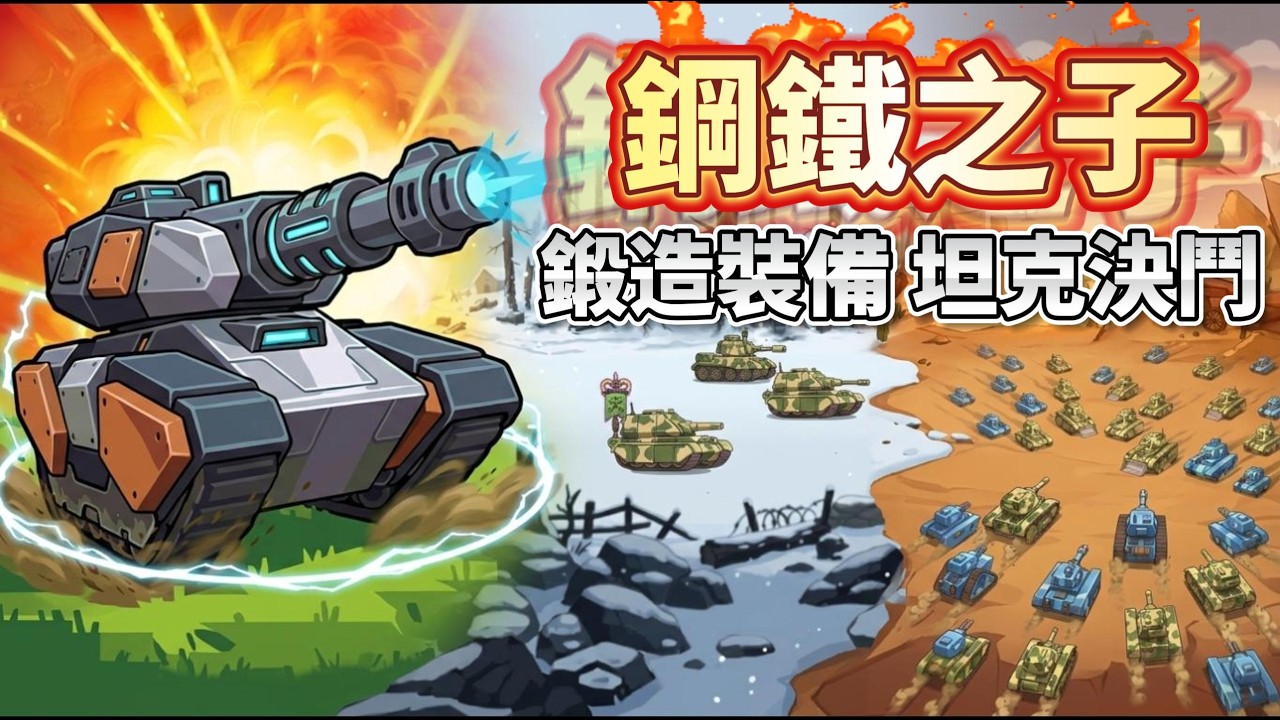
Play Steelborn: Tank Idle RPG on Windows PC
Download the official Steelborn: Tank Idle RPG Windows PC client and learn how to install and play the game on PC, with controls, system requirements, and practical tips.

Download Steelborn: Tank Idle RPG Official Windows PC Client
Official Windows PC client provided by LDPlayer.
About the Official Steelborn: Tank Idle RPG PC Client
Developer: SayGames Ltd
That loop alternates between improving the tank and putting its build to work. Regular battles and campaign stages help you earn loot; world of warriors duels and the PvP arena offer opponents to challenge, with the arena holding the biggest prizes. The store description emphasizes reading a rival’s setup, swapping modules to counter it, and timing an attack rather than relying on brute stats alone. Dungeon raids add a different test: find a rare key, enter the dungeon, and try to keep your armor intact through the last room to bring back a large haul of resources. Together, these activities make equipment decisions useful across several kinds of encounters, from one-on-one fights to boss-heavy expeditions.
The idle systems support that hands-on strategy without replacing it. Once you reach level 3, the forge can craft automatically according to parameters you set, and you can auto-sell parts you do not want. That lets your arsenal grow in the background while you focus on campaign progress, duels, arena matches, or a raid. Between fights, you can also repaint the hull, choose colors, and raise a custom battle banner, giving your tank a recognizable look as well as a tailored equipment setup. The result is a progression rhythm suited to both short sessions and longer goals: check what the forge has produced, decide what belongs in your build, then take the improved machine into its next challenge.
On a PC display, equipment details and opponent setups have more room to inspect, which is useful when comparing forged parts, weighing stats and bonuses, or deciding which modules might counter an arena rival. A larger view also helps keep the action and combat information readable while you track a duel or assess whether your armor can survive a dungeon’s later rooms. Keyboard-and-mouse input gives you a practical way to move between menus and repeated management tasks—setting forge parameters, sorting unwanted parts, and adjusting a loadout—before returning to battles. Those advantages suit a game built around frequent decisions as much as idle accumulation: your tank can make progress in the background, but choosing what to keep, how to equip it, and where to test it remains the player’s responsibility.
Screenshots
How to Download and Install the Official Steelborn: Tank Idle RPG PC Client
- Download and install the official Windows client distributed by LDPlayer.
- Open the app and sign in with your Google Play account.
- Search for Steelborn: Tank Idle RPG in the app store.
- Install the game and finish the first-launch download.
- Use the same game login if account sync is available.
Why Play Steelborn: Tank Idle RPG on PC?
Menus, maps, resources, and combat details are easier to read on a desktop display.
Keyboard and mouse input makes repeated actions and long sessions more comfortable.
Desktop play avoids phone battery drain during longer farming sessions.
Keep guides, codes, and notes open alongside the game on PC.
Controls and Performance
These three settings solve most common issues when playing on PC.
Map navigation, skill use, and repeated resource actions first.
Lower resolution or graphics quality if crowded scenes lose frames.
Link your account before switching devices so progress can be restored safely.
Steelborn: Tank Idle RPG Official PC Client FAQ
Can I play Steelborn: Tank Idle RPG on PC?
Yes. Download the official Windows PC client distributed by LDPlayer and play with a larger screen, keyboard, and mouse controls.
Is Steelborn: Tank Idle RPG better on PC than mobile?
Playing on PC can make longer sessions, detailed menus, and resource management more comfortable, while mobile is still convenient for quick check-ins.
Will my Steelborn: Tank Idle RPG progress sync on PC?
Progress depends on the sign-in options supported by the game. Use the same linked Google, Facebook, Apple, or game account on both devices.
Why does Steelborn: Tank Idle RPG lag on PC?
Lag can be caused by limited RAM, demanding graphics settings, outdated client files, or background apps. Lower the graphics settings and keep the PC client up to date.
DOWNLOAD STARTED
Your download is starting
Check your browser Downloads if it does not appear.
Official PC client for Windows, distributed by LDPlayer.
Download again