
Play Sultan's Game on Windows PC
Download the official Sultan's Game Windows PC client and learn how to install and play the game on PC, with controls, system requirements, and practical tips.

Download Sultan's Game Official Windows PC Client
Official Windows PC client provided by LDPlayer.
About the Official Sultan's Game PC Client
Developer: GameTree Entertainment
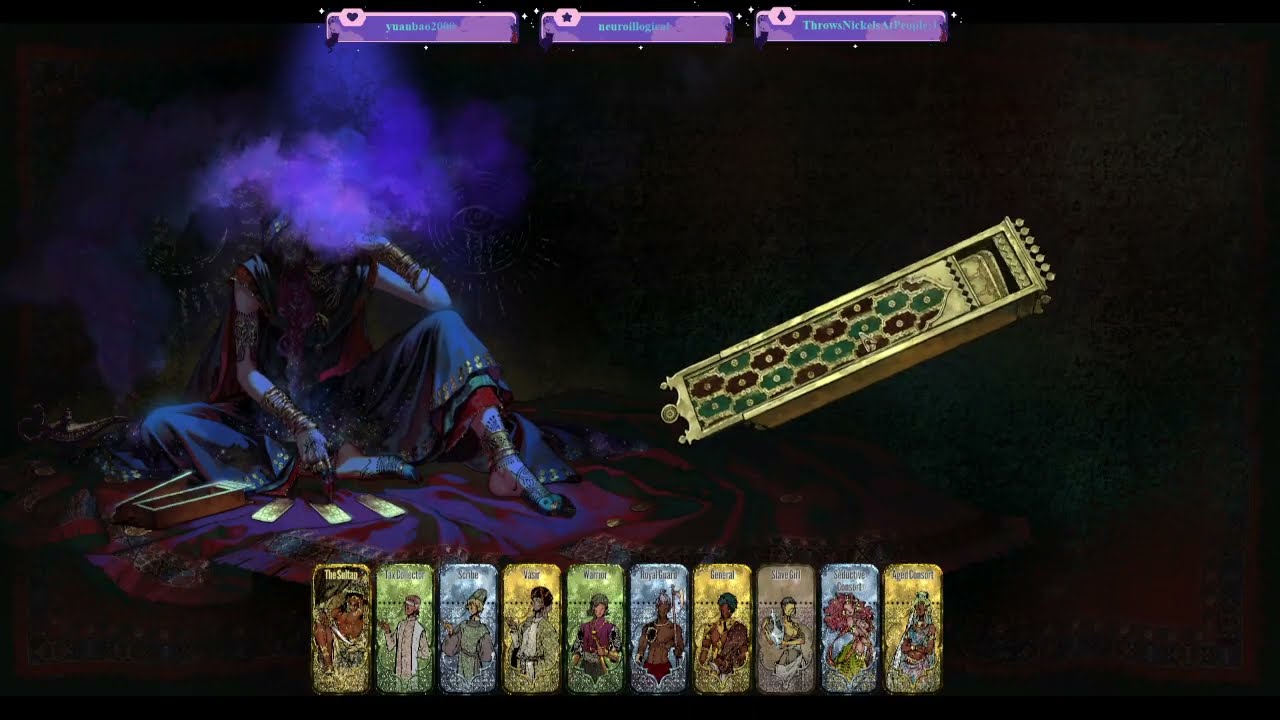
At the mechanical level, Sultan's Game is a turn-based resource management game built around deploying cards to command allies and assets, complete objectives, and expand your influence. Wealth, intelligence, and equipment provide the practical foundation for your plans, while recruiting allies and seizing control of the court gradually broadens what you can accomplish. The card order changes from run to run, so the same strategy cannot be followed mechanically every time; you must evaluate the opportunities and risks presented by the current sequence, decide which objectives are worth pursuing, and manage limited time before a seven-day requirement expires. Both success and failure contribute to future attempts by unlocking new allies, gear, and strategies, giving repeated runs a meaningful sense of discovery even when a plan collapses. Hidden paths and secrets also reward players who investigate beyond the most obvious route, and the same ending can be reached through multiple approaches. On PC, the larger display gives you more room to read card descriptions, review objectives, compare equipment, and track the resources shaping your next move without losing sight of the wider situation. Keyboard-and-mouse controls are likewise useful when cycling through cards, selecting allies or assets, and handling repeated management actions across a run, especially when you are weighing several possible responses to a time-sensitive command. These advantages do not change the underlying mobile-optimized design, but they can make the court’s information-heavy decisions easier to inspect and organize. Whether your goal is absolute power, the overthrow of a tyrant, a peaceful life with your beloved, or the summoning of dark forces, Sultan's Game on PC is defined by the tension between immediate survival and the long-term consequences of every card you choose to play.
Screenshots
How to Download and Install the Official Sultan's Game PC Client
- Download and install the official Windows client distributed by LDPlayer.
- Open the app and sign in with your Google Play account.
- Search for Sultan's Game in the app store.
- Install the game and finish the first-launch download.
- Use the same game login if account sync is available.
Why Play Sultan's Game on PC?
Menus, maps, resources, and combat details are easier to read on a desktop display.
Keyboard and mouse input makes repeated actions and long sessions more comfortable.
Desktop play avoids phone battery drain during longer farming sessions.
Keep guides, codes, and notes open alongside the game on PC.
Controls and Performance
These three settings solve most common issues when playing on PC.
Map navigation, skill use, and repeated resource actions first.
Lower resolution or graphics quality if crowded scenes lose frames.
Link your account before switching devices so progress can be restored safely.
Sultan's Game Official PC Client FAQ
Can I play Sultan's Game on PC?
Yes. Download the official Windows PC client distributed by LDPlayer and play with a larger screen, keyboard, and mouse controls.
Is Sultan's Game better on PC than mobile?
Playing on PC can make longer sessions, detailed menus, and resource management more comfortable, while mobile is still convenient for quick check-ins.
Will my Sultan's Game progress sync on PC?
Progress depends on the sign-in options supported by the game. Use the same linked Google, Facebook, Apple, or game account on both devices.
Why does Sultan's Game lag on PC?
Lag can be caused by limited RAM, demanding graphics settings, outdated client files, or background apps. Lower the graphics settings and keep the PC client up to date.
DOWNLOAD STARTED
Your download is starting
Check your browser Downloads if it does not appear.
Official PC client for Windows, distributed by LDPlayer.
Download again