
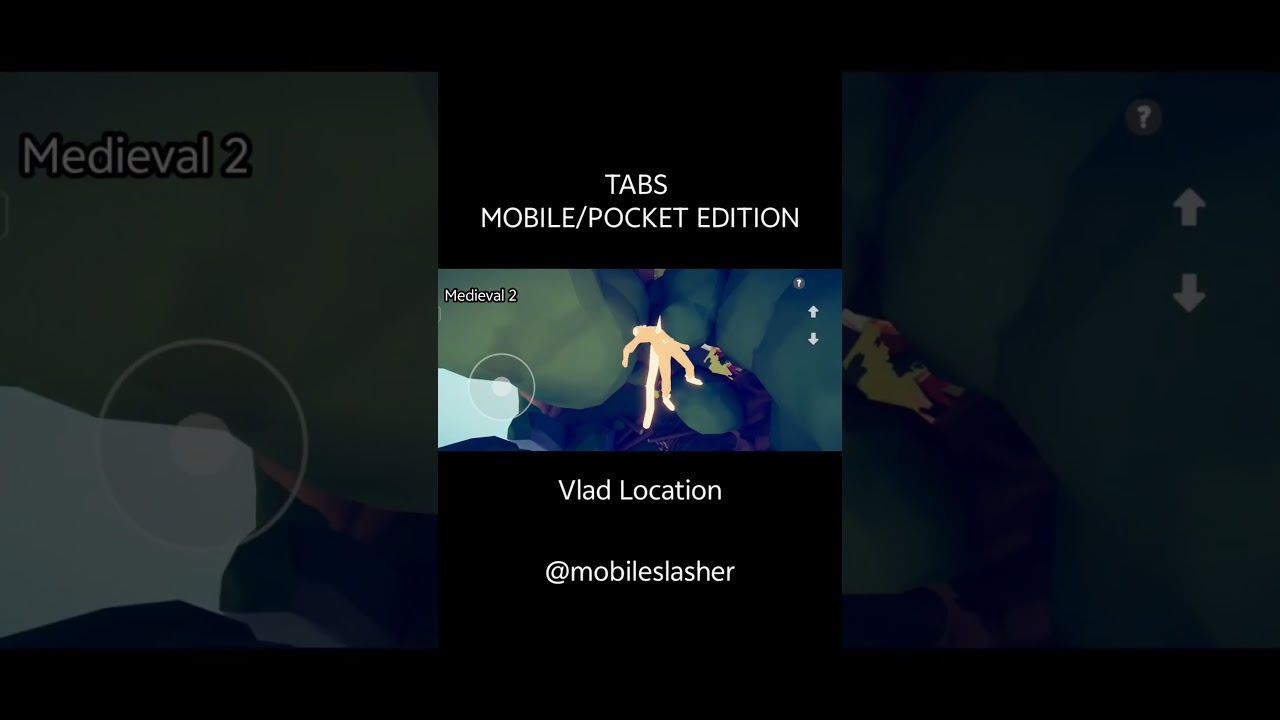
To unlock Vlad in TABS Pocket Edition, load into the Medieval 1 map in Sandbox mode and fly your camera behind the red army deployment zone into the forest on the far left map edge. Look for a clearing surrounded by wooden stakes, descend to ground level, and center your view on the stake with the impaled dummy until the unlock banner appears.
Map Setup and Navigation to the Clearing
Sandbox mode is the most reliable environment for unlocking secret units because it removes placement limits, round timers, and budget caps, giving you full freedom to maneuver the camera outside normal boundary lines.
- Select the Map: Open the Sandbox menu, choose the Medieval environment, and select Medieval 1. Do not select Medieval 2, as the secret interactable only appears on the Medieval 1 map layout.
- Orient the Camera: Enter the placement phase and switch to the free-look camera. Face toward the red army deployment zone, keeping the river and stone bridge behind you.
- Cross the Boundary: Fly over the hills past the red deployment border, heading toward the dense pine tree line on the far left perimeter.
- Locate the Clearing: Search the tree canopy for a shadowed opening. Descend through the opening to find a circular arrangement of sharpened wooden pikes planted into the grass.
Triggering the Unlock Interaction
Inside the clearing, locate the tall center stake holding a skewered target dummy. You must align and stabilize your view to trigger the unlock:
- Center and Approach: Fly down to eye level with the dummy and position the wooden stake directly in the center of your screen. You must move close enough for the object to dominate your display.
- Hold Steady: Keep the camera completely motionless for three to five seconds. Take your fingers off the touchscreen to avoid accidental camera drift.
- Wait for the Confirmation: The stake will vibrate and emit particle sparks, followed by an on-screen banner reading "Vlad Unlocked." Once this appears, Vlad is permanently added to your unit roster.
- Troubleshoot Detection: If the animation does not start after several seconds, pull the camera back slightly and re-center the dummy to reset the detection trigger.
Vlad Unit Mechanics and Combat Deployment
Vlad serves as a disruptive frontline juggernaut equipped with a large wooden pike. Upon entering combat, he sprints in a straight line toward the nearest hostile target. When he connects, his pike skewers the leading enemy, hoisting them off the ground to cancel their attacks while his momentum carries him deeper into opposing ranks.
Strengths and Target Matchups
Vlad excels at breaking rigid infantry formations. The physics-driven impact flings skewered enemies into adjacent units, scattering tight lines of melee combatants such as Squires, Clubbers, and Footmen. His health pool allows him to absorb basic strikes during his initial rush.
Counters and Tactical Positioning
Vlad is vulnerable to long-range fire and sustained encirclement:
- Ranged Threats: Snipers like Musketeers and Archers, as well as artillery pieces, can wear Vlad down before he closes the distance.
- Recovery Windows: After completing an impaling sprint, Vlad experiences a brief recovery animation that leaves him exposed if surrounded by surviving melee units.
- Screening Support: Deploy cheap distraction units or shielded troops ahead of Vlad to absorb initial projectile volleys.
- Flank Angles: Position Vlad off-center along your line. An angled charge lets him strike the enemy flank rather than plowing head-on into focused ranged fire.

Free TABS Pocket Edition Codes
Current active codes and how to redeem them.

Emily Johnson
Emily writes practical mobile strategy guides with a focus on resource planning, base progression, and the early decisions that shape a long-term account.
COMMUNITY
Player Comments
27 players commented on this guide.
I wish I had read this before upgrading the wrong thing.
This helped me understand strategy much better.
I tried this today and it worked better than my old setup.
Good guide for TABS Pocket Edition players. The strategy part was useful.