
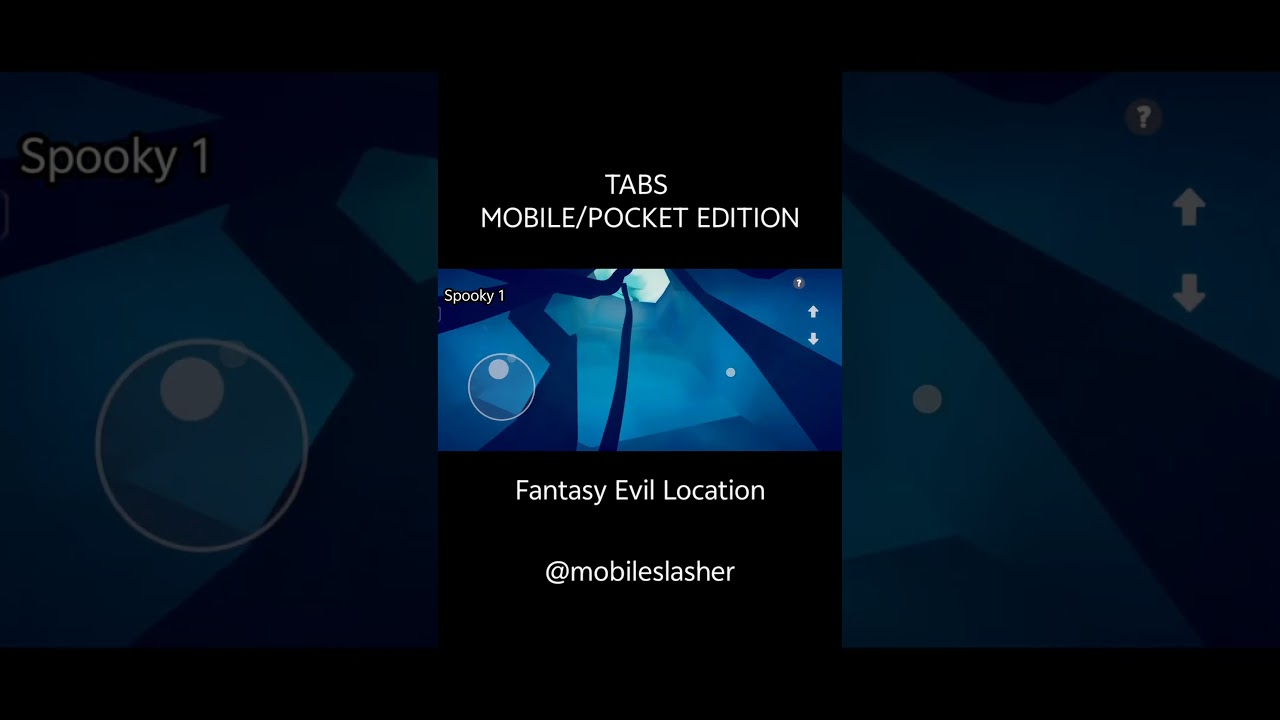
To unlock the Fantasy Evil map in TABS Pocket Edition, load the Spooky 1 map in Sandbox mode, detach your camera, and fly behind the rear boundary of the arena. Descend into the shadowed cliff fissure behind the cathedral to find a glowing red skull vortex. Center your camera on the portal for five to eight seconds until the screen flashes, which permanently adds the map to your selection roster.
Step-by-Step Portal Activation
Fantasy Evil does not unlock through campaign progression. Instead, you must find and register its hidden portal in free-camera mode:
- Launch Sandbox mode and select the Spooky 1 map.
- Tap the camera control icon to detach from the unit placement grid into free-camera mode.
- Fly past the tombstones and the central crooked cathedral toward the back perimeter of the map.
- Descend below the main battlefield ground level along the outer rock wall.
- Locate the stone crevice containing the glowing red skull vortex.
- Center your camera directly on the vortex at close range.
- Hold the camera steady for five to eight seconds until a bright flash and sound effect trigger.
| Camera Issue | Cause | Fix |
|---|---|---|
| Portal fails to trigger | Camera is positioned too far away | Move closer until the red aura fills the center of the frame |
| Camera drifts past the opening | Touch sensitivity is too high | Lower camera sensitivity in the settings before descending |
| Screen goes black or clips | Camera entered the rock mesh | Back up slightly to keep the vortex centered in open space |
Verifying the Unlock
You do not need to finish or win the sandbox match after the flash appears. Exit the match and return to the main menu:
- Open Sandbox mode from the main menu.
- Open the map selection carousel.
- Locate Fantasy Evil alongside Fantasy Good under the fantasy category.
If Fantasy Evil does not appear in the menu, restart the app, return to the Spooky 1 fissure in Sandbox mode, and hold the camera motionless on the portal until the flash completes.
Fantasy Evil Layout and Combat Strategy
Fantasy Evil is built around elevated platforms, narrow bridges, and lethal bottomless pits. Units that are knocked or ragdolled off the platforms plunge into the void and die immediately, regardless of total health.
Use these tactics to exploit the map's geography:
- Anchor the Bottlenecks: Position heavy or shielded units at your side of the narrow bridges rather than rushing across. Let enemy squads pack tightly onto the bridge before engaging.
- Utilize Physics and Knockback: Deploy catapults, ballistas, and units with concussive attacks. Direct knockback can throw expensive enemy bruisers off the edge for instant eliminations.
- Position High-Ground Ranged Units: Place archers, musketeers, or spellcasters on elevated rock outcroppings to maintain clear sightlines while staying safe from melee rushes.
- Limit Erratic Chargers: Fast charging units often overshoot narrow pathways due to ragdoll physics and slide off the cliffs before hitting their targets.
Mobile Performance Optimization
The volumetric red lighting, dense fog, and frequent ragdoll falls on Fantasy Evil can cause frame drops on mid-range and budget mobile devices.
To maintain stable performance during large tests:
- Lower shadow quality and post-processing effects in the settings menu before starting a match.
- Keep total unit counts moderate. When large groups collide on narrow bridges, simultaneous physics calculations can cause stuttering and unpredictable ragdoll behavior.

Free TABS Pocket Edition Codes
Current active codes and how to redeem them.

Emily Johnson
Emily writes practical mobile strategy guides with a focus on resource planning, base progression, and the early decisions that shape a long-term account.
COMMUNITY
Player Comments
128 players commented on this guide.
This saved me time in the early game.
The tips are practical and easy to follow.
This guide answered the exact question I had.
I wish I had read this before upgrading the wrong thing.