
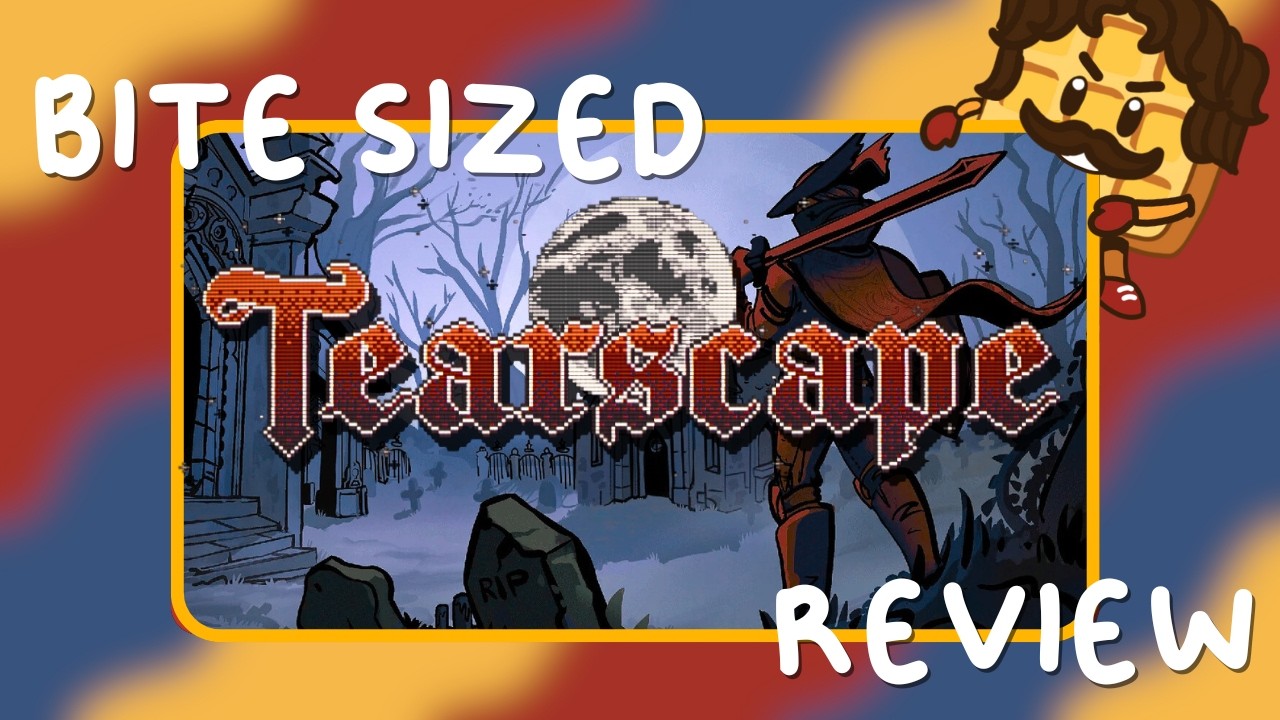
In Tearscape, progression relies entirely on observing the environment rather than following traditional on-screen mini-maps, health bars, or objective markers. To navigate levels efficiently without getting disoriented, scan the world for environmental contrast, establish mental landmarks, and listen for localized audio triggers.
Key Environmental Navigation Signals
Because Tearscape omits artificial UI indicators, level designers use geometry, light, and texture placement to guide movement. Pay attention to three primary visual cues:
- Lighting Contrast: High-contrast lighting, brightened paths, and specific light sources are positioned to draw your eyes toward critical progression routes or interactive areas.
- Architectural Anomalies: Scan surfaces for structural breaks, mismatched textures, or gaps in geometry. These typically indicate climbable ledges, breakable walls, or hidden passages.
- Prop Alignment: Static props and environmental clutter are arranged to direct your movement naturally through traversable terrain.
| Visual Signal | What to Look For | Common Progression Meaning |
|---|---|---|
| Light Contrast | Beams of light, high shadow contrast | Intended forward path or point of interest |
| Texture Shifts | Cracked surfaces, mismatched materials | Breakable wall or climbable structure |
| Object Flow | Aligned debris, prop arrangements | Path of least resistance through geometry |
Orienting Yourself with Visual Anchors
Without an in-game map or compass, exploring side paths or backtracking can quickly lead to disorientation. Maintain control of your navigation by adopting a habit of visual anchoring:
- Select a Landmark: Upon entering any major area, identify a distinct structural feature, lighting setup, or static object to serve as a visual anchor.
- Establish Angles: Note how surrounding paths position you relative to that anchor before venturing down alternate routes.
- Backtrack Using Landmarks: Use your anchor to re-orient your perspective when returning to main paths after exploring side routes.
Using Audio Cues and Overcoming Obstacles
Sound design compensates directly for the absence of visual UI elements. Subtle shifts in ambient volume, acoustic changes, or mechanical sound effects frequently signal nearby interaction points or changes in level geometry.
If you encounter a blocked route or lose track of where to go next, take these steps:
- Stop and Listen: Pause movement to detect localized mechanical sounds or ambient volume shifts that indicate nearby mechanics.
- Change Perspective: Re-evaluate the immediate area from higher ground or a different viewing angle to spot overlooked geometry shifts.
- Search for Environmental Triggers: Remember that lack of feedback is intentional. A roadblock simply means an environmental anomaly or audio cue has not yet been identified.

Free Tearscape Codes
Current active codes and how to redeem them.

Sarah Williams
Sarah specializes in RPG and collection games, explaining team building, character growth, and beginner-friendly ways to avoid expensive early mistakes.
COMMUNITY
Player Comments
152 players commented on this guide.
Nice guide. I am checking the other Tearscape articles next.
The explanation is clear, especially for beginners.
I wish I had read this before upgrading the wrong thing.
Can you add more details about strategy in a future update?