
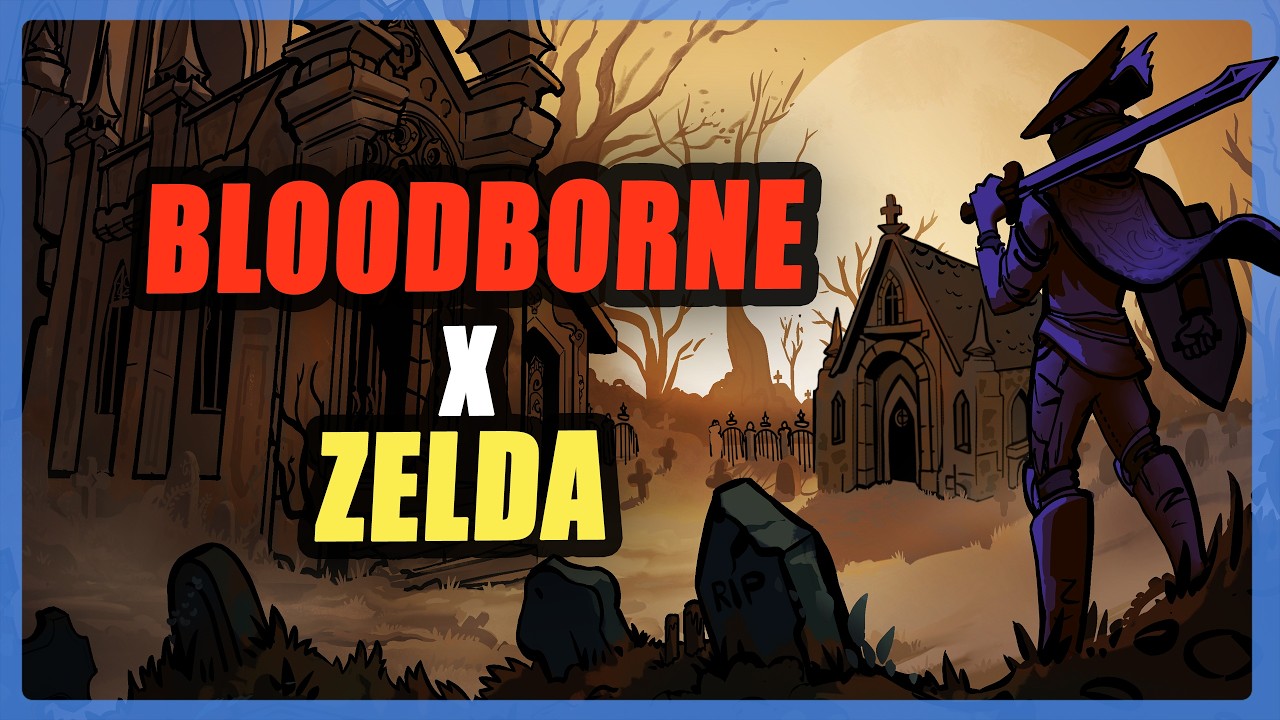
To navigate Tearscape's retro, screen-by-screen world effectively, check the edges of every room, utilize vertical paths to bypass tough enemies, and look for misaligned visual textures to reveal hidden passages. Because the game lacks waypoints or linear pathing, tracking room connections and altitude changes is your primary method for unlocking shortcuts and surviving early zones.
Reading Screen Layouts and Room Exits
Tearscape relies on a fixed-camera layout composed of distinct, connected rooms rather than a seamless open map. Because waypoint markers are absent, progressing through the environment requires learning the geometry of each zone.
When exploring a new area, use these checks to identify hidden exits:
- Scout Room Perimeters: Fixed camera angles frequently conceal exits behind foreground objects or within dark corners. Move your character along the outer edges of every screen before assuming a room is a dead end.
- Track Node Connections: Treat each screen as an interconnected node. If a path stops, backtrack to adjacent rooms to check for overlooked doors or side passages.
- Recognize Zone Loops: Main routes often loop back to familiar areas once you unlatch a door or lower a barrier, creating long-term shortcuts through hostile territory.
Finding Vertical Paths and Shortcuts
Verticality is a core traversal mechanic. Maps feature multi-tiered elevations that offer alternative routes around high-level enemy groups.
When approaching vertical terrain, focus on these tactical actions:
- Search for Climbable Surfaces: Look for visual indicators like wall texture variations, misplaced debris, or staggered ledges that suggest platforming access.
- Bypass Punishing Encounters: If early-game enemies deplete your resources, look upward. Vertical routes often allow you to pass entirely over dense enemy clusters.
- Manage Stamina and Drop Attacks: Elevating your position lets you plunge down onto targets for a combat advantage or retreat to high ground when your stamina bar runs low.
Spotting Visual and Audio Environmental Clues
Secret passages and breakable walls reduce backtracking by revealing direct paths between major zones. The game signals these concealed routes through subtle cues in the environment:
| Cue Type | Environmental Indicator | Significance |
|---|---|---|
| Wall Textures | Non-uniform patterns or subtle cracks in a flat wall | Indicates a breakable wall or hidden passage. |
| Floor Geometry | Floor tiles that do not align with the rest of the room | Signals an unmapped drop-off or hidden hatch. |
| Audio Shifts | Sudden silence or unique localized ambient sounds | Hints at nearby secret doors or hidden upgrades. |
When you detect any of these visual or audio discrepancies, inspect nearby surfaces closely before leaving the screen.
Managing Combat Risks While Mapping
Venturing blind into uncharted screens can quickly corner you in high-density enemy clusters. To protect your progress while exploring, observe rooms from the screen threshold before stepping fully inside. Identify enemy placements immediately, and ensure you keep an open line of sight back to your exit so you can safely retreat to a cleared room if a fight turns against you.

Free Tearscape Codes
Current active codes and how to redeem them.

James Brown
James focuses on Android gaming on PC, emulator setup, controls, performance tuning, and practical troubleshooting for longer play sessions.
COMMUNITY
Player Comments
128 players commented on this guide.
I wish I had read this before upgrading the wrong thing.
The tips are practical and easy to follow.
Nice guide. I am checking the other Tearscape articles next.
The explanation is clear, especially for beginners.