
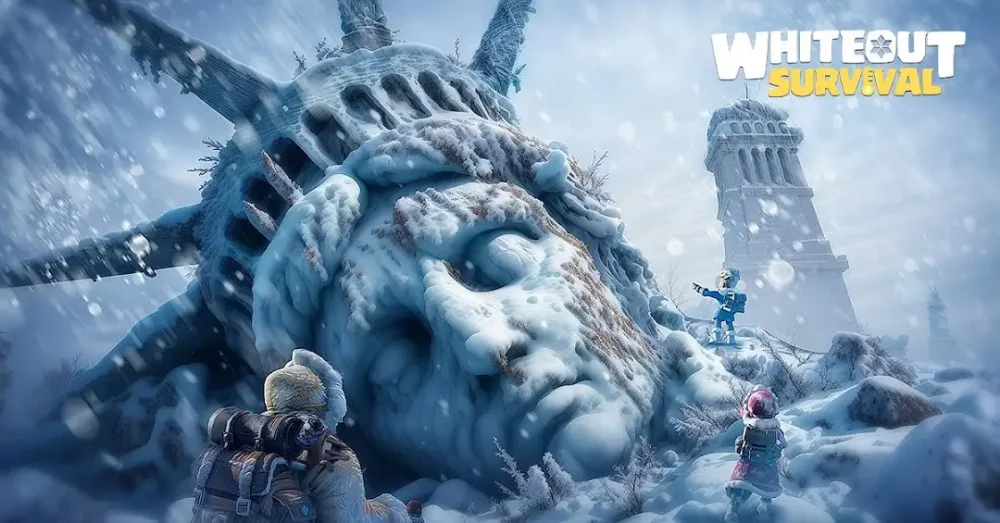
Encountering oversized character models, such as the disproportionately large sheep seen in event boss encounters, is a visual bug in Whiteout Survival that does not affect actual combat statistics or damage output. While these visual glitches can be humorous or distracting, they rarely impact the underlying mechanics of your battle. If the visual display prevents you from targeting correctly or viewing the screen, simple troubleshooting steps can restore standard unit proportions during your boss runs.
Resolving Visual Glitches and Scaling Issues
Visual anomalies are usually localized to the client side and do not reflect server-side data. If you notice units like event enemies or boss models appearing incorrectly scaled, the most efficient way to resolve the issue is to force a refresh of the game’s cache and asset loading.
- Restart the Application: Completely close the Whiteout Survival app and clear it from your background processes before relaunching. This often forces the game to re-sync assets.
- Check Connection Stability: Unstable internet connections can sometimes cause assets to fail to load or render properly, leading to stretched or oversized textures.
- Clear Cache: If the issue persists across multiple sessions, use the repair tool on the login screen to clear corrupted game data without losing your account progress.
Impact on Combat Performance
It is important to note that these visual bugs do not change the difficulty of the event or the strength of the enemy. Even when a unit appears abnormally large, its health pool, attack power, and special abilities remain identical to their intended values.
Why Visual Bugs Occur
| Cause | Effect |
|---|---|
| Asset Loading Errors | Models fail to scale down after animation triggers. |
| Memory Leaks | Long play sessions may cause temporary rendering glitches. |
| Server Sync Lag | Mismatched data between your device and the server. |
If you find that the visual size of the enemy makes it difficult to navigate the event screen, prioritize a quick restart. This ensures that your view of the battlefield remains clear, allowing you to focus on your hero positioning and skill timing rather than distracting graphical errors.

Free Whiteout Survival Codes
Current active codes and how to redeem them.

Michael Smith
Michael covers live-service games, events, reward systems, and efficient daily routines, turning frequent updates into clear actions for players.
COMMUNITY
Player Comments
118 players commented on this guide.
This helped me understand updates much better.
This saved me time in the early game.
This guide answered the exact question I had.
The explanation is clear, especially for beginners.