
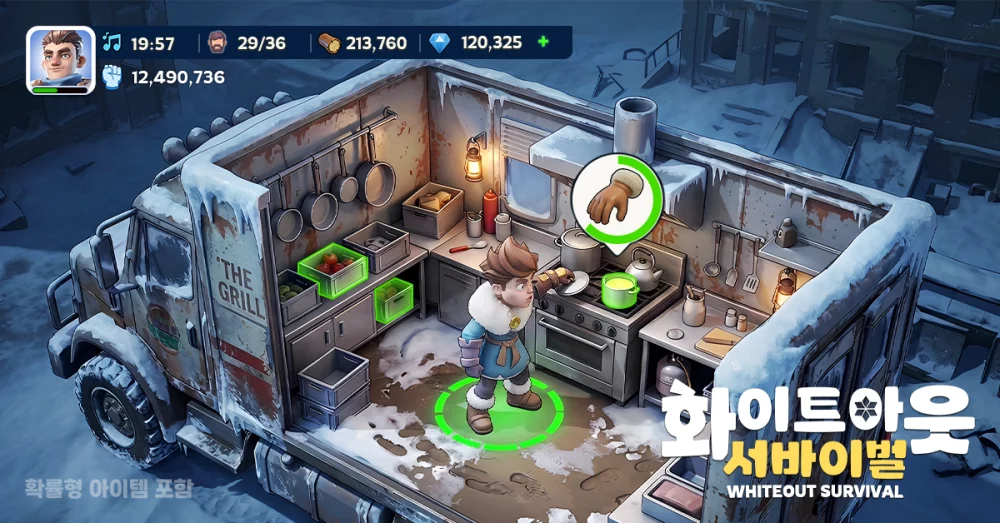
Efficiently managing your troop composition is vital for success in Whiteout Survival. By using the preset squad feature, you can standardize the exact quantity of troops sent into combat, ensuring your strongest marches remain consistent across various game modes. This approach eliminates the need for manual adjustments before every battle, allowing you to deploy optimal configurations rapidly while maintaining the necessary balance between your infantry, lancers, and marksmen for any given encounter.
Why Preset Squads Matter
Presetting your troop quantities is the most reliable way to maintain combat consistency. Rather than dragging sliders every time you launch an attack or rally, you can save specific presets that define the precise ratio of units. This is particularly useful for competitive events where split-second deployment decisions directly impact your overall damage output and survival rate.
Configuring Your Squads for Combat
To set up your squads effectively, focus on the specific needs of your hero team and the target you are facing.
- Standardize Troop Ratios: Assign specific quantities of each troop type based on the defensive or offensive buffs provided by your deployed heroes.
- Save Frequently Used Formations: Create dedicated presets for different activities, such as Bear Trap rallies, resource gathering, or player-versus-player combat.
- Update Regularly: As your total troop count increases, revisit your presets to ensure the quantity settings still reflect your current power level and unit availability.
Benefits of Quantity-Based Presets
Using quantity presets allows for faster reaction times during high-stakes events. Instead of manually balancing your march, you can select your pre-saved loadout and deploy within seconds.
| Benefit | Impact on Performance |
|---|---|
| Deployment Speed | Reduces downtime between attacks during active events. |
| Consistency | Ensures heroes are always supported by the intended troop composition. |
| Resource Efficiency | Prevents accidental over-deployment of high-tier troops in minor skirmishes. |
Managing Troop Availability
Keep in mind that if your total troop count drops due to heavy combat losses, your presets may not be able to fill to the exact quantity you saved. Always check your troop health and total numbers after major battles to ensure your presets remain viable. If you notice a discrepancy, simply overwrite the preset with a new, accurate quantity to maintain optimal performance in future marches.

Free Whiteout Survival Codes
Current active codes and how to redeem them.

Emily Johnson
Emily writes practical mobile strategy guides with a focus on resource planning, base progression, and the early decisions that shape a long-term account.
COMMUNITY
Player Comments
59 players commented on this guide.
The explanation is clear, especially for beginners.
Nice guide. I am checking the other Whiteout Survival articles next.
The tips are practical and easy to follow.
This guide answered the exact question I had.