
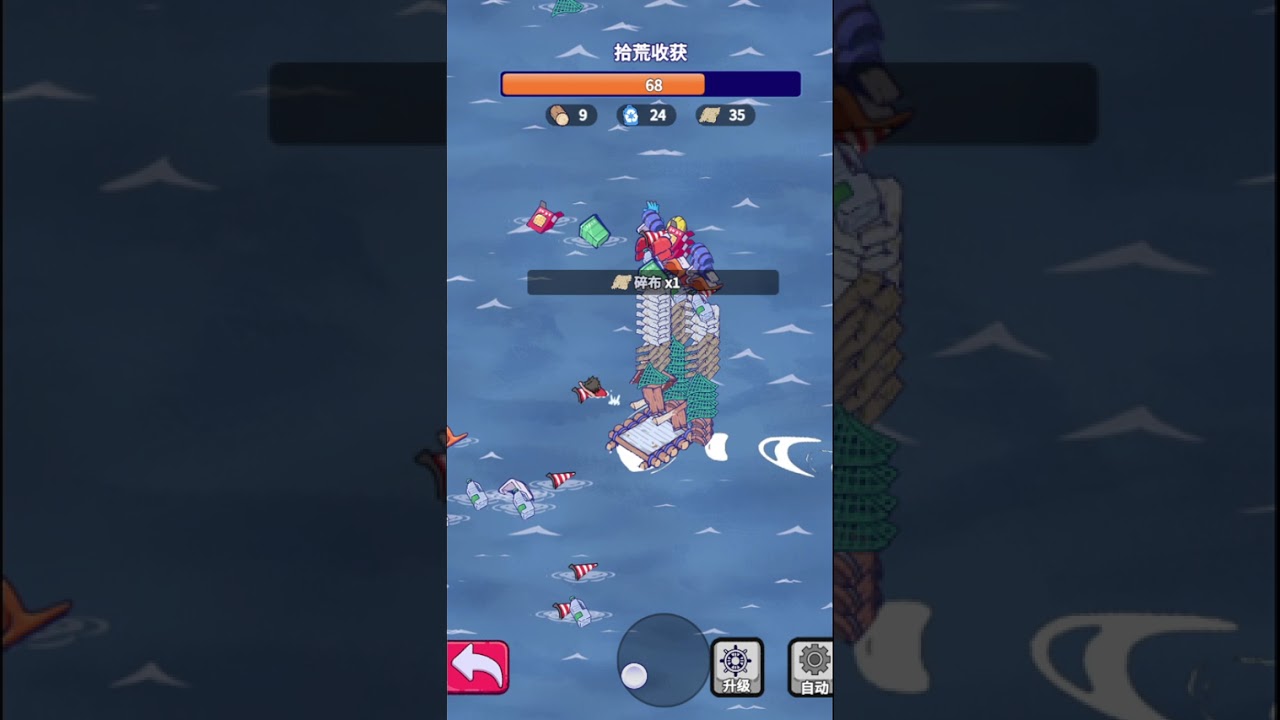
To manage your raft efficiently in Wild Water World, rely on the bottom navigation bar and the side-pinned Mission tab rather than searching for individual buildings on the map. Addressing red notification dots on the leftmost bottom icons and checking the top resource display before upgrading facilities prevents stalled production and base instability.
Base Navigation and Notification Dots
Manual map panning slows down base management when handling active construction and hero queues. Using dedicated menu shortcuts keeps administrative tasks centralized.
- Leftmost Bottom Icons: Check these icons first when logging in or returning to base. A red dot indicates a completed timer or a facility that has stopped working due to missing materials.
- Production Reset: Selecting notification icons directly takes you to the halted structure or task without requiring manual map searching.
Hero Deployment and Gear Setup
Hero management and battle preparations take place in the character menu rather than on the raft map.
- Open the hero management sub-menu from the main interface.
- Review your team's total power level to gauge readiness for incoming attacks.
- Open the hero equipment tab to equip early-game gear for stat boosts before launching defense missions.
- Assign units to active defense slots to guard against shark attacks and raft raids.
Resource Overlays and Mission Priorities
The top bar displays live stockpiles of food, water, and building components. Monitoring these numbers prevents resource deficits during base expansions.
| Interface Element | Visual Signal | Required Action |
|---|---|---|
| Top Resource Bar | Flickering or red values | Assign workers to salvage stations or harvest immediately. |
| Production vs. Consumption | Consumption exceeds output | Halt non-essential construction; prioritize water purifiers and storage. |
| Mission Tab (Daily) | Active daily checklist | Complete daily tasks first to maintain steady material income. |
| Mission Tab (Main) | Pinned progression tasks | Follow main quests for step-by-step unlocks and premium rewards. |
If higher-tier main quests become blocked by stat or level requirements, pivot to the daily mission list. Completing daily tasks builds a resource buffer to fund core upgrades.
Resolving Interface Lag and Menu Stutter
If menus feel unresponsive or lag during combat sequences, close open windows before initiating new actions.
- Sub-menu Overlap: Fully exit character or building screens before opening another to reduce graphical stuttering.
- Graphics Settings: Open the main options menu and select a lower display resolution or lower graphic quality preset to improve UI response time.
- Network Check: If lowering graphics does not restore responsiveness, verify your internet stability to ensure inputs register without delay.

Free Wild Water World Codes
Current active codes and how to redeem them.

James Brown
James focuses on Android gaming on PC, emulator setup, controls, performance tuning, and practical troubleshooting for longer play sessions.
COMMUNITY
Player Comments
91 players commented on this guide.
This helped me understand early game much better.
This saved me time in the early game.
This guide answered the exact question I had.
Nice guide. I am checking the other Wild Water World articles next.