
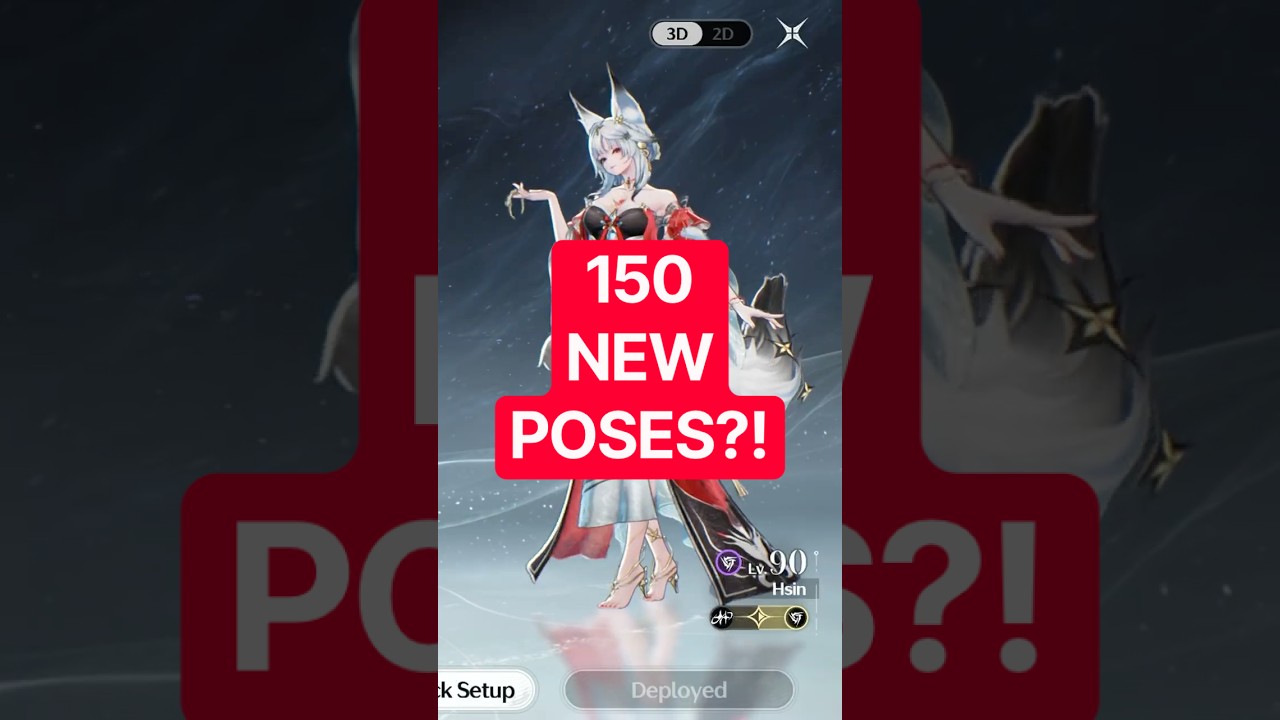
To access the redesigned team screen in the Wuthering Waves Version 3.7 update, open the party setup interface directly from your main HUD or the pause wheel. The updated interface replaces static menus with real-time character entrances, dynamic lighting, and streamlined party swapping.
How to Set Up Your Team in the Updated UI
The Version 3.7 layout removes redundant confirmation prompts, allowing you to swap and reorder Resonators directly from a side drawer or horizontal tray.
- Open the pause menu or select the Team Formation shortcut on your quick wheel.
- Select any active Resonator slot to open the roster drawer.
- Filter your characters by Element, Weapon Type, or Rarity using the top sorting bar.
- Select the Resonator you want to field. The character immediately plays their entrance sequence into the chosen slot.
- Reorder deployment positions (slots one through three) by dragging and dropping characters or using the one-touch quick-swap toggle.
When you exit to initiate combat, entrance animations seamlessly pause so visual transitions do not add open-world deployment delays.
UI Presentation Changes
The team interface introduces cinematic staging features that match in-game cutscene fidelity without adding loading screens.
| Feature | Previous Interface | Version 3.7 Interface |
|---|---|---|
| Character Entrance | Static pop-in | Fluid walk-in animation with weapon drawn |
| Camera Control | Fixed angle | Dynamic tracking with zoom and pan capability |
| Lighting | Flat menu illumination | Real-time cinematic lighting matching model shaders |
| Idle Behavior | Basic repetitive loop | Unique personality gestures and weapon poses |
| Team Reordering | Slot-by-slot reassignment | Drag-and-drop or one-touch slot exchange |
Managing Squad Presets
The interface allows you to save, rename, and cycle through multiple team presets to prepare for different combat encounters. Controller users can cycle presets using bumper taps, while mobile and mouse users can swap them with a single swipe.
- Single-Target Boss Encounters: Reserve early preset slots for your primary damage dealer and dedicated buffers to quickly queue for Weekly Boss domains or Tactical Holograms.
- Concerto Synergies: Group teams with complementary Concerto interactions together to prevent bringing conflicting elements into resistant domains.
- Overworld Exploration: Keep an exploration squad configured with high-mobility Resonators and utility skills for efficient travel.
Performance and Menu Limitations
Rendering three high-poly Resonator models alongside dynamic staging lights increases GPU load compared to static screens. If you encounter frame drops or micro-stutters when opening the party screen on mobile devices or lower-tier PC configurations, reduce Shadow Resolution and Post-Processing in the main graphics menu.
The team screen is dedicated strictly to roster deployment, visual inspection, and preset management. Core character progression systems—including tuning Echoes, leveling Forte nodes, and upgrading weapons—remain in the dedicated Resonator character menu.

Free Wuthering Waves Codes
Current active codes and how to redeem them.

Michael Smith
Michael covers live-service games, events, reward systems, and efficient daily routines, turning frequent updates into clear actions for players.
COMMUNITY
Player Comments
83 players commented on this guide.
Can you add more details about updates in a future update?
The tips are practical and easy to follow.
The explanation is clear, especially for beginners.
Nice guide. I am checking the other Wuthering Waves articles next.