
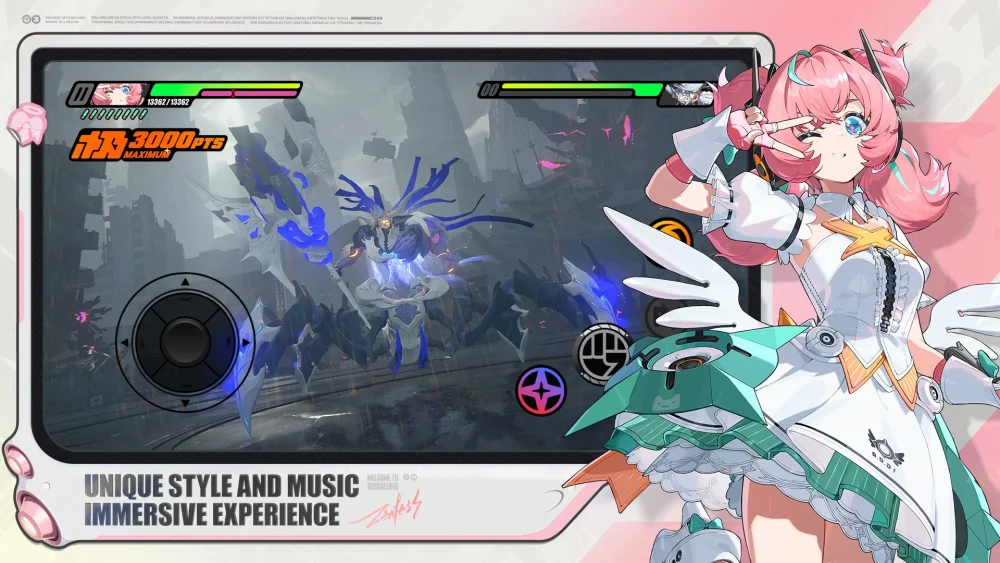
Choosing the right voice-over language in Zenless Zone Zero significantly impacts how you perceive character personality and emotional delivery during high-stakes moments. By comparing Zhu Yuan’s performance across four major regions, players can identify which language best captures the intensity of her combat animations and reactive screams. This guide highlights the distinct stylistic differences in voice acting, helping you decide which audio setting offers the most satisfying experience for your personal playstyle.
Vocal Performance Variations by Region
The emotional impact of a character often shifts depending on the localized direction. In Zenless Zone Zero, Zhu Yuan’s performance provides a clear case study in how voice actors interpret the same combat scenarios differently across global markets.
Regional Differences in Combat Delivery
The primary distinction between the localized versions lies in the timing and intensity of reaction sounds, particularly during combat finishers and moments of surprise.
| Region | Performance Focus | Character Archetype Feel |
|---|---|---|
| English | Realistic, grounded urgency | Professional and tactical |
| Japanese | High-energy, expressive | Anime-inspired, spirited |
| Chinese | Precise, rhythmic cadence | Disciplined and focused |
| Korean | Dramatic, emotive range | Intense and reactive |
Improving Immersion Through Audio Settings
Language settings serve as a key tool for customizing your immersion level. While the visual fidelity of Zenless Zone Zero remains consistent, the auditory feedback alters the "vibe" of your team composition.
- For Narrative Depth: If you prefer a more cinematic, grounded feel, the English or Chinese voice-overs often provide a more measured delivery during story sequences.
- For Combat Intensity: Players who enjoy high-octane action may find the Japanese or Korean voice sets more engaging, as these versions often feature more pronounced vocal expressions during high-impact combat animations.
How to Switch Voice Language Settings
You can modify your audio settings at any time without resetting your progress in Zenless Zone Zero. Experimenting with different languages during combat encounters is the best way to determine which performance resonates with your preferences.
- Open the Options menu from the main interface.
- Navigate to the Audio tab.
- Locate the Voice-Over Language setting.
- Select your preferred language from the list to download or apply the new assets.
- Restart your session if prompted to ensure the changes take effect across all dialogue and combat lines.

Free Zenless Zone Zero Codes
Current active codes and how to redeem them.

James Brown
James focuses on Android gaming on PC, emulator setup, controls, performance tuning, and practical troubleshooting for longer play sessions.
COMMUNITY
Player Comments
78 players commented on this guide.
The tips are practical and easy to follow.
Nice guide. I am checking the other Zenless Zone Zero articles next.
I wish I had read this before upgrading the wrong thing.
Can you add more details about strategy in a future update?