
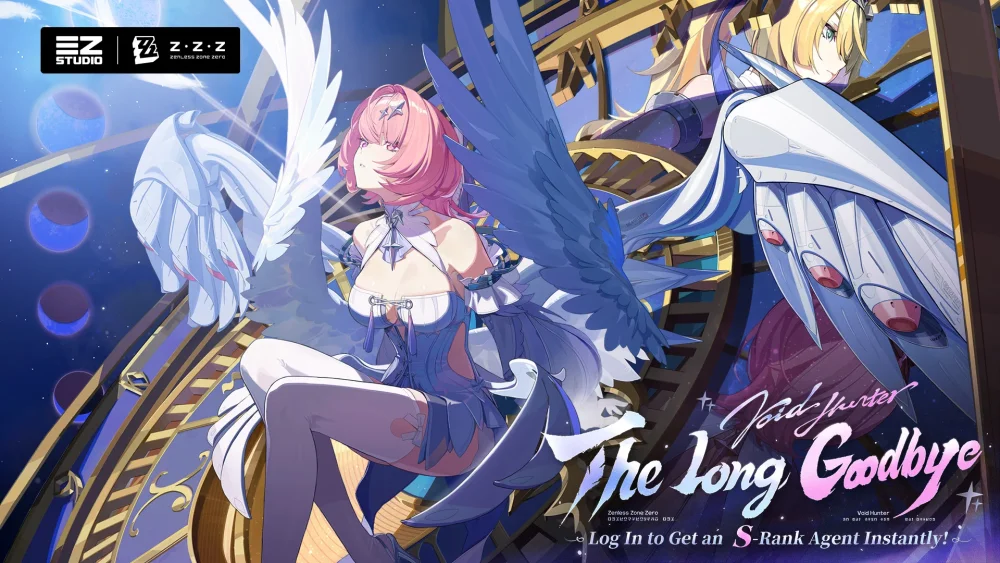
Personalizing character visuals in Zenless Zone Zero allows players to go beyond standard animations by utilizing custom 3D models and motion capture files. By integrating external assets, you can create unique character showcases, such as choreographed dance sequences or custom poses. This process relies on community-driven tools to import specialized files into your local game environment, providing a flexible way to explore character aesthetics and creative animation techniques for content creation or personal entertainment.
Understanding Custom Animation Integration
Integrating custom animations into Zenless Zone Zero requires a clear separation between the base game files and external modifications. Custom animations typically utilize motion data files applied to character rigs. To ensure stability and avoid conflicts with game updates, players should always maintain a backup of original game files before attempting to replace or inject new assets.
- Model Compatibility: Ensure your chosen model rig matches the skeleton structure used in the game to prevent graphical glitches.
- Motion Data: Utilize standardized motion formats that are compatible with the software used for your character model.
- Environment Setup: Selecting an appropriate background or setting is crucial for highlighting specific animations during your showcase.
Essential Tools for Visual Customization
Successful customization relies on specific software environments that bridge the gap between game assets and user-created content. If you are looking to create or implement new visual sequences, you will need a workflow that handles model importing, rigging, and animation playback.
| Tool Category | Purpose |
|---|---|
| Model Importers | Allows for the loading of character geometry into the workspace. |
| Animation Software | Used to refine or create motion data sequences. |
| Asset Managers | Helps organize custom mods and toggle between original and custom visuals. |
Best Practices for Asset Management
When modifying Zenless Zone Zero for custom visuals, focus on stability and performance. Frequent updates to the game client can occasionally break custom mods, so keep your installation organized.
- Monitor Update Cycles: Always check for compatibility after a major game patch, as file structures may change.
- Organize Files: Keep your modded assets in a dedicated folder separate from the primary game installation directory to streamline troubleshooting.
- Community Resources: Engage with the modding community to find optimized motion files and updated model rigs that have been tested against the latest version of the game.
- Security: Only download assets from trusted, verified community sources to keep your local environment secure.
Free Zenless Zone Zero Codes
Current active codes and how to redeem them.

James Brown
James focuses on Android gaming on PC, emulator setup, controls, performance tuning, and practical troubleshooting for longer play sessions.
COMMUNITY
Player Comments
57 players commented on this guide.
Good guide for Zenless Zone Zero players. The heroes part was useful.
Nice guide. I am checking the other Zenless Zone Zero articles next.
This guide answered the exact question I had.
The explanation is clear, especially for beginners.