
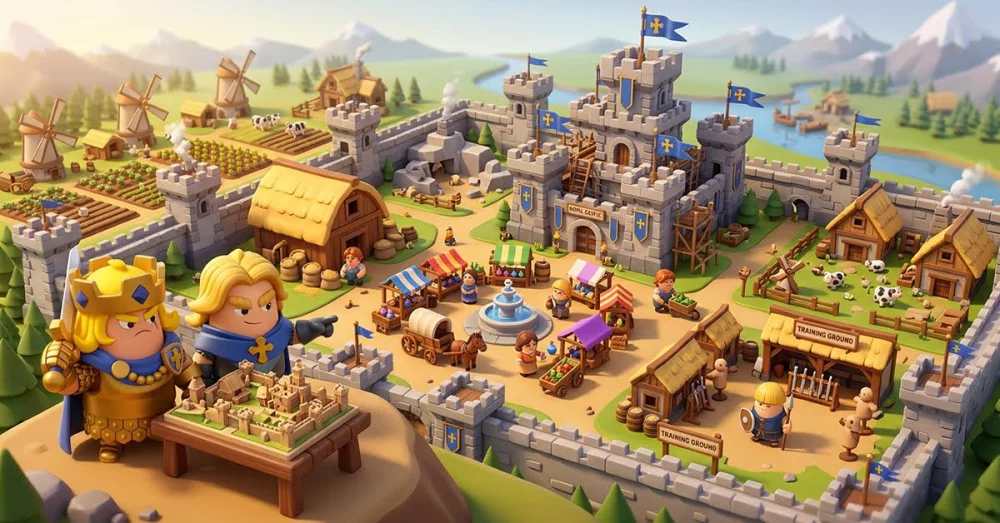
Navigating the UI in Zomline Survival is the first step toward efficient base management. Understanding where your resources are tracked, how to access your hero roster, and where to trigger essential upgrades will save you significant time during the early stages of your survival journey.
Mastering the Main Interface
The main screen of Zomline Survival acts as your central command hub. You should prioritize familiarizing yourself with these key interface elements to maintain constant control over your operations:
- Resource Bar: Located at the top of the screen, this provides a real-time overview of your current stockpiles. Keep a close eye on these icons to determine when you have enough materials to initiate new construction or research projects.
- Mission Tracker: Usually pinned to the side, this list provides immediate objectives. Following these prompts is the fastest way to understand the game's progression loop and unlock new features.
- Hero Menu: Access this via the lower navigation bar. This is where you will spend most of your time managing your units, checking their stats, and preparing them for combat encounters.
- Build/Construct Button: Typically found in the bottom right corner, this is your primary tool for expanding the base. Always check this menu after a successful mission to see if new facilities have become available for placement.
Efficient Menu Navigation Tips
To maximize your efficiency, use the following workflow when jumping between different menus:
| Menu Area | Primary Function | Best Time to Access |
|---|---|---|
| Hero Roster | Upgrading stats and gear | After completing a wave or mission |
| Construction | Expanding base facilities | When resource levels hit a surplus |
| Quest Log | Tracking daily/main goals | Immediately upon logging in |
| Settings/Profile | Account and notification sync | During initial setup |
Streamlining Your Workflow
- Check Notifications: Red dots or numeric badges on menu icons indicate that an action is required or a reward is ready to be collected. Clear these as soon as possible to keep your progress moving.
- Use Shortcuts: Many actions in Zomline Survival can be triggered directly from the main view without digging through sub-menus. For instance, tapping on a facility often provides a quick-access button to its upgrade screen.
- Prioritize the Build Menu: Because Zomline Survival relies heavily on base expansion, make it a habit to open the Build menu immediately after finishing a battle. This ensures no construction slots remain idle for too long.
By mastering these navigation habits, you can shift your focus from searching for buttons to optimizing your defensive strategies and hero deployments. Consistency in checking your menus will ensure you never miss out on critical production cycles or resource harvests.

Free Zomline Survival Codes
Current active codes and how to redeem them.

Sarah Williams
Sarah specializes in RPG and collection games, explaining team building, character growth, and beginner-friendly ways to avoid expensive early mistakes.
COMMUNITY
Player Comments
65 players commented on this guide.
This helped me understand heroes much better.
This saved me time in the early game.
The explanation is clear, especially for beginners.
I wish I had read this before upgrading the wrong thing.