
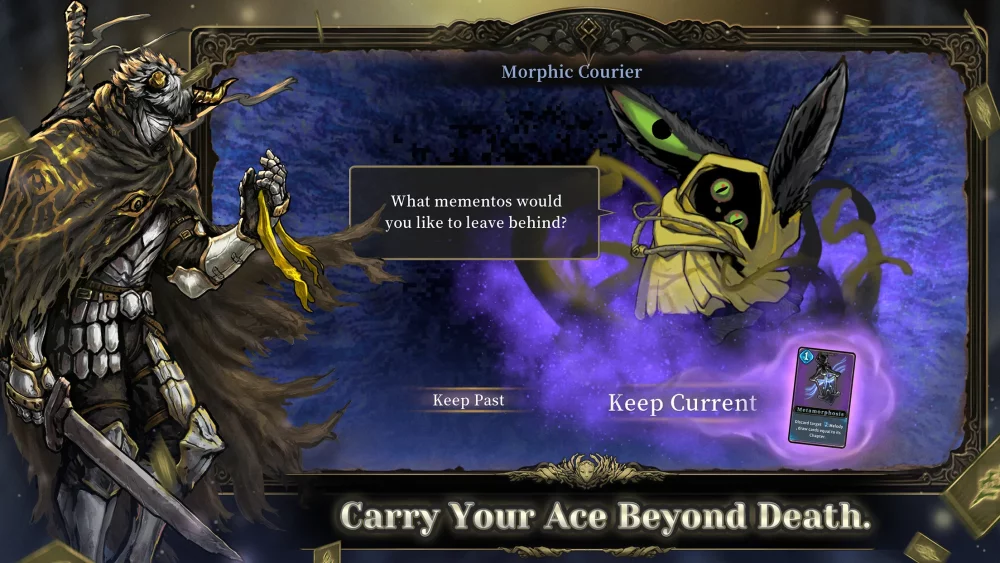
Achieving a smooth experience in Abyssal Soul is critical for high-level play, especially when managing complex card sequences and rapid-fire tactical decisions during roguelike runs. Because the game features intense visual effects and procedural generation, mobile players need to ensure their device settings are tuned to maintain a stable frame rate without compromising battery life or thermal management.
Understanding Performance Requirements
Abyssal Soul typically requires approximately 1.5 GB of storage space. However, this base file size does not account for cached assets or future content updates. To maintain optimal performance:
- Storage Overhead: Ensure at least 3–4 GB of free space. Low storage on mobile devices frequently leads to stuttering during card animation transitions or when the game loads new floor assets.
- Thermal Throttling: As a graphically intensive card-battler, the game can cause devices to heat up during extended sessions. If your device throttles, you may experience input lag or "dropped" frames, which can result in misplayed cards during high-stakes encounters.
Recommended Mobile Optimization Settings
If you are playing on a modern mobile device, use the following checklist to ensure a consistent experience:
| Setting Category | Recommended Adjustment | Benefit |
|---|---|---|
| Frame Rate | Locked 60 FPS | Prevents jitter during card-draw animations. |
| Graphics Quality | High/Medium | Balancing visual fidelity with battery longevity. |
| Background Apps | Clear all cache/tasks | Reduces CPU interference during turn-based calculations. |
| Game Mode | Enable "Game Turbo" / "Performance Mode" | Prioritizes system resources for the active application. |
Troubleshooting Common Performance Issues
If you notice the game struggling during intense combat sequences or when navigating the map, consider these steps:
- Reduce Particle Density: If the game offers visual effect toggles, disable or set them to "Low." Excessive particle effects during ultimate ability triggers can cause frame drops on mid-range hardware.
- Clear Background Processes: Before starting a long roguelike run, ensure resource-heavy applications (like social media or video streaming apps) are fully closed.
- Manage Device Temperature: Avoid playing while charging your device. Charging generates significant heat, which triggers the device's thermal protection protocols, causing the game to slow down to protect internal components.
- Network Stability: While Abyssal Soul relies on card-based mechanics, data synchronization with the server occurs during save-points and inventory updates. A stable Wi-Fi connection is preferable to fluctuating cellular data to prevent "syncing" interruptions.
Hardware Considerations for Competitive Play
Players looking to climb the leaderboards or complete the most difficult "Badass" or "Nightmare" runs should prioritize devices with active cooling or high-performance chipsets. When checking your device's compatibility:
- RAM Availability: Ensure your device has at least 4GB of RAM dedicated to system functions.
- OS Updates: Always keep your OS updated to the latest version to ensure that Abyssal Soul can utilize the latest API optimizations provided by your phone manufacturer.
By balancing your device's performance settings and maintaining adequate storage, you ensure that your tactical decisions in Abyssal Soul are never interrupted by technical instability.

Free Abyssal Soul Codes
Current active codes and how to redeem them.

Emily Johnson
Emily writes practical mobile strategy guides with a focus on resource planning, base progression, and the early decisions that shape a long-term account.
COMMUNITY
Player Comments
153 players commented on this guide.
This helped me understand strategy much better.
The explanation is clear, especially for beginners.
Nice guide. I am checking the other Abyssal Soul articles next.
This guide answered the exact question I had.