
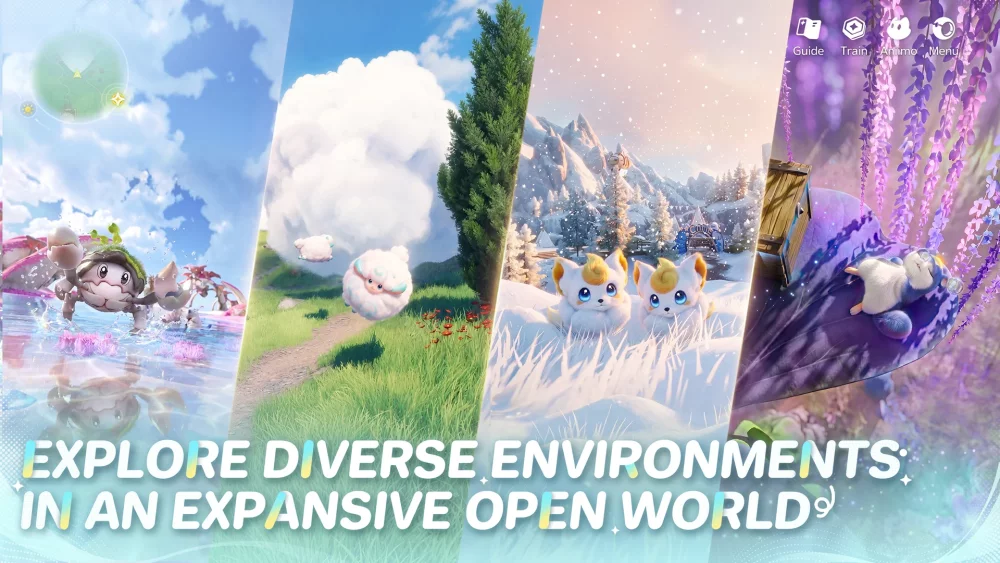
Players looking to join the world of Aniimo should prioritize adding the title to their official PlayStation 5 wishlist via the PlayStation Store. By taking this proactive step, you ensure that you receive timely notifications regarding pre-order availability, potential beta testing phases, and the final launch date. Staying connected to the official store page is the most reliable way to monitor development milestones for this upcoming open-world adventure on Sony's console.
Why Wishlisting Aniimo is Your First Strategic Step
Adding Aniimo to your wishlist is the primary method to track the game’s progress as it moves closer to its official release on the PlayStation 5. Because the development cycle for open-world titles often involves shifting timelines for updates and public testing, having the game pinned to your digital library allows for immediate access to:
- Release Notifications: Get alerted the moment the game becomes available for purchase or pre-load.
- Version Updates: Receive news regarding patches, public test windows, and new feature announcements directly through your console.
- Platform Readiness: Ensuring your PS5 account is linked to the store page confirms you are ready for the transition from the announcement phase to the live environment.
Navigating the PlayStation Store for Aniimo
To ensure you are fully prepared for the launch, navigate directly to the official Aniimo concept page on the PlayStation Store. Avoid third-party links when possible to ensure you are interacting with the verified developer information.
Preparing Your PS5 Profile
Once you have added the game to your wishlist, consider the following checklist to optimize your system for the eventual launch:
| Action Item | Objective |
|---|---|
| Wishlist Toggle | Receive automatic notifications from Sony. |
| Storage Check | Ensure adequate SSD space for future installation. |
| Notification Settings | Enable "Notify Me" in store settings for publisher updates. |
Staying Informed on Aniimo Updates
Beyond the wishlist, players should monitor the official PlayStation Store concept page for any changes to the game's status. As Aniimo continues its development, the store page remains the central hub for official trailers, updated descriptions, and potential early-access registration links. Checking this page periodically will help you stay ahead of the curve as the community prepares for the full release.

Free Aniimo Codes
Current active codes and how to redeem them.

Michael Smith
Michael covers live-service games, events, reward systems, and efficient daily routines, turning frequent updates into clear actions for players.
COMMUNITY
Player Comments
118 players commented on this guide.
I tried this today and it worked better than my old setup.
The explanation is clear, especially for beginners.
I wish I had read this before upgrading the wrong thing.
This saved me time in the early game.