
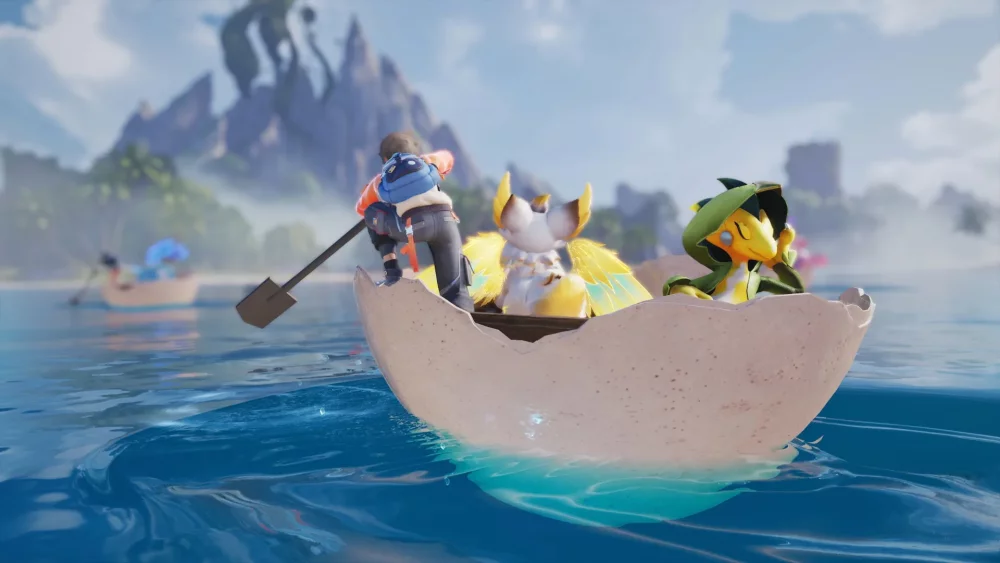
Do not exhaust your search attempts as soon as the Great Discovery event opens in Aniimo. Instead, hold your searches and complete the available prerequisite tasks first. Search attempts are strictly limited, and using them before setting up your progression status reduces the quality of your findings and wastes finite exploration chances.
Managing Limited Search Attempts
The Great Discovery event restricts how many environment searches you can perform. Unlike standard open-world exploration across Idyll, your searches during this event draw from a shared allowance:
- Strict limit count: Search attempts do not reset if you fail to find high-tier items or clear a search zone inefficiently.
- Progression gating: Item drop quality directly depends on completing prerequisite objectives and milestones.
- Resource risk: Spending attempts during initial update launches without preparation consumes your allowance on low-tier materials that do not advance endgame progression.
To avoid wasting attempts, refrain from clicking the event search button until you have verified your active event mission log.
Steps to Take Before Using Search Attempts
Follow this checklist before spending your search quota:
- Complete prerequisite event tasks: Finish initial setup objectives in the event menu to un-gate higher-tier reward pools.
- Prepare your party and inventory: Clear inventory space and set up your active squad. Discoveries can initiate combat or creature interactions; failing to complete an encounter forfeits the search attempt.
- Review the reward schedule: Inspect the event progression bar and milestone thresholds. Pace your searches across the duration of the event rather than spending them all on day one.
- Target exclusive rewards: Focus search usage on unique event items and progression currency rather than common resources available in standard gameplay loops.

Free Aniimo Codes
Current active codes and how to redeem them.

James Brown
James focuses on Android gaming on PC, emulator setup, controls, performance tuning, and practical troubleshooting for longer play sessions.
COMMUNITY
Player Comments
108 players commented on this guide.
The tips are practical and easy to follow.
I wish I had read this before upgrading the wrong thing.
Good guide for Aniimo players. The updates part was useful.
Can you add more details about updates in a future update?