
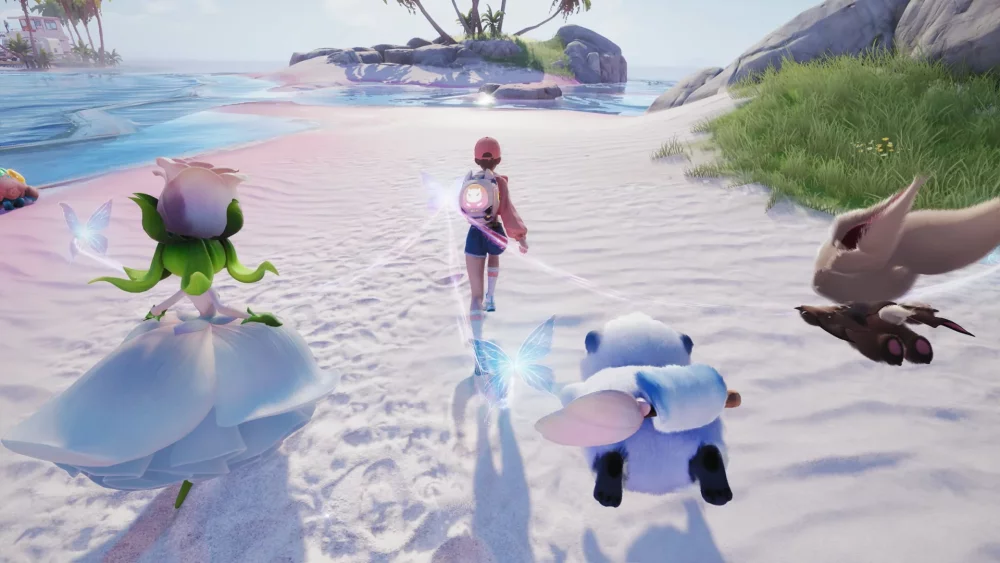
To prepare for the launch of Aniimo, your immediate priority is to verify your account binding, manually claim any expiring pre-registration bonuses, and pre-load the game client before servers open. Taking these steps prevents server queues from blocking your access and ensures early starter items arrive in your mailbox on day one.
Finalize Pre-Registration and Account Linking
Before launch, confirm that your pre-registration status is bound to your active gaming profile. If you signed up through early campaigns, milestone packs containing starter currencies and items are delivered based on this account connection.
- Log into your account settings on the official website portal.
- Select your intended platform profile (PC or mobile) and verify authorization.
- Bind a secondary verification method, such as an email address or social media account, to protect reward delivery.
- Check your account dashboard to ensure a green status check or confirmation notice appears for your pre-registration rewards.
Claim Time-Sensitive Community Rewards
Community milestone events and pre-release promotional tasks have strict cutoff deadlines, with certain event pages closing the night before the official launch. Unclaimed rewards on these external landing pages will not automatically transfer to your in-game mailbox.
- Check Community Hubs: Visit the official event landing page and social channels to retrieve any last-minute redemption codes or web-based task rewards.
- Manually Claim Milestones: Progress bars for community goals often require you to click a "Claim" button directly on the event website. Complete these actions before the pre-release window closes to ensure the items deposit into your account when you first log in.
Pre-Load and Configure the Game Client
Downloading core files prior to server launch avoids network throttling and extended queue times during peak launch traffic.
| Task | Action | Objective |
|---|---|---|
| Client Pre-Load | Download core installation files via the official launcher or app store. | Skip main installation queues at server unlock. |
| Patch Verification | Check the launcher for day-one updates or hotfixes before opening the game. | Prevent client mismatches upon login. |
| Settings Adjustment | Set graphics presets and language options within the launcher settings. | Avoid mandatory client restarts during early gameplay. |
Reserve Early Premium Resources
Once you enter the game, focus on completing introductory "Pathfinder" quests using default equipment and baseline rewards. Launch bonuses provide a cushion for mid-game progression, but spending them immediately on starter gear creates unnecessary bottlenecks later.
Save premium currencies and rare upgrade materials until you encounter your first major progression obstacle. Waiting allows you to evaluate early-game performance and allocate your launch resources toward long-term team builds and higher-tier creature enhancements.

Free Aniimo Codes
Current active codes and how to redeem them.

Emily Johnson
Emily writes practical mobile strategy guides with a focus on resource planning, base progression, and the early decisions that shape a long-term account.
COMMUNITY
Player Comments
157 players commented on this guide.
This guide answered the exact question I had.
Can you add more details about resources in a future update?
Nice guide. I am checking the other Aniimo articles next.
This helped me understand resources much better.