
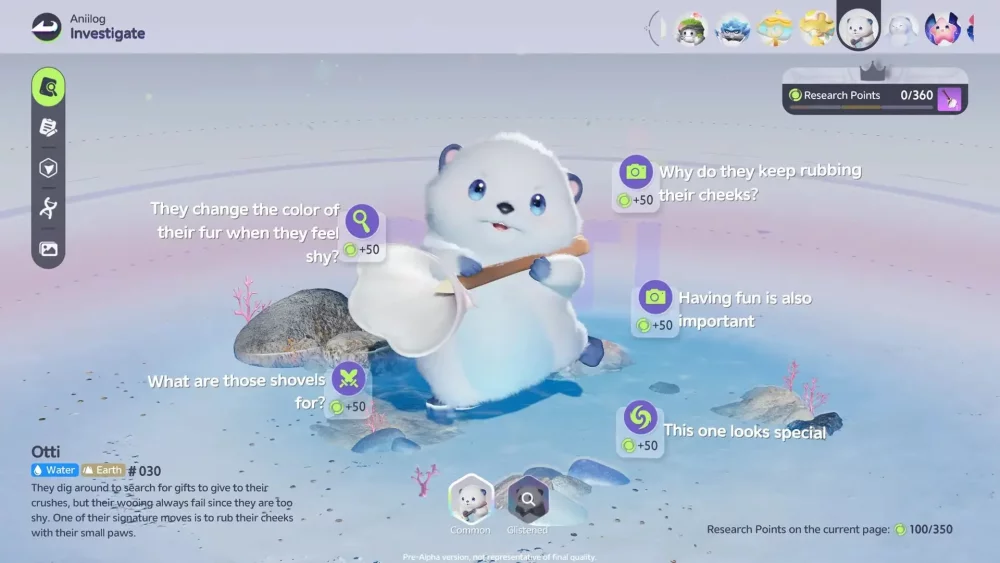
To master social expression in Aniimo, you must navigate the character’s Live2D-inspired animation system to trigger specific idle sequences and expressive emotes. By understanding the timing and environmental triggers for these character reactions, you can enhance your social presence and improve interaction depth with other players. Whether you are utilizing the "puppygirl" aesthetic or standard character models, these expressive loops provide a deeper layer of immersion for social gatherings and community-focused world exploration.
Triggering Idle Animation Loops
The key to maintaining an expressive character in Aniimo lies in the game’s idle animation system. These loops are not purely cosmetic; they serve as a primary indicator of your character's personality and current status.
- Standing Still: Most characters initiate a standard idle loop after 5–10 seconds of inactivity.
- Environmental Sensitivity: Certain animations trigger only when your character is positioned near interactive objects or specific terrain, such as sitting on designated benches or leaning against surfaces.
- Persistent Loops: Some animations, such as twitching ears or tail movements, are persistent and layered over the base idle state to provide a more "living" feel to your avatar.
Utilizing Social Emotes for Interaction
Social emotes in Aniimo are designed to bridge the gap between player communication and visual expression. Using these effectively allows you to signal intent to other players during co-op sessions or group events.
Best Practices for Social Engagement
- Contextual Timing: Use emotes immediately following successful creature captures to celebrate with teammates.
- Directional Focus: Always ensure your camera is oriented toward the player you are interacting with; this ensures the animation sequence plays out clearly for both parties.
- Animation Canceling: Be aware that moving or initiating a command will cancel your current emote. If you want to show off a full sequence, ensure you are in a safe, stationary location.
Enhancing Your Avatar's Expressiveness
Visual appeal in Aniimo is heavily tied to how your character responds to the world. Players looking to maximize their social footprint should focus on the synergy between their chosen aesthetic and the available animation sets.
| Feature | Impact on Social Interaction |
|---|---|
| Ear/Tail Twitching | Adds subtle, constant visual interest to your character model. |
| Expression Cycling | Allows for manual toggling of facial states during idle moments. |
| Proximity Triggers | Automates reactions when near friendly NPCs or other player avatars. |
By mastering these animation loops, you move beyond basic movement and into the realm of character roleplay and effective social signaling, which remains one of the most engaging aspects of the Aniimo community experience.

Free Aniimo Codes
Current active codes and how to redeem them.

James Brown
James focuses on Android gaming on PC, emulator setup, controls, performance tuning, and practical troubleshooting for longer play sessions.
COMMUNITY
Player Comments
106 players commented on this guide.
Good guide for Aniimo players. The strategy part was useful.
I wish I had read this before upgrading the wrong thing.
The tips are practical and easy to follow.
I tried this today and it worked better than my old setup.