
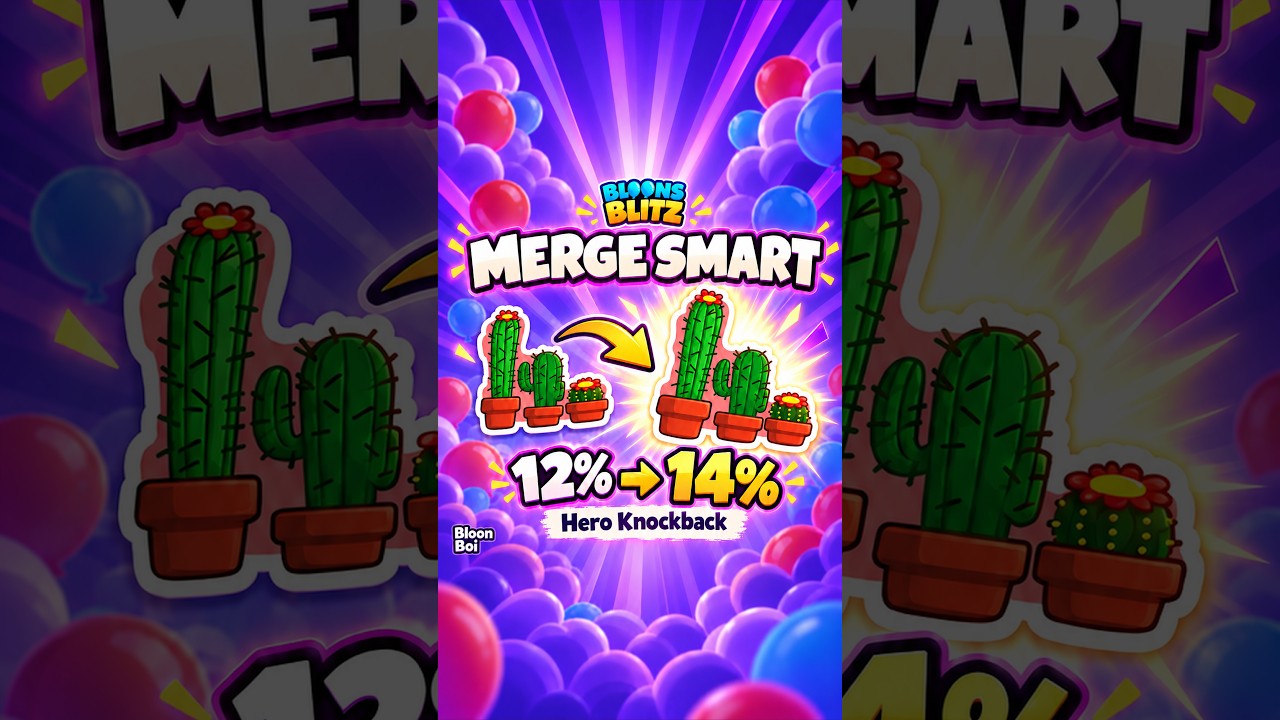
To merge stickers in Bloons Blitz, open your sticker inventory, select the base card you want to keep, add duplicate copies into the upgrade slots, verify the stat increases shown in the green preview, and tap the upgrade button. Merging permanently consumes the selected duplicates to raise the level and passive stat output of your primary sticker.
Step-by-Step Sticker Merging Process
Because merging is irreversible and permanently deletes the duplicate material cards, confirm your base selection before tapping the final button. Follow these steps to complete a merge:
- Open the Sticker Collection: Navigate to your inventory or monkey loadout menu and open the sticker management tab.
- Select the Primary Base Sticker: Tap the specific card you want to power up. This card remains in your inventory and receives the upgraded stats.
- Add Duplicate Copies: Open the merge interface for that card, then select matching duplicate copies from your reserve pool to fill the required merge slots.
- Check the Stat Preview: Review the projected attribute improvements displayed in green text to confirm the incoming tier boost.
- Confirm the Merge: Tap the upgrade button to consume the duplicates and complete the level-up.
Once confirmed, the consumed duplicates leave your inventory permanently, and the primary card immediately applies its upgraded passive values when equipped.
Reading the Merge Preview Window
The preview screen shows the exact numerical changes your sticker receives upon fusing. Checking these indicators prevents you from spending duplicate cards prematurely.
| Preview Element | Indicator Meaning | Action to Take |
|---|---|---|
| Green Number Delta | The exact stat increase applied post-merge | Verify the stat matches the primary role of your tower |
| Star / Tier Level | The new operational rank reached after fusing | Confirm your slotted duplicate count satisfies a full tier jump |
| Greyed-Out Button | Missing duplicate requirements or currency | Farm additional matching copies before attempting the upgrade |
Positive stat gains, such as increased attack speed, damage multipliers, attack range, and bonus pierce, appear highlighted in green text. If the preview displays no green stat shift, your selected duplicates do not meet the minimum threshold required to push the card to its next tier.
Duplicate Management and Loadout Trade-Offs
Before consuming duplicate stickers as fusion material, check whether secondary monkey loadouts currently depend on those copies:
- Deck Availability: Bloons Blitz does not allow you to equip the same individual card across multiple decks at the same time without separate copies. Sacrificing every spare duplicate into a single card limits your ability to run alternative tower setups.
- Broad Utility vs. Specialized Cards: Reserve at least one extra copy of broadly useful generic stickers for backup teams. For niche, tower-specific stickers, fusing duplicates into one primary card provides greater value, as you rarely need to deploy the same specialist augment across different loadouts simultaneously.
- Timing Upgrades: Prioritize merging when your towers encounter damage or survival bottlenecks against dense waves and boss encounters. Reserve cards sitting unequipped in your inventory contribute no combat value during active runs.
Mistakes to Avoid When Merging
- Consuming Leveled Cards: Identical card art can make an upgraded sticker look similar to a level-one duplicate. Verify the rank badges on cards placed into the material slots so you do not accidentally consume an already-upgraded sticker.
- Ignoring Dialogue Warnings: If an extra confirmation prompt appears, cancel the action and re-check your material slots to ensure no high-value cards were selected.
- Rushing Upgrades Between Rounds: Perform sticker fusion from the main menu rather than rushing selections between battle stages, reducing the risk of misclicking duplicate materials.

Free Bloons Blitz Codes
Current active codes and how to redeem them.

Sarah Williams
Sarah specializes in RPG and collection games, explaining team building, character growth, and beginner-friendly ways to avoid expensive early mistakes.
COMMUNITY
Player Comments
38 players commented on this guide.
Can you add more details about base building in a future update?
This helped me understand base building much better.
The tips are practical and easy to follow.
This guide answered the exact question I had.