

Play Deckbane: Deckbuilder & Poker on Windows PC
Download the official Deckbane: Deckbuilder & Poker Windows PC client and learn how to install and play the game on PC, with controls, system requirements, and practical tips.

Download Deckbane: Deckbuilder & Poker Official Windows PC Client
Official Windows PC client provided by LDPlayer.
About the Official Deckbane: Deckbuilder & Poker PC Client
Developer: 圆圆 陈
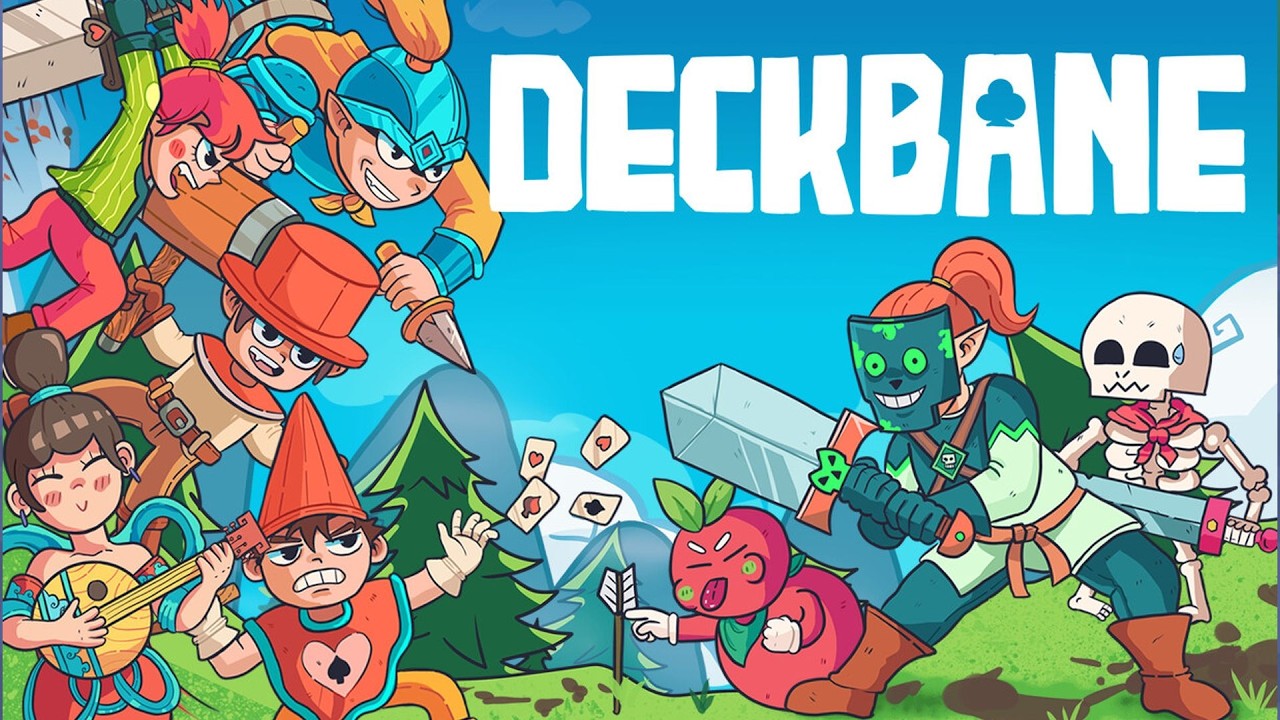
The broader run is about turning a basic collection into a coordinated strategy. More than 50 unique treasure cards can be combined to activate different playstyles, and their value is tied to how well they work with your chosen heroes and the poker hands you can reliably form. You can recruit from more than 30 unique heroes, each with distinct tribal skills, and explore the different approaches associated with Heart, Spade, Diamond, and Club. These heroes are not just additional names in a collection: their abilities give you reasons to shape your deck in particular ways and to look for synergies that maximize your output. Pets add another layer of planning, with more than 50 extraordinary companions offering unique abilities to assist your journey. Choosing which heroes and pets belong together, then adjusting your cards and treasures around that group, is central to building a deck that can handle the fierce battles and roguelike challenges ahead.
On PC, the larger display is especially useful when you are comparing treasure cards, reviewing hero abilities, and weighing how a possible addition fits with the poker hands your deck is trying to produce. Card-based strategy depends on seeing relationships clearly, and a wider view can make it easier to assess your deck, your available companions, and the effects that define your current playstyle before committing to a choice. Keyboard-and-mouse input also suits repeated card selection and precise combat decisions: moving through your hand, selecting the cards needed for a Pair or Straight, and confirming an attack can feel more deliberate when each action is easy to target. During a run, that clarity matters because a strong turn may depend on holding the right cards, coordinating a hero ability with a completed hand, or deciding whether a treasure supports your immediate attack plan or a longer-term build.
Deckbane’s progression extends beyond any single attempt. An external growth system lets you continue unlocking new treasures, pets, and heroes, so failure does not end your ability to experiment with different combinations. Each run can therefore contribute to a larger collection and open additional ways to approach the game’s strategic challenges. Fans of deckbuilders, solitaire, and roguelike card games will find the defining systems closely connected: collect and modify poker cards, assemble a team, use treasures to shape the deck, rely on pets for added abilities, and form the strongest possible hands when combat demands it. The goal is not merely to win one battle, but to develop a flexible deck and roster capable of overcoming the escalating uncertainty of repeated runs.
Screenshots
How to Download and Install the Official Deckbane: Deckbuilder & Poker PC Client
- Download and install the official Windows client distributed by LDPlayer.
- Open the app and sign in with your Google Play account.
- Search for Deckbane: Deckbuilder & Poker in the app store.
- Install the game and finish the first-launch download.
- Use the same game login if account sync is available.
Why Play Deckbane: Deckbuilder & Poker on PC?
Menus, maps, resources, and combat details are easier to read on a desktop display.
Keyboard and mouse input makes repeated actions and long sessions more comfortable.
Desktop play avoids phone battery drain during longer farming sessions.
Keep guides, codes, and notes open alongside the game on PC.
Controls and Performance
These three settings solve most common issues when playing on PC.
Map navigation, skill use, and repeated resource actions first.
Lower resolution or graphics quality if crowded scenes lose frames.
Link your account before switching devices so progress can be restored safely.
Deckbane: Deckbuilder & Poker Official PC Client FAQ
Can I play Deckbane: Deckbuilder & Poker on PC?
Yes. Download the official Windows PC client distributed by LDPlayer and play with a larger screen, keyboard, and mouse controls.
Is Deckbane: Deckbuilder & Poker better on PC than mobile?
Playing on PC can make longer sessions, detailed menus, and resource management more comfortable, while mobile is still convenient for quick check-ins.
Will my Deckbane: Deckbuilder & Poker progress sync on PC?
Progress depends on the sign-in options supported by the game. Use the same linked Google, Facebook, Apple, or game account on both devices.
Why does Deckbane: Deckbuilder & Poker lag on PC?
Lag can be caused by limited RAM, demanding graphics settings, outdated client files, or background apps. Lower the graphics settings and keep the PC client up to date.
DOWNLOAD STARTED
Your download is starting
Check your browser Downloads if it does not appear.
Official PC client for Windows, distributed by LDPlayer.
Download again