
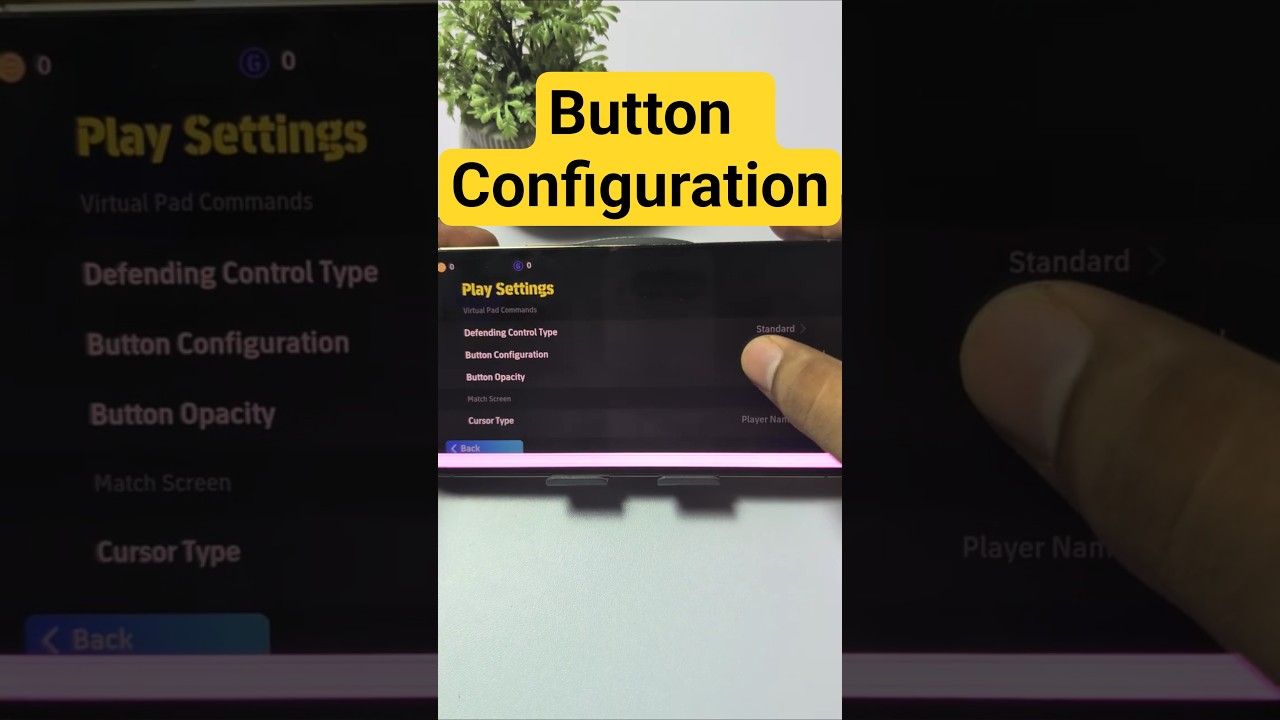
The recommended controller button configuration in eFootball™ assigns Dash to R2 (RT on Xbox) and Match-up to L2 (LT on Xbox). This layout moves movement modulation and jockey positioning onto analog triggers, leaving face buttons available for tackling, passing, and shooting.
Recommended Button Layout
| Command Function | Type 1 (Classic) | Type 2 (Alternate) | Recommended Custom Setup | Mechanical Advantage |
|---|---|---|---|---|
| Dash / Sprint | R1 / RB | R2 / RT | R2 / RT | Analog trigger depth allows variable pace and Sharp Touch |
| Match-up | X / A | L2 / LT | L2 / LT | Shifts jockeying to the left hand to free the right thumb |
| Pressure | Square / X | X / A | X / A | Closes down attackers without overriding formation shape |
| Call Up 2nd Defender | Square / X (Hold) | R1 / RB (Hold) | R1 / RB (Hold) | Enables secondary pressing while manually tracking runners |
| Stunning Modifier | Dash + Pass/Shoot | Dash + Pass/Shoot | R2 + Face Button | Smooth trigger-and-button press for purple gauge actions |
Sprint Modulation and Defensive Control
Assigning Dash to R2 or RT grants graduated control over dribbling speed. Analog triggers detect pull depth: a partial pull keeps the ball close for sharp cuts in congested midfield spaces, whereas a full trigger press activates a Sharp Touch into open space. By comparison, digital bumpers like R1 treat sprinting as a binary switch, making subtle pace changes difficult and increasing turnover risks against aggressive opponents.
Placing Match-up on L2 or LT improves defensive stability. In this jockey stance, defenders stay low, square their bodies to attackers, and automatically extend legs to intercept passes or block shots. Separating Match-up from the face buttons frees your right thumb to adjust the right analog stick or tap Pressure (X on PlayStation, A on Xbox).
Holding L2 to block passing routes while simultaneously holding R1 to trigger Call Up 2nd Defender creates a controlled double-team trap without pulling your selected player out of position.
Executing Stunning Commands
Stunning Passes and Stunning Shots require pressing Dash at the same time as a passing or shooting face button. Using R2 for Dash creates a natural motion between your right index finger and right thumb to trigger the purple gauge:
- Stunning Low Pass: Drives a flat, rapid pass through congested midfield lines.
- Stunning Through Ball: Applies heavy curve around backlines into a runner's path.
- Stunning Shot: Increases velocity and dip, making long-range attempts outside the box more lethal.
- Stunning Cross: Delivers a dipping aerial cross suited for physical forwards.
Keep standard Low Pass on X (A) and Lofted Pass on Circle (B). Avoid holding R2 in tight spaces when making simple passes, as the extended wind-up animation of a Stunning action leaves players vulnerable to dispossessions.
Cursor Switching Setup
To prevent defensive misalignment during transitions, adjust your cursor settings under Detailed Settings:
- Cursor Change: Set to Semi-assisted. The AI handles aerial trajectory switching on high crosses and loose balls, while your ground switching remains manual.
- Right Stick Switching: Set to Player-Oriented. Flicking the right stick selects the teammate relative to your currently controlled player's physical direction on the pitch, allowing you to select defensive midfielders and track off-ball runs before a pass is made.
How to Apply and Test the Layout
Set up the custom controls through the main interface before testing them against AI opponents:
- Navigate to Extras on the main menu, select User Details, and open Game Settings.
- Select Controller, pick your active profile slot, and choose Detailed Settings.
- Change the configuration mode to Custom to edit Attack and Defense mappings independently.
- Set Dash to R2/RT, Match-up to L2/LT, Pressure to X/A, and Call Up 2nd Defender to R1/RB.
- Set Cursor Change to Semi-assisted and ensure Right Stick Switching is set to Player-Oriented.
- Return to the main hub, select Training, and enter Free Training.
Spend practice sessions running 1v1 drills against AI defenders. Practice letting go of R2 completely before playing standard passes, and drill the timing of R2 face-button presses until you can fill the purple Stunning meter without interrupting your dribble rhythm.

Free eFootball™ Codes
Current active codes and how to redeem them.

James Brown
James focuses on Android gaming on PC, emulator setup, controls, performance tuning, and practical troubleshooting for longer play sessions.
COMMUNITY
Player Comments
49 players commented on this guide.
The explanation is clear, especially for beginners.
This guide answered the exact question I had.
I tried this today and it worked better than my old setup.
The tips are practical and easy to follow.