
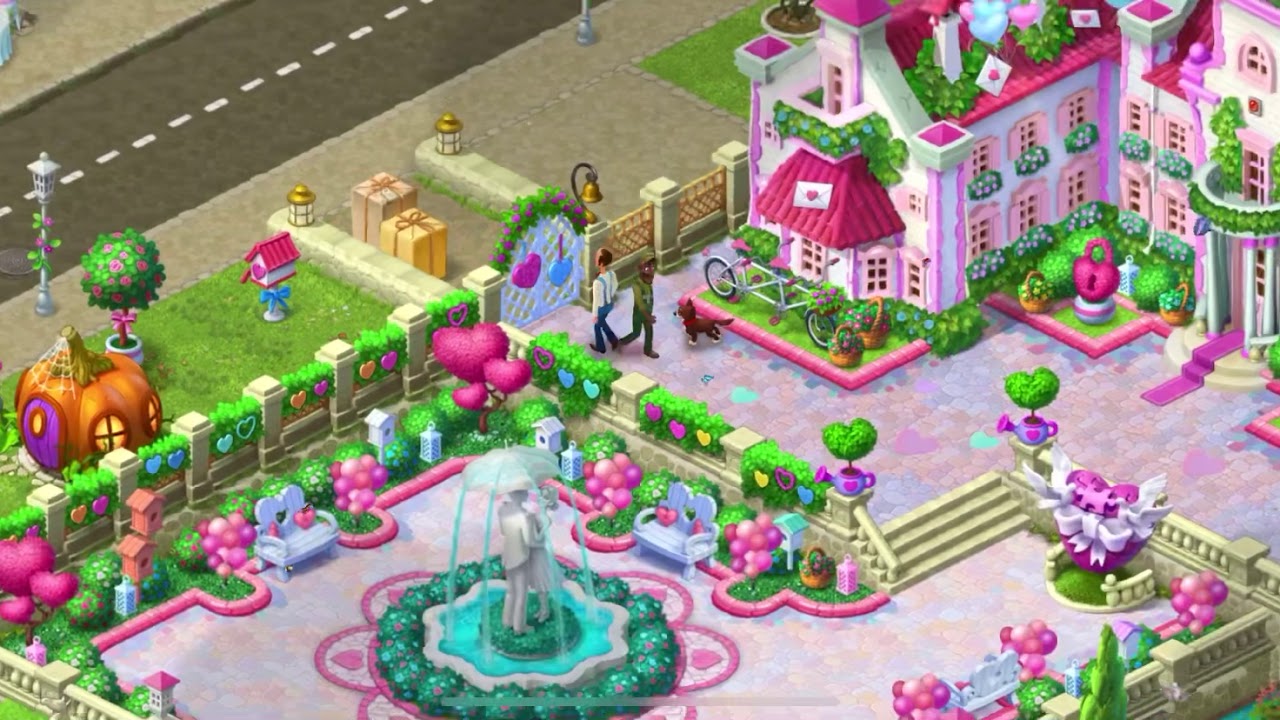
To get the most out of a large star stockpile in Gardenscapes, avoid spending hundreds of stars in a single sitting. Renovation tasks complete in-game "Days," and each finished Day awards a completion chest containing coins, boosters, and timed unlimited lives. Because timed buffs activate immediately and continue ticking down while you read dialogue and choose decorations, dumping stars all at once wastes those bonuses. Instead, spend stars until a Day is almost complete, pause until your normal lives run out, and then trigger the Day's completion chest to use the timed perks on puzzle levels.
How Star Accumulation Works
Every standard match-3 level cleared in Gardenscapes awards exactly one star. Star rewards are fixed:
- You receive one star whether you clear a board on your last move or with many moves remaining.
- Bonus coins, leftover moves, and booster usage do not alter the star payout.
- Stars do not expire and have no known storage cap.
Because stars never expire, you can clear hundreds of levels without opening Austin’s task list. A balance of 1,000 stars represents 1,000 cleared puzzle stages. While banking stars leaves the estate frozen at its current renovation stage, it gives you full control over when to trigger story progression and milestone rewards.
The Problem with Spending Stars All at Once
Renovating an entire garden sector in one continuous session offers seamless story progression, but it severely devalues time-sensitive rewards.
| Reward Type | Continuous Spending Outcome | Staggered Spending Advantage |
|---|---|---|
| Unlimited Lives | Timers tick down during cutscenes, text dialogue, and design choices. | Activates on demand when regular lives are at zero and you are ready to play boards. |
| Timed Boosters | Double Bombs or Rainbow Blasts expire inside renovation menus. | Deployed immediately onto active match-3 puzzle levels. |
| Coins | Influx arrives all at once without immediate tactical use. | Preserved for extra moves on difficult stages as you encounter them. |
Finishing a Day typically yields 30 minutes to two hours of unlimited lives alongside timed boosters. If you trigger multiple Day completions back-to-back while actively decorating, a significant portion of that unlimited play window will expire before you attempt another match-3 puzzle.
The Staggered Spending Cycle
To preserve your timed rewards while still enjoying major garden renovations, spend your banked stars using this repeating loop:
- Advance the Current Day: Open the task clipboard and spend stars on renovation tasks until the Day's progress bar reaches roughly 95% to 98%. Stop before completing the final action of that Day (such as ending the day or putting Austin to sleep).
- Deplete Standard Lives: Switch back to the match-3 puzzles and play normally until your five standard lives are exhausted.
- Claim the Day-End Reward: Return to the garden, complete the final task of the Day, and open the reward chest.
- Use Timed Buffs Immediately: Exit the garden view right away and spend the full duration of your timed lives and boosters pushing through difficult puzzle stages.
- Resume Renovating: Once the unlimited life timer runs out and your hearts drop to zero again, return to your star reserve to work through the next Day's tasks.
When to Bank Stars vs. Spend Immediately
- Bank stars during win-streak events (such as the Magic Hat or team challenges) or in mid-to-late game areas where tasks cost three to four stars each. Keeping a reserve allows you to trigger free unlimited lives on demand whenever an event streak is broken.
- Spend stars immediately during the early stages of the game. Early garden areas have low star requirements and quick Day turnovers, providing early coins and inventory boosters that help you learn puzzle mechanics and build your baseline resources.
Free Gardenscapes Codes
Current active codes and how to redeem them.

James Brown
James focuses on Android gaming on PC, emulator setup, controls, performance tuning, and practical troubleshooting for longer play sessions.
COMMUNITY
Player Comments
153 players commented on this guide.
The tips are practical and easy to follow.
This guide answered the exact question I had.
I wish I had read this before upgrading the wrong thing.
I tried this today and it worked better than my old setup.