
 Police Chief
: How to Deploy Portable Radar Units for Speeding
To enforce speed limits in Police Chief, set up portable radar units on straight roads facing oncoming traffic and pull over detected speeding drivers.

Browse newly published mobile game guides from AAYYY. Find walkthroughs, team builds, event strategies, progression tips, and practical answers organized by game.
Guides are prepared by named contributors using available official announcements, public source material, existing guide research, and relevant game context. Each published guide remains subject to editorial review.
Publishing & corrections. This archive is ordered by Published, the date a guide first went live. An Updated label is reserved for material revisions after source changes or corrections. Meet the editorial team or read our standards and corrections policy.
Police Chief
To enforce speed limits in Police Chief, set up portable radar units on straight roads facing oncoming traffic and pull over detected speeding drivers.
 Police Chief
Set up your starting Police Chief station by clearing floor clutter, repairing broken furniture, and booting terminals before sending patrols.
 Police Chief
Process evidence in Police Chief by clearing personal inventory, transferring tagged items into precinct lockers, and keeping floor pathways open.
 Police Chief
Intercept fleeing suspects in Police Chief by positioning your cruiser ahead of their path and opening the driver side radial menu to arrest them.
 Police Chief
To expand your precinct in Police Chief, clear room clutter, upgrade structural walls, and place workstations in a loop near holding cells.
 Police Chief
To process suspects in Police Chief, secure targets using the radial menu, transport them by vehicle, unload them manually, and complete terminal booking.
 Police Chief
Reaching Level 10 in Police Chief caps progression, requiring players to clear debris, finalize office layouts, and balance operating costs.
 Police Chief
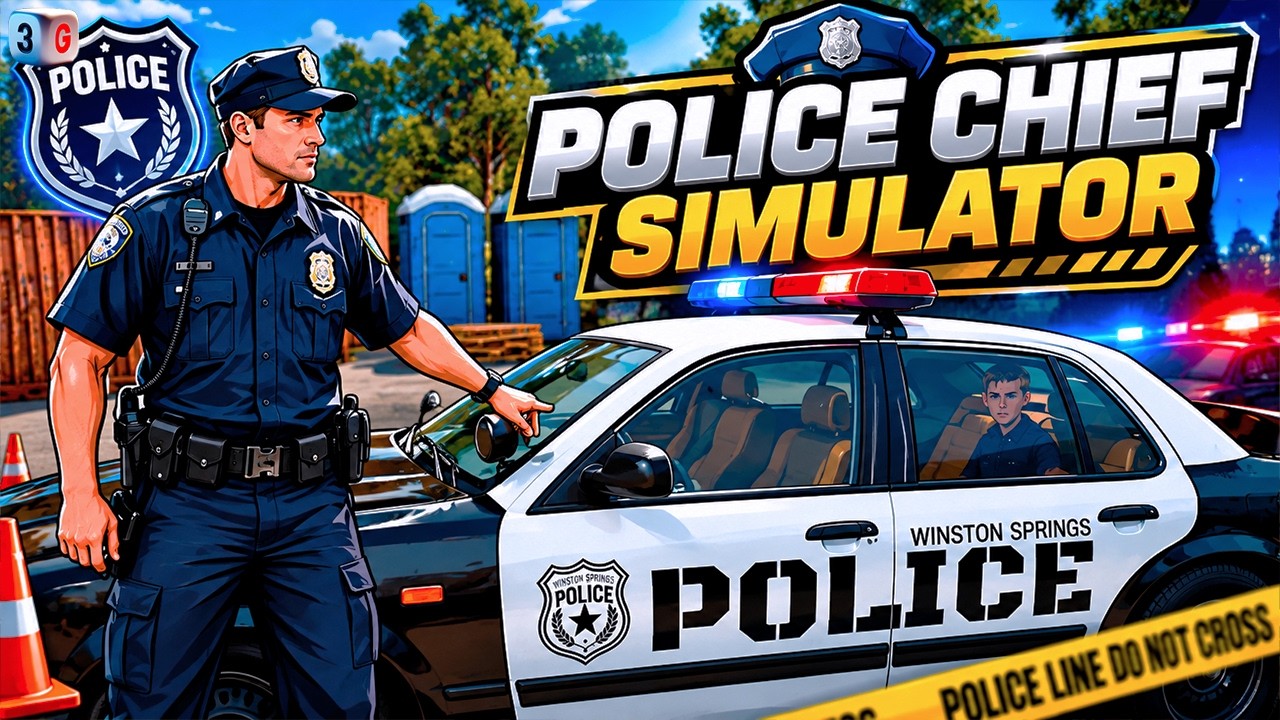
To process an arrest in Police Chief, restrain the suspect, secure them in your patrol vehicle, and complete the precinct booking handover.
 Police Chief
Clear station clutter to reach workstations, log active cases on your terminal, and lock suspects in cells to earn initial Police Chief income.
 Police Chief
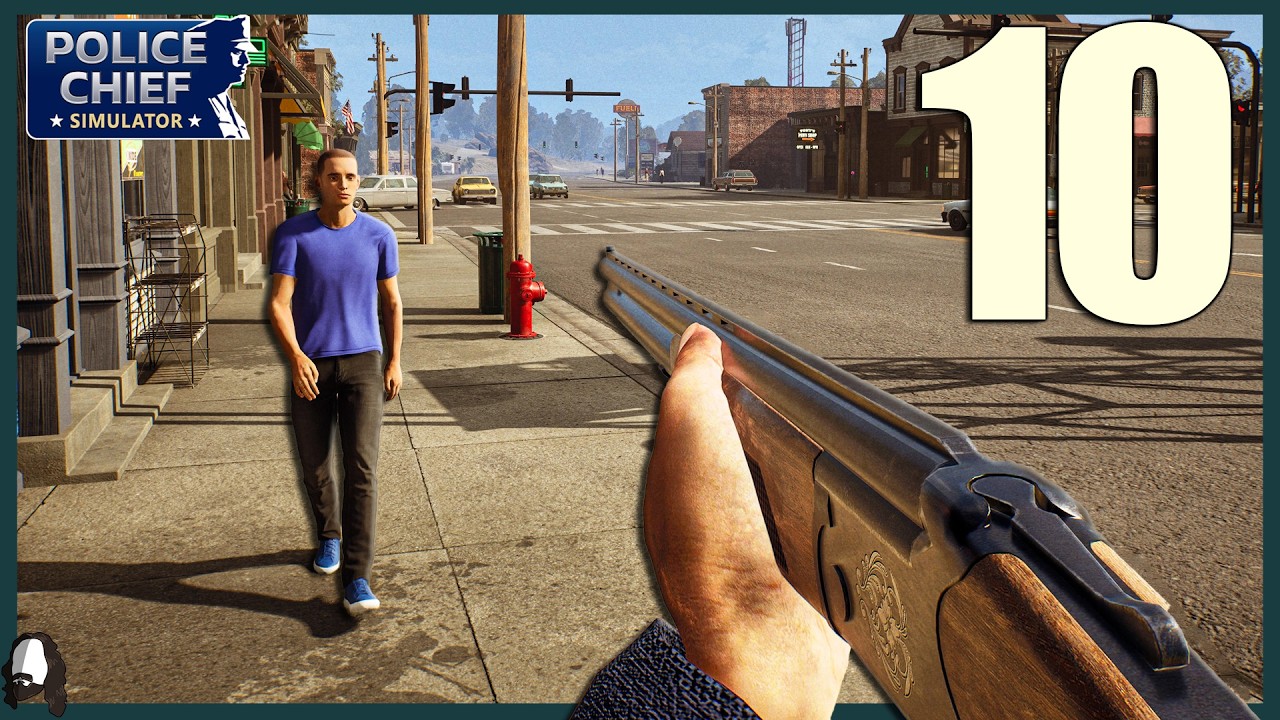
Fix holding cell overcrowding in Police Chief by processing logged suspects first, removing path clutter, and upgrading current cell capacity.

 Warline: Sniper Strike
To win lane trades in Warline: Sniper Strike, pick off enemy support units with your sniper before advancing infantry into the compromised lane.

 GODDESS OF VICTORY: NIKKE
Clear difficult campaign stages in GODDESS OF VICTORY: NIKKE by balancing Burst roles, matching elemental weaknesses, and upgrading main damage units.

 DRAGON BALL Z DOKKAN BATTLE
Keep LR Broly Fury in your main rotation early in long DRAGON BALL Z DOKKAN BATTLE fights so he can stack stats before facing final bosses.
 DRAGON BALL Z DOKKAN BATTLE
To make the most of the DRAGON BALL Z DOKKAN BATTLE GDC 2026 celebration, evaluate full banner contents and cap your spending per campaign phase.
 DRAGON BALL Z DOKKAN BATTLE
Fix graphical glitches in DRAGON BALL Z DOKKAN BATTLE by clearing your cache and hold Dragon Stones for major campaign and anniversary releases.
 DRAGON BALL Z DOKKAN BATTLE
Prioritize older Android and Cell Saga units with damage reduction or support skills for the DRAGON BALL Z DOKKAN BATTLE GDC 2026 Part 3 update.
 DRAGON BALL Z DOKKAN BATTLE
Pause summoning on current banners in DRAGON BALL Z DOKKAN BATTLE until the stream reveals the upcoming Majin Buu Saga Part 3 characters.
 DRAGON BALL Z DOKKAN BATTLE
To evaluate DRAGON BALL Z DOKKAN BATTLE animations, examine sprite frame rates, anime scene accuracy, audio timing, and special visual effects.
 DRAGON BALL Z DOKKAN BATTLE
Wait for official unit teasers before spending Dragon Stones on the expected LR Kid Buu banner in DRAGON BALL Z DOKKAN BATTLE GDC 2026 Part 3.
 DRAGON BALL Z DOKKAN BATTLE
In DRAGON BALL Z DOKKAN BATTLE, monitor mid celebration data downloads to prepare for Part 3 banners that drop roughly 48 to 72 hours later.