

Download Junk Hero Official Windows PC Client
Official Windows PC client provided by LDPlayer.
About the Official Junk Hero PC Client
Developer: SUPERBOX. Inc
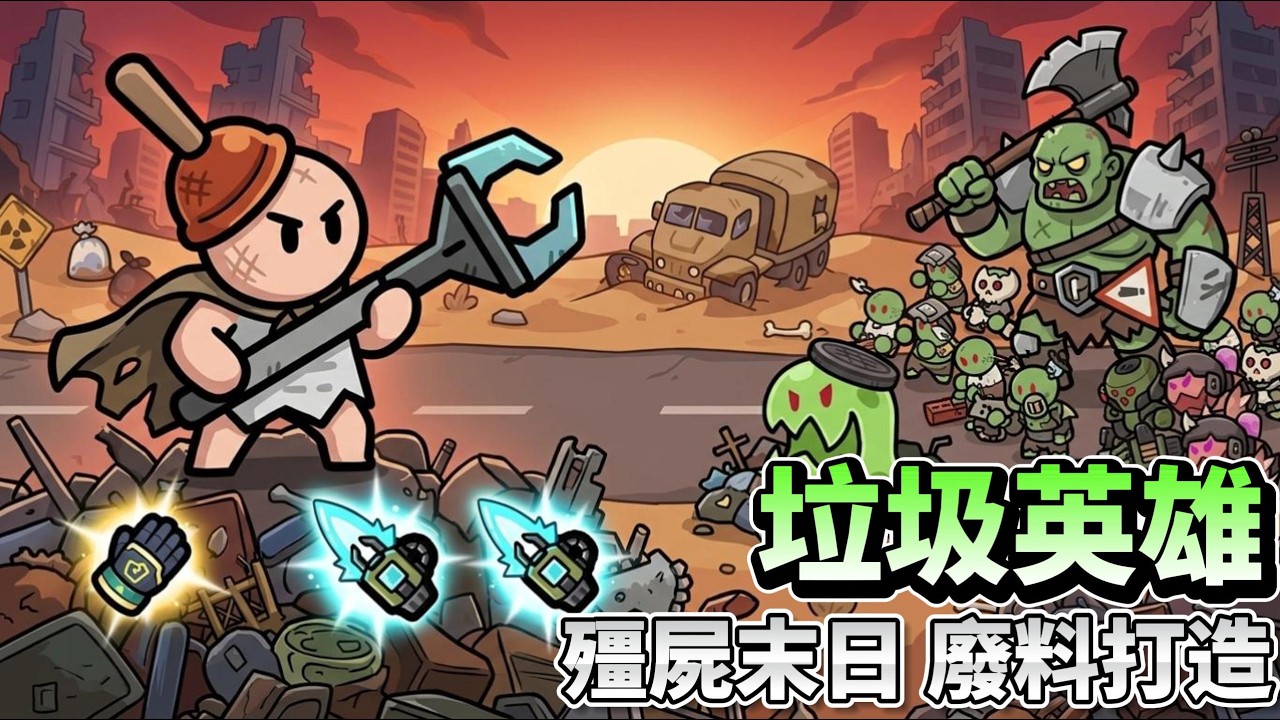
The Workbench is the center of Junk Hero’s equipment system. Rather than relying on complicated gear summons, you create all of your equipment through crafting. You can sell equipment to earn gold, then invest that gold into upgrading the Workbench. Its level determines how far your arsenal can develop, taking you from simple stones to chainsaws and advanced laser guns. This gives the progression loop a clear purpose: scrap and equipment feed into gold, gold improves the Workbench, and a better Workbench opens the way to stronger weapons. Your growth is also reflected visually, as higher equipment tiers change your character’s appearance and eventually transform the survivor into a commander wearing futuristic armor.
Combat is built around clearing continuous zombie waves with powerful attacks, but the important decisions come from shaping your build. Critical hits, attack speed, lifesteal, and other listed attributes can be combined to create a preferred setup, giving equipment upgrades a strategic role beyond simply increasing numbers. A larger PC display is useful when reviewing your available gear, checking the differences between weapon options, and deciding which equipment to craft, sell, or improve at the Workbench. Mouse input can also make repeated management actions—selecting equipment, confirming upgrades, and collecting the results of your crafting—more comfortable during longer progression sessions, while keyboard-and-mouse control provides a practical way to move through menus and respond to combat or upgrade choices without relying on a small touchscreen.
Junk Hero also gives your build competitive destinations beyond zombie encounters. In the 1v1 Arena PvP mode, you test your strongest setup against another player, pursue higher rankings, and work toward the highest tier for rewards. That makes choices such as critical hits, attack speed, and lifesteal relevant to more than ordinary wave clearing: the build that handles zombies well may need to be reconsidered when facing a player-controlled opponent. The larger screen helps when reading combat information and checking your available build before entering an Arena battle, while a mouse is convenient for selecting the Arena, reviewing rankings, and managing the sequence of equipment and upgrade decisions around each match.
For a broader social objective, you can create or join a clan, develop alongside its members, and participate in clan wars. These battles shift the focus from individual survival to collective competition for honor, rewards, and the title of strongest clan. The game’s idle structure supports that progression by continuing to generate rewards while you are away. When you return, those offline rewards give you more resources to collect, more opportunities to improve the Workbench, and another step toward stronger weapons and armor. Between active hack-and-slash battles, crafting and selling, build planning, 1v1 Arena PvP, clan wars, and offline growth, Junk Hero : Idle on PC offers a progression loop that can be played in short check-ins or developed through more deliberate equipment and competitive planning.
Screenshots
How to Download and Install the Official Junk Hero PC Client
- Download and install the official Windows client distributed by LDPlayer.
- Open the app and sign in with your Google Play account.
- Search for Junk Hero in the app store.
- Install the game and finish the first-launch download.
- Use the same game login if account sync is available.
Why Play Junk Hero on PC?
Menus, maps, resources, and combat details are easier to read on a desktop display.
Keyboard and mouse input makes repeated actions and long sessions more comfortable.
Desktop play avoids phone battery drain during longer farming sessions.
Keep guides, codes, and notes open alongside the game on PC.
Controls and Performance
These three settings solve most common issues when playing on PC.
Map navigation, skill use, and repeated resource actions first.
Lower resolution or graphics quality if crowded scenes lose frames.
Link your account before switching devices so progress can be restored safely.
Junk Hero Official PC Client FAQ
Can I play Junk Hero on PC?
Yes. Download the official Windows PC client distributed by LDPlayer and play with a larger screen, keyboard, and mouse controls.
Is Junk Hero better on PC than mobile?
Playing on PC can make longer sessions, detailed menus, and resource management more comfortable, while mobile is still convenient for quick check-ins.
Will my Junk Hero progress sync on PC?
Progress depends on the sign-in options supported by the game. Use the same linked Google, Facebook, Apple, or game account on both devices.
Why does Junk Hero lag on PC?
Lag can be caused by limited RAM, demanding graphics settings, outdated client files, or background apps. Lower the graphics settings and keep the PC client up to date.
DOWNLOAD STARTED
Your download is starting
Check your browser Downloads if it does not appear.
Official PC client for Windows, distributed by LDPlayer.
Download again