
Play Lands of Jail on Windows PC
Download the official Lands of Jail Windows PC client and learn how to install and play the game on PC, with controls, system requirements, and practical tips.

Download Lands of Jail Official Windows PC Client
Official Windows PC client provided by LDPlayer.
About the Official Lands of Jail PC Client
Developer: SINGAPORE JUST GAME TECHNOLOGY PTE.LTD.
The central gameplay loop revolves around managing prisoners, tracking fugitives, and ensuring that the prison remains profitable. Prisoner management covers practical decisions such as setting meal schedules and assigning work, giving the facility a routine while making your available labor and resources serve a purpose. At the same time, dangerous fugitives remain loose on the island, creating an ongoing objective beyond the prison’s walls: track them down, arrest them, and return them to your authority. Once captured, high-risk criminals can be put to work, linking fugitive tracking directly to the management side of the game rather than treating it as a separate task. Your financial decisions are equally important. A successful Warden must manage the budget wisely, upgrade facilities, and turn a profit while keeping prisoners in line and the operation running smoothly. On PC, a larger display should make it easier to keep the facility’s moving parts in view when reviewing schedules, work assignments, and the overall state of your operation. Keyboard-and-mouse controls are also a natural fit for repeated management actions, allowing you to move between prisoner duties, fugitive-related decisions, budget concerns, and facility upgrades with the precision expected from a strategy game. The added screen space can help when comparing the practical consequences of an upgrade against your available funds, while mouse-driven selection is useful when assigning work or checking the needs of a busy prison. Lands of Jail is therefore less about a single dramatic confrontation than the accumulating pressure of daily administration: every schedule, assignment, arrest, and investment contributes to whether the Isle of the Banished becomes a functioning institution or slips further into chaos. Your goal is to establish yourself as the ultimate authority by making those systems work together, turning dangerous inmates and limited resources into a controlled, efficient, and profitable prison.
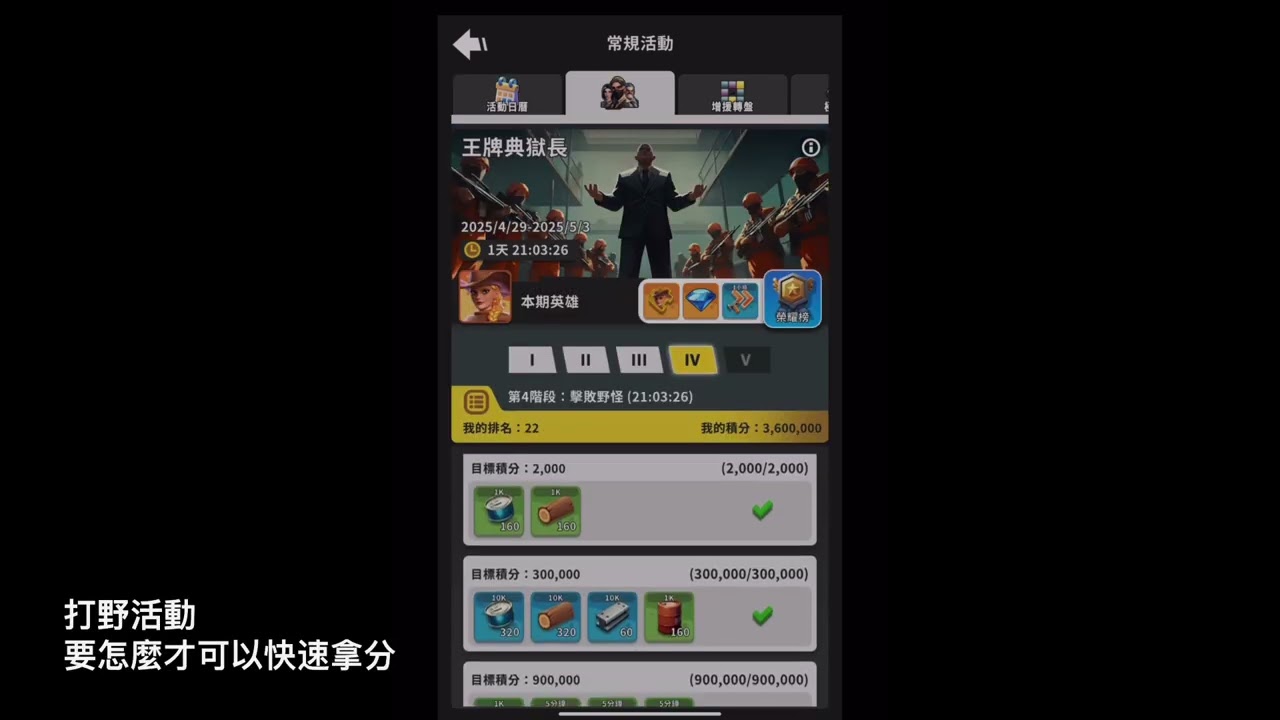
Screenshots
How to Download and Install the Official Lands of Jail PC Client
- Download and install the official Windows client distributed by LDPlayer.
- Open the app and sign in with your Google Play account.
- Search for Lands of Jail in the app store.
- Install the game and finish the first-launch download.
- Use the same game login if account sync is available.
Why Play Lands of Jail on PC?
Menus, maps, resources, and combat details are easier to read on a desktop display.
Keyboard and mouse input makes repeated actions and long sessions more comfortable.
Desktop play avoids phone battery drain during longer farming sessions.
Keep guides, codes, and notes open alongside the game on PC.
Controls and Performance
These three settings solve most common issues when playing on PC.
Map navigation, skill use, and repeated resource actions first.
Lower resolution or graphics quality if crowded scenes lose frames.
Link your account before switching devices so progress can be restored safely.
Lands of Jail Official PC Client FAQ
Can I play Lands of Jail on PC?
Yes. Download the official Windows PC client distributed by LDPlayer and play with a larger screen, keyboard, and mouse controls.
Is Lands of Jail better on PC than mobile?
Playing on PC can make longer sessions, detailed menus, and resource management more comfortable, while mobile is still convenient for quick check-ins.
Will my Lands of Jail progress sync on PC?
Progress depends on the sign-in options supported by the game. Use the same linked Google, Facebook, Apple, or game account on both devices.
Why does Lands of Jail lag on PC?
Lag can be caused by limited RAM, demanding graphics settings, outdated client files, or background apps. Lower the graphics settings and keep the PC client up to date.
DOWNLOAD STARTED
Your download is starting
Check your browser Downloads if it does not appear.
Official PC client for Windows, distributed by LDPlayer.
Download again