
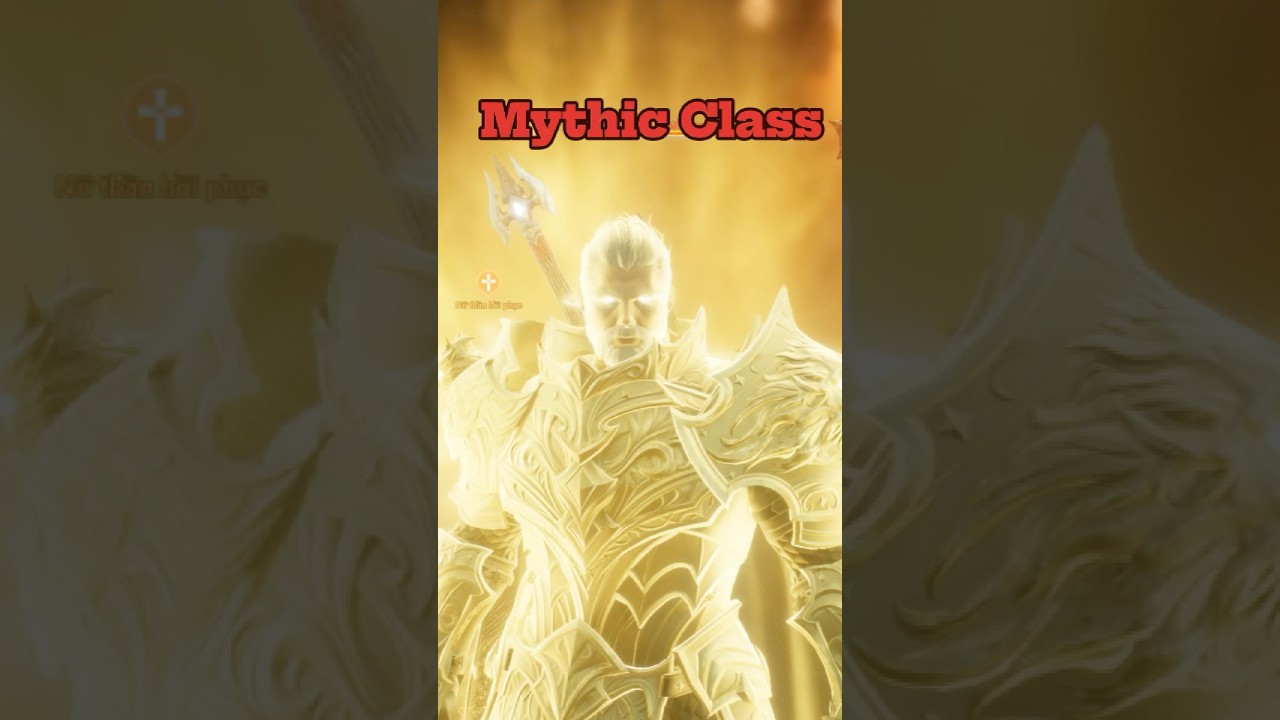
In Lineage2M, Mythic class fusion combines duplicate Legendary (purple-grade) class cards through the synthesis system to attempt unlocking a Mythic (yellow-grade) class. A successful roll yields high-tier combat stats, passive perks, and weapon proficiencies. A failed roll permanently destroys the registered duplicate cards, returning a consolation card or logging attempt progress depending on active system rules.
Before burning cards, verify that your duplicate inventory meets the interface requirements and that sacrificing those cards will not damage your baseline character stats.
Card Requirements for Mythic Fusion
Mythic attempts take place in the Class menu under the Combine tab. The fusion interface accepts only eligible duplicate cards that meet specific inventory conditions.
| Requirement Category | Fusion Condition | Practical Account Impact |
|---|---|---|
| Card Rarity | Legendary (Purple) grade only | Epic, Rare, and Magic cards cannot fill Mythic combination slots. |
| Card Ownership | Duplicate copies only | Your original, single-copy class unlocks cannot be consumed. |
| Lock Status | Unlocked in the Class UI | Cards marked as locked will not appear in the registration pool. |
| Slot Count | Fully populated slots | The system will not process an attempt with partial materials. |
| Equip Status | Unequipped and unassigned | Cards assigned to active presets or loadouts cannot be registered. |
Do not unlock or register duplicate cards if you rely on those alternate classes for secondary weapon builds, daily farming routines, or guild siege roles.
Evaluating Fusion Attempts vs. Class Codex Stats
Sacrificing duplicate Legendary cards directly competes with your account-wide Class Codex (Collection). Registering specific card groups permanently raises core attributes such as Accuracy, Defense, Damage Reduction, and Max HP without any chance of failure.
Before locking cards into a Mythic roll, check these three priorities:
- Guaranteed Codex Thresholds: If registering your duplicate completes a collection entry granting flat Accuracy or Skill Damage Boost, claim the guaranteed stat increase first rather than risking the cards on a low-probability roll.
- Diminishing Collection Returns: If your remaining Legendary codex entries require unowned cards or provide marginal gains, pooling surplus duplicates toward a Mythic attempt becomes a viable progression path.
- Weapon Compatibility: Check the Mythic class pool against your main weapon tree. A successful pull delivers maximum value when the resulting class matches your primary weapon specialization.
Step-by-Step Fusion Procedure and Next Actions
Once you have verified your duplicate cards and codex priorities, execute the fusion through the in-game interface:
- Open the main menu, select Class, and tap the Combine tab.
- Select the Mythic combination tier.
- Register your eligible, unlocked duplicate Legendary cards until all required slots are filled.
- Confirm the required Adena cost and press the combine button to initiate the roll.
Handling the Outcome
- If the attempt succeeds: Immediately open your inventory or Class UI and lock the newly acquired Mythic card to prevent accidental alteration. Equip the class, adjust your skill hotbars to match the new passives and attack animations, and check the Class Codex to claim any newly unlocked Mythic-tier collection bonuses.
- If the attempt fails: Check your inventory for the consolation pull or replacement Legendary card issued by the failure system. Inspect the replacement card against your Class Codex to see if it fills an empty collection slot. Do not immediately re-roll the returned card in frustration; resume farming lower-tier Magic and Rare cards through daily Adena summons and exchanges to rebuild your synthesis pipeline naturally.
Free Lineage2M Codes
Current active codes and how to redeem them.

Emily Johnson
Emily writes practical mobile strategy guides with a focus on resource planning, base progression, and the early decisions that shape a long-term account.
COMMUNITY
Player Comments
59 players commented on this guide.
I tried this today and it worked better than my old setup.
The explanation is clear, especially for beginners.
Nice guide. I am checking the other Lineage2M articles next.
This helped me understand redeem codes much better.