
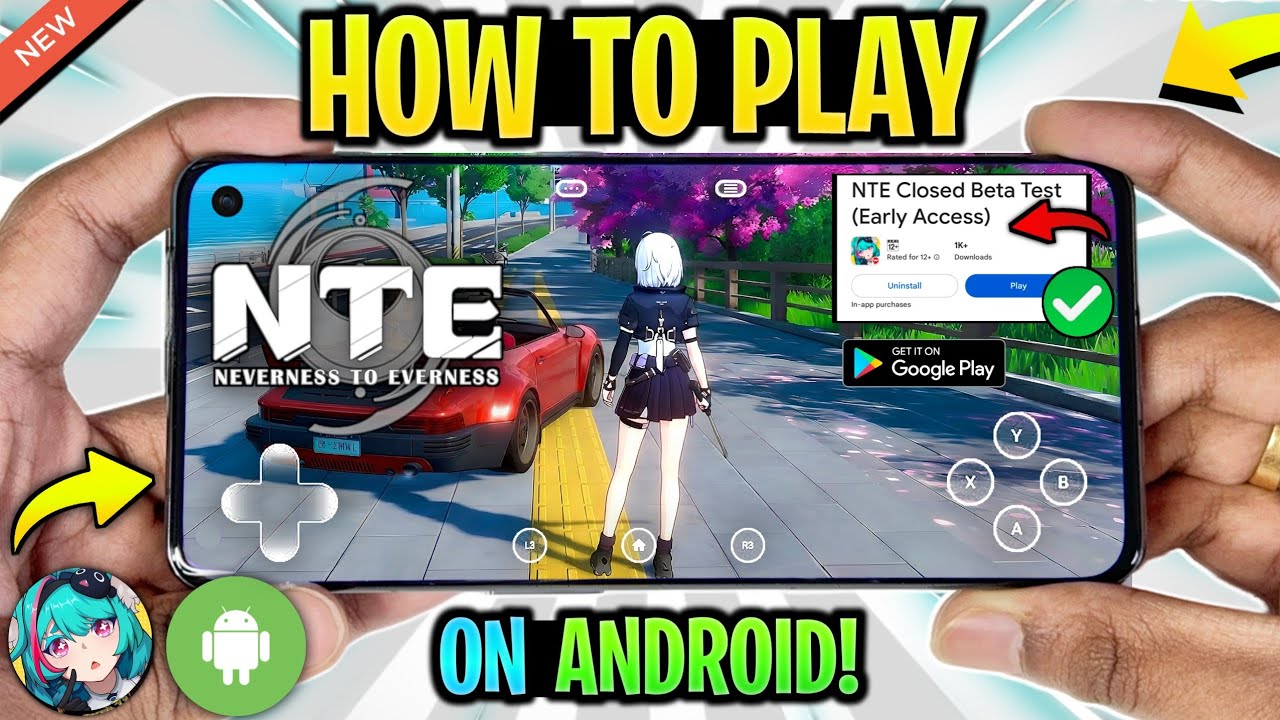
Securing early access to Neverness to Everness (NTE) is the goal for many eager to explore the supernatural, urban open-world of Hethereau. Because the game is currently in active development, access is limited to specific technical tests and closed beta phases rather than a wide-scale public release. By tracking official developer channels, understanding mobile hardware requirements, and navigating the registration process correctly, you can increase your chances of securing a spot in the next wave of testing.
The Official Registration Process
The only secure and reliable way to experience Neverness to Everness before its global launch is through official developer-led technical tests. These periods are not always open to every region simultaneously, making it vital to monitor the game’s primary landing page.
To register successfully:
- Visit the Official Portal: Always use the official Neverness to Everness website. Avoid third-party "early access" sites, as these are frequently phishing attempts designed to steal personal data or infect your device with malware.
- Submit Your Details: Registration forms typically require a valid email address, device specifications, and sometimes a survey regarding your experience with open-world RPGs.
- Wait for Selection: Developers use these tests to gather feedback on specific hardware configurations. You will receive an invitation via the email provided if you are selected for the current build.
Navigating Regional Testing and Restrictions
Developers often restrict testing to specific geographic regions to manage server load, test localized features, and gather targeted feedback. If a test is live in a region outside your own, standard app store protocols (like the Google Play Store or Apple App Store) will prevent you from downloading the client.
Some players consider using VPN services to mask their IP address to bypass these restrictions. While this can occasionally grant access, it comes with significant risks:
- Latency Issues: Using a VPN increases your ping, which is detrimental to the fast-paced combat and traversal mechanics found in Neverness to Everness.
- Detection Risks: Advanced anti-cheat or regional locking measures can detect VPN usage, potentially leading to connection errors or account flagging.
- Compatibility: Even with a VPN, the game may require an account registered in the target region. Always verify if the test is intended for a global audience before attempting to circumvent location settings.
Preparing Your Hardware for Hethereau
Neverness to Everness is a graphically intensive, high-fidelity urban open-world title. Early test builds are often unoptimized, meaning they may push your mobile device to its thermal and processing limits.
Android Requirements
To ensure a stable experience, your Android device should ideally feature a high-end chipset (such as the latest Snapdragon 8-series). Aim for at least 8GB of RAM. Because the game uses high-resolution assets to render the streets of Hethereau, ensure you have at least 15GB to 20GB of free storage space to accommodate the initial download and subsequent expansion files.
iOS and TestFlight
Apple users must be familiar with TestFlight. Many developers utilize this platform to distribute early builds safely outside the main App Store environment. If you are selected for an iOS test, you will receive an invitation link that opens directly into the TestFlight app. Keep your TestFlight notifications enabled so you don't miss the narrow window to accept your invite, as these links often have a limited number of spots available.
Why Technical Tests Matter
Technical tests are not just "early access"—they are functional stress tests. When you participate in an NTE beta, your primary role is to provide data. Developers look for:
- Stability Reports: Tracking how often the game crashes on specific hardware combinations.
- Optimization Feedback: Seeing how the game handles asset loading while you traverse the open city.
- Balance Data: Watching how players interact with Anomaly commissions and combat systems.
By providing genuine feedback through the developer’s official channels, you not only help refine the game but also increase the likelihood of being prioritized for future testing phases.
Monitoring Official Channels for Updates
Access windows for Neverness to Everness are often short-lived and announced with little notice. Passive waiting is ineffective; you must actively engage with the community hubs.
- Discord Server: This is the most direct line of communication. Look for "announcements" or "beta-news" channels.
- Twitter/X: Follow the official account and turn on notifications. Developers often use social media to announce the exact second registration forms go live.
- Official Website: Bookmark the main landing page and check it periodically.
Common Mistakes to Avoid
When trying to play Neverness to Everness early, many players fall into traps that can lead to account bans or security breaches:
- Downloading Unverified APKs: Never download an NTE APK from a random forum or file-sharing site. If the file is not from an official developer link, it likely contains modified code that could compromise your device.
- Ignoring System Warnings: If the game runs at 10 FPS on your device, don't force it. Overheating your phone during a test can damage your battery health and provide the developers with "noisy" data that doesn't actually help their optimization efforts.
- Sharing Account Credentials: Never share the account you used to register for the test. If you are caught selling or sharing access, developers will permanently ban your ID from all future project phases.
Summary Checklist for Players
- [ ] Verify the URL: Ensure you are on the official Neverness to Everness domain.
- [ ] Check Specs: Compare your device’s chipset and RAM against the current test requirements.
- [ ] Clear Space: Ensure you have ample storage for high-definition assets.
- [ ] Follow Official Channels: Turn on notifications for Twitter/X and Discord.
- [ ] Use Official Platforms: Only download via official App Store/Play Store links or authorized TestFlight invitations.
By following these professional guidelines, you position yourself as a serious tester and ensure that when you finally step into the streets of Hethereau, you do so on a stable, secure, and supported build of the game. Stay patient, keep your device updated, and keep a close watch on official announcements to ensure you don't miss the next phase of Neverness to Everness.

Free NTE: Neverness to Everness Codes
Current active codes and how to redeem them.

James Brown
James focuses on Android gaming on PC, emulator setup, controls, performance tuning, and practical troubleshooting for longer play sessions.
COMMUNITY
Player Comments
144 players commented on this guide.
The tips are practical and easy to follow.
Good guide for NTE: Neverness to Everness players. The strategy part was useful.
Nice guide. I am checking the other NTE: Neverness to Everness articles next.
This guide answered the exact question I had.