
Play NTE: Neverness to Everness on Windows PC
Download the official NTE: Neverness to Everness Windows PC client and learn how to install and play the game on PC, with controls, system requirements, and practical tips.

Download NTE: Neverness to Everness Official Windows PC Client
Official Windows PC client provided by LDPlayer.
About the Official NTE: Neverness to Everness PC Client
Developer: N2E ENTERTAINMENT PTE. LTD.
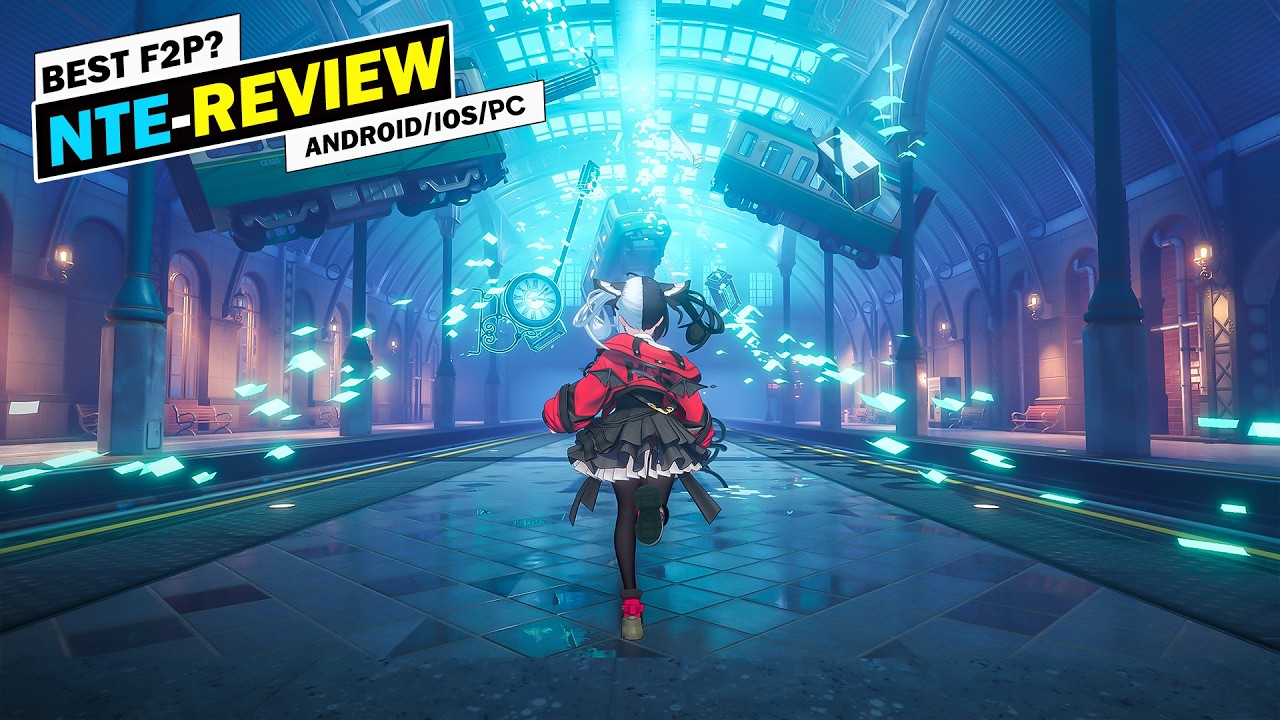
The central loop revolves around taking on Anomaly-related work, investigating the city, meeting its unusual inhabitants, and building relationships that open up more stories and activities. As part of the Eibon crew, you travel alongside a diverse cast of extraordinary companions while uncovering the larger mysteries connected to Anomalies, the unbreakable “Oaths,” “Prophecies,” and the increasingly ominous Circle organization. Social progression is an important part of that journey: starting from bustling Hankaku Street, you can meet members of different factions and add them as “Bagel” friends, while side stories allow you to form bonds with shopkeepers, hunters, robotic butlers, bodyguards, troublemakers, and other eccentric figures. Exploration is also flexible and practical. You can customize your ride and move through Hethereau’s streets, or use the Ghost Train to pass through Anomaly space and reach destinations quickly. Between commissions and investigations, the city supports a more relaxed management and collection routine: visit old shops to check their secret seasonal stock, discover concealed businesses, and buy a home that you can decorate to suit your preferences. On PC, a larger display makes it easier to study Hethereau’s streets, follow points of interest, compare the people and locations tied to an ongoing mystery, and keep track of the city’s many visual details without losing sight of the surrounding environment. Keyboard-and-mouse controls are likewise useful when switching between exploration, menus, social interactions, and repeated travel actions, while mouse precision can help when selecting destinations, browsing shop stock, or arranging your urban lifestyle. NTE’s appeal therefore comes from combining open-world discovery with a steady stream of commissions, relationships, transportation choices, and personal routines, letting you decide whether a day in Hethereau is spent chasing an Anomaly, cultivating friendships, searching for unusual stores, or simply making the city feel like your own.
Screenshots
How to Download and Install the Official NTE: Neverness to Everness PC Client
- Download and install the official Windows client distributed by LDPlayer.
- Open the app and sign in with your Google Play account.
- Search for NTE: Neverness to Everness in the app store.
- Install the game and finish the first-launch download.
- Use the same game login if account sync is available.
Why Play NTE: Neverness to Everness on PC?
Menus, maps, resources, and combat details are easier to read on a desktop display.
Keyboard and mouse input makes repeated actions and long sessions more comfortable.
Desktop play avoids phone battery drain during longer farming sessions.
Keep guides, codes, and notes open alongside the game on PC.
Controls and Performance
These three settings solve most common issues when playing on PC.
Map navigation, skill use, and repeated resource actions first.
Lower resolution or graphics quality if crowded scenes lose frames.
Link your account before switching devices so progress can be restored safely.
NTE: Neverness to Everness Official PC Client FAQ
Can I play NTE: Neverness to Everness on PC?
Yes. Download the official Windows PC client distributed by LDPlayer and play with a larger screen, keyboard, and mouse controls.
Is NTE: Neverness to Everness better on PC than mobile?
Playing on PC can make longer sessions, detailed menus, and resource management more comfortable, while mobile is still convenient for quick check-ins.
Will my NTE: Neverness to Everness progress sync on PC?
Progress depends on the sign-in options supported by the game. Use the same linked Google, Facebook, Apple, or game account on both devices.
Why does NTE: Neverness to Everness lag on PC?
Lag can be caused by limited RAM, demanding graphics settings, outdated client files, or background apps. Lower the graphics settings and keep the PC client up to date.
DOWNLOAD STARTED
Your download is starting
Check your browser Downloads if it does not appear.
Official PC client for Windows, distributed by LDPlayer.
Download again