
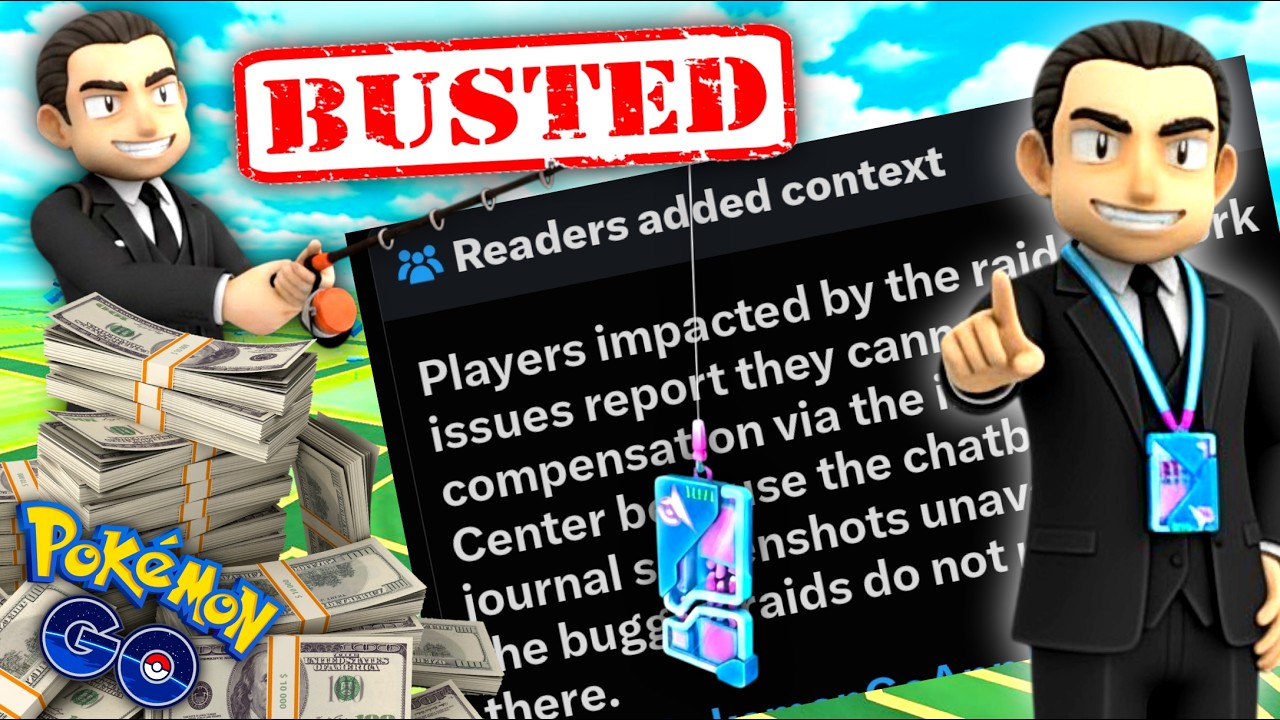
If you lose a Remote Raid Pass in Pokémon GO to a game crash or server error, submit an in-game support ticket containing complete visual evidence and precise time details, while shifting high-risk raiding to free Daily Raid Passes or off-peak hours. Because automated support tools frequently issue generic rejections, thoroughly documenting the failure is necessary to give manual support agents the information needed to evaluate your claim.
How to Document Lost Raid Passes
Automated support channels rely on automated screening that often dismisses individual claims or suggests basic device troubleshooting. To prevent your ticket from being closed without review, compile clear evidence before opening a support request.
Gather the following details immediately after a failure occurs:
- Raid Lobby and Error Screenshots: Capture the crash code, error pop-up, or frozen screen showing your presence in the lobby or battle transition.
- In-Game Journal Log: Screenshot your Journal entry displaying the timestamp and confirmation that the Remote Raid Pass was consumed.
- Exact Failure Circumstances: Note the specific Raid Boss, the local time of the crash, and the precise moment the disconnect happened (such as during lobby countdown or GO transition).
When submitting the ticket through the in-game help menu, choose the category for item or raid issues, paste your detailed account, and attach your screenshots. Clear evidence makes it significantly harder for support screening to classify the event as a standard user-side drop.
Understanding Support Responses and Compensation Limits
Player reports—including coverage in public community updates regarding support glitches—indicate that in-game support channels often rely on automated protocols that deflect refund requests. In some cases, broad event-wide compensations (such as distributing two passes to all players on a subsequent day) are used to address systemic instability rather than resolving individual lost items.
Because automated systems establish strict threshold limits on item restorations, treat every paid Remote Raid Pass as a non-refundable asset. Assume server crashes remain a risk during high-demand events, and avoid spending premium currency when server loads are visibly unstable.
Strategies to Protect Your Raid Resources
Adjusting how and when you raid minimizes your exposure to technical failures while preserving premium items.
| Strategy | Action | Purpose |
|---|---|---|
| Prioritize Daily Passes | Use free Daily Raid Passes for high-risk or newly launched raids. | Reduces financial loss if the raid crashes. |
| Raid Off-Peak | Join remote raids outside of peak event hours or regional launch windows. | Avoids lobby disconnects caused by heavy server traffic. |
| Shift to Local Raids | Participate in local in-person raids whenever practical. | Eliminates remote connection handshakes that increase crash risks. |

Free Pokémon GO Codes
Current active codes and how to redeem them.

Emily Johnson
Emily writes practical mobile strategy guides with a focus on resource planning, base progression, and the early decisions that shape a long-term account.
COMMUNITY
Player Comments
90 players commented on this guide.
The explanation is clear, especially for beginners.
This guide answered the exact question I had.
Can you add more details about strategy in a future update?
Nice guide. I am checking the other Pokémon GO articles next.