
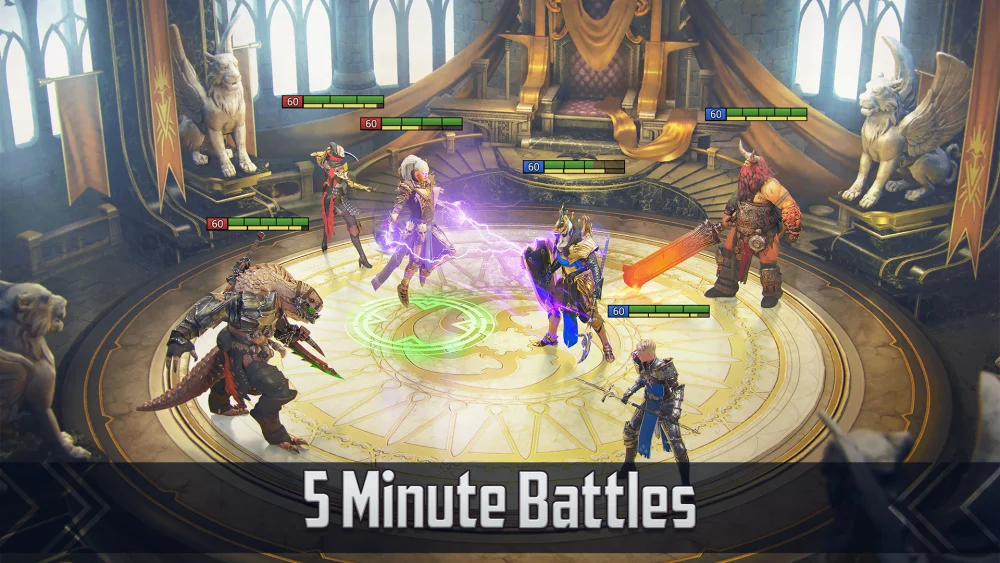
If you are a new player attempting to use a creator link to start your journey in RAID: Shadow Legends, it is common for the promised rewards not to appear in your account immediately. You do not need to worry if your bonus champions or resources are missing upon initial login. The system often requires a synchronization period of a few hours before the promotional items are correctly applied to your new profile.
Understanding Creator Link Processing Times
The most important step when using a creator link is patience. While it is natural to expect instant gratification upon account creation, the backend verification process for these specific links is not always instantaneous.
- Initial Login: Complete the account creation process using your chosen link.
- The Waiting Period: Allow several hours for the server to confirm the referral and push the rewards to your inbox.
- Verification: Check your in-game mailbox periodically throughout the day.
Troubleshooting Missing Rewards
If you have waited beyond the expected processing time and still see nothing in your account, there are a few factors to consider regarding how these links function.
- Link Integrity: Ensure you clicked the specific link provided by the creator before installing or opening the application. If you installed the game through a different store route without the link active, the account may not be tagged correctly.
- New Account Status: These offers are strictly for brand-new accounts. If you have previously linked an email or social media account to RAID: Shadow Legends on that device, the system may not recognize the new registration as a valid "new player" referral.
- Patience is Key: Avoid creating multiple accounts in rapid succession, as this can trigger security flags that may delay or void promotional rewards entirely.
Best Practices for New Players
To ensure your rewards arrive without issue, always follow these standard procedures when starting a new account with a promotional link:
| Action | Recommendation |
|---|---|
| Clear Cache | Ensure your mobile browser or store app isn't holding onto old tracking data. |
| Direct Link Use | Click the link and follow the prompts directly to the store page. |
| Account Binding | Once the game is open, bind your account to an email address to secure your progress. |
| Mailbox Check | Wait at least 3-6 hours before contacting support regarding missing items. |
By waiting for the system to catch up, you avoid unnecessary frustration. If the rewards do not appear after a significant delay, you can then reach out to the official support channel with your player ID, but in the vast majority of cases, the rewards will populate automatically once the verification delay has passed.
Free RAID: Shadow Legends Codes
Current active codes and how to redeem them.

Michael Smith
Michael covers live-service games, events, reward systems, and efficient daily routines, turning frequent updates into clear actions for players.
COMMUNITY
Player Comments
138 players commented on this guide.
This guide answered the exact question I had.
I tried this today and it worked better than my old setup.
This helped me understand strategy much better.
Good guide for RAID: Shadow Legends players. The strategy part was useful.