
Mastering the art of interactive props in Sky: Children of the Light allows players to transcend standard exploration by engaging in creative roleplay and environmental storytelling. By utilizing specific items to simulate crafting or culinary actions, such as the green bean soy milk and leaf-wrapping mechanics, players can create unique social moments. This guide focuses on how to effectively position and interact with your environment to bring these creative, community-driven activities to life during your travels.
Utilizing Interactive Props for Roleplay
The most effective way to engage in creative activities within the game is to treat your inventory items as tools for interaction. Many props allow for animations that mimic real-world tasks. When you place a prop, look for the interaction icon that appears above it, which triggers the specific animation sequence associated with that item.
- Placement Strategy: Always select flat surfaces to ensure the prop animation aligns correctly with your character’s height.
- Social Pacing: If you are "cooking" or "crafting" with items, stay in the animation loop to signal to other players that you are performing a task.
- Camera Angles: Use the game’s camera tools to frame your character clearly while interacting with the prop to capture the best visual results.
Enhancing Social Immersion
Social interaction is the heart of the experience in Sky: Children of the Light. By using props to create "scenes"—such as preparing food or sharing a meal—you provide a natural focal point for other players to gather, emote, and interact with you.
Tips for Better Social Interactions
- Coordinate with Friends: Group activities look more dynamic when multiple players use different props simultaneously, such as one person preparing a drink while another sits to enjoy it.
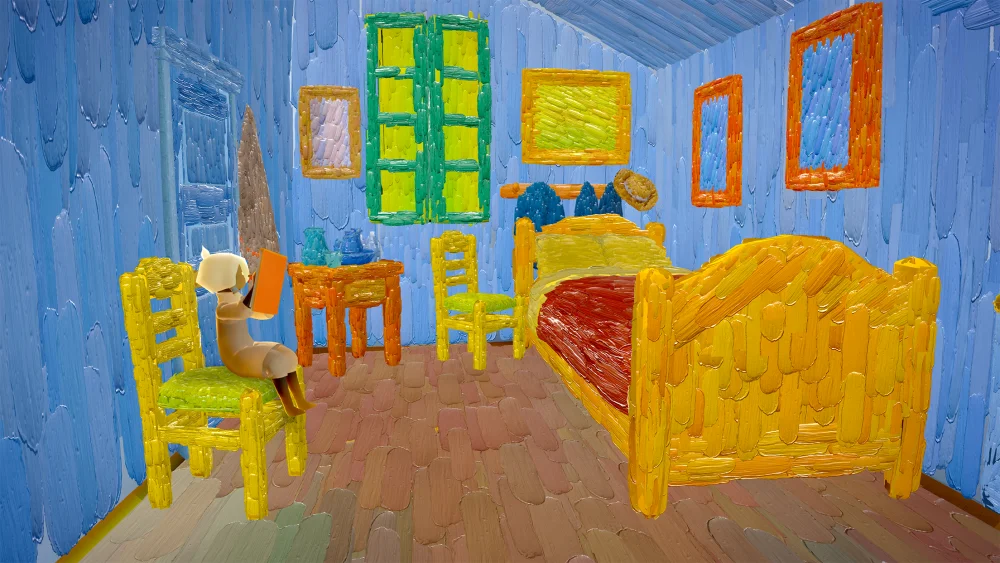
- Environmental Context: Use these props in areas with distinct lighting or aesthetic themes, such as the Van Gogh-inspired zones, to add artistic flair to your social gatherings.
- Consistent Emotes: Pair your prop interactions with appropriate social emotes like "bow" or "wave" to invite passersby to join your activity.
Managing Prop Inventory Effectively
To ensure you are always ready for a creative moment, keep your most interactive items easily accessible in your quick-use menu.
| Item Category | Use Case | Social Potential |
|---|---|---|
| Food/Drink Props | Simulated meals | High (Great for picnics) |
| Utility Props | Crafting/Task simulation | Medium (Good for roleplay) |
| Decorative Props | Setting the mood | Low (Visual impact only) |
By prioritizing items that feature unique animations, you can make your presence in the game world more memorable and engaging for both friends and strangers. Always check your item menu before heading out on a journey to ensure you have the necessary tools for the specific type of social scene you wish to create.

Free Sky: Children of the Light Codes
Current active codes and how to redeem them.

Sarah Williams
Sarah specializes in RPG and collection games, explaining team building, character growth, and beginner-friendly ways to avoid expensive early mistakes.
COMMUNITY
Player Comments
105 players commented on this guide.
This guide answered the exact question I had.
I wish I had read this before upgrading the wrong thing.
The tips are practical and easy to follow.
This helped me understand strategy much better.