
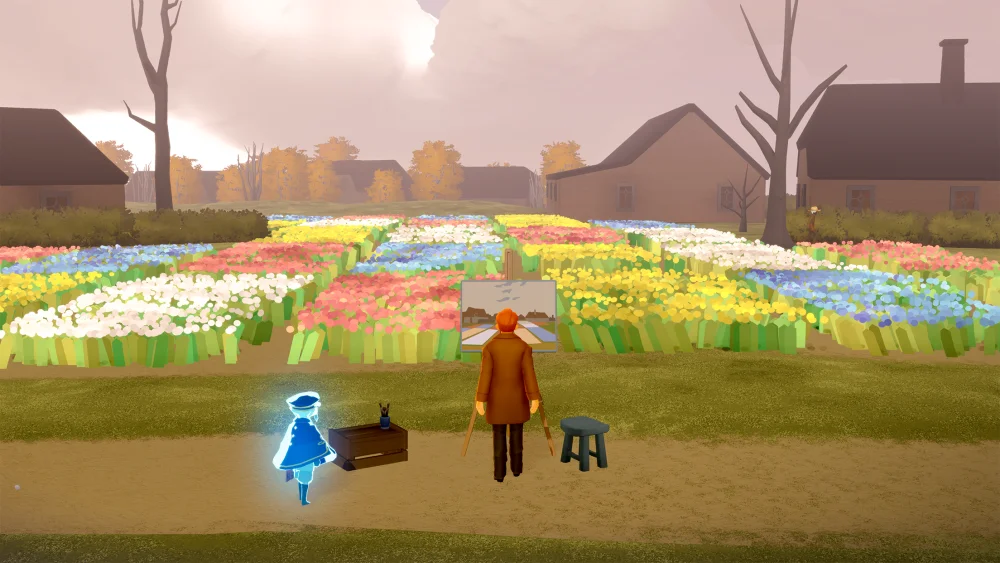
Presence Sensing is a transformative quality-of-life feature in Sky: Children of the Light that allows you to detect and visualize other players in your immediate vicinity with greater clarity. By leveraging this system, you can gauge the activity level of any given server, effectively turning quiet exploration zones into bustling, lively environments. This tool is essential for players looking to foster spontaneous social interactions, find help for multi-player puzzles, or simply enjoy the aesthetic of a crowded, festive kingdom without feeling isolated.
Understanding the Presence Sensing Mechanic
At its core, Presence Sensing acts as a real-time detection and rendering priority system. In Sky: Children of the Light, the game engine often limits how many players are rendered simultaneously to maintain performance. When Presence Sensing is active, the game optimizes the way it displays nearby players, ensuring you can see them running, flying, and interacting with the world in real-time.
This mechanic effectively bridges the gap between solo play and a truly massive multiplayer experience. Instead of arriving in a map and wondering if you are alone, the sensing feature provides instant visual confirmation of community engagement. It acts as a "crowd detector," helping you identify where the social action is happening so you can join in or observe the vibrant atmosphere that defines the game's unique social landscape.
How to Optimize Your Social Experience
Activating Presence Sensing shifts your perspective on social zones dramatically. Areas that might otherwise seem deserted can suddenly reveal their true potential as community hubs.
To maximize the benefits of this feature, follow these expert tips:
- Identify High-Traffic Zones: Use the feature to scan for "hotspots" like the Social Space in Daylight Prairie or the seasonal event areas.
- Facilitate Interaction: When you see a cluster of players via the sensing effect, it is usually a sign that a group activity—such as a candle cake collection, a shared spirit quest, or a musical performance—is underway.
- Natural Approach: Instead of wandering aimlessly, use the visual cues provided by the system to head toward groups. This makes it much easier to initiate friendly emotes, light candles with strangers, or join in on collective tasks.
Solving Multi-Player Puzzles and Doors
One of the most practical applications of Presence Sensing is solving "multi-player gates"—doors or platforms that require two, four, or even eight players to activate. In the past, players often had to wait indefinitely or "honk" repeatedly to attract attention.
With Presence Sensing, you can quickly assess if other players are in the vicinity to help you. If the sensing feature indicates a high density of players nearby, you can be confident that help is within reach. This minimizes downtime and ensures that you can progress through the game’s more complex collaborative puzzles without the frustration of being stuck solo in a multiplayer-required zone.
Leveraging Sensing for Community Events
During special events—such as the annual anniversary celebrations, Days of Mischief, or seasonal festivals—Presence Sensing becomes an indispensable tool for immersion. These events often bring hundreds of players into specific maps.
With this feature enabled, you can witness the full scale of these gatherings, seeing dozens of players dancing, playing music in unison, or gathering around event-specific NPCs. It creates a sense of spectacle that is hard to achieve without the system's help, turning static environments into temporary stages. Whether it is a spontaneous concert or a group of players congregating at a popular social shrine, the ability to see everyone ensures you do not miss out on the collaborative, cozy spirit that Sky: Children of the Light is famous for.
Strategic Benefits and Potential Trade-offs
While Presence Sensing is a boon for social engagement, it is important to understand its impact on your overall gameplay experience.
Benefits:
- Community Discovery: Easily find players for seasonal activities.
- Efficiency: Quickly locate groups to help with "four-player" doors.
- Visual Immersion: Enhances the feeling of being part of a living, breathing community.
Limitations and Considerations:
- Performance Impact: Depending on your mobile device or console hardware, rendering a high number of active players in one area can lead to slight performance dips or frame rate drops. If the game feels "stuttery" in a crowded area, it is likely due to the sheer number of players being rendered.
- Visual Clutter: In extremely crowded event areas, the density of player avatars can sometimes make it difficult to navigate or see specific quest items. If you are struggling to find a spirit or a candle, you may need to temporarily move away from the crowd.
- Context Reliance: Presence Sensing is most effective in high-traffic, public zones. In remote, out-of-bounds (OOB) areas or less-traveled paths, the feature will naturally show fewer results, as the population density in those sectors remains low.
Making the Most of Your Presence
To get the absolute best out of Sky: Children of the Light, use Presence Sensing as a gateway to connection. The game is built on the foundation of empathy and shared play; by making yourself visible and actively seeking out the groups the sensing feature highlights, you contribute to the overall vibrancy of the kingdom.
When you see a group using the feature, don't be afraid to approach. Use a friendly bow or a wave emote. The beauty of the game lies in its unspoken language, and by using Presence Sensing to find others, you aren't just playing a game—you are participating in a global community experience. Keep your eyes on the horizon, watch for the movement of others, and enjoy the collaborative spirit that makes every trip through the clouds feel like a new discovery.

Free Sky: Children of the Light Codes
Current active codes and how to redeem them.

James Brown
James focuses on Android gaming on PC, emulator setup, controls, performance tuning, and practical troubleshooting for longer play sessions.
COMMUNITY
Player Comments
150 players commented on this guide.
I wish I had read this before upgrading the wrong thing.
Nice guide. I am checking the other Sky: Children of the Light articles next.
This helped me understand strategy much better.
This saved me time in the early game.