
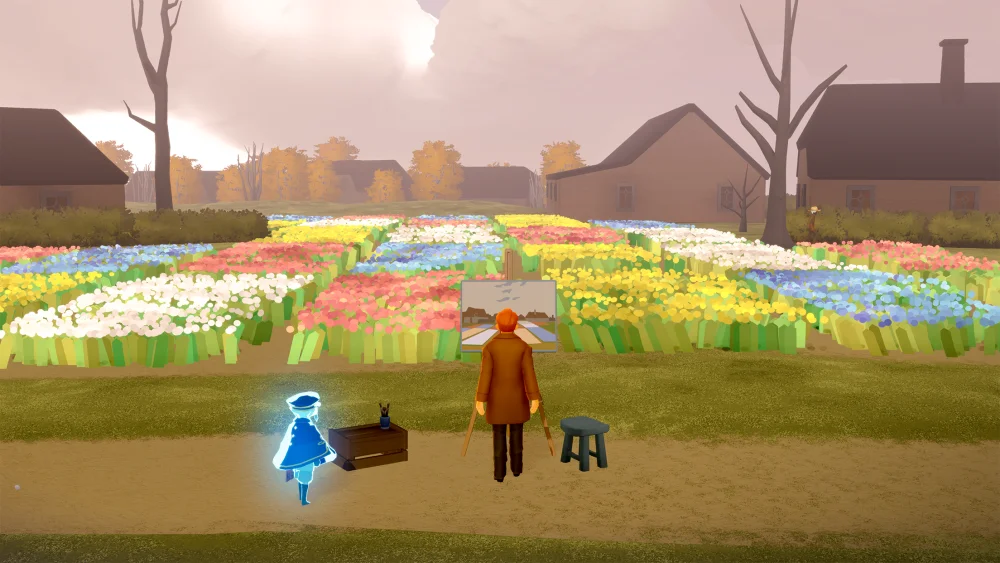
To dye cosmetics in Sky: Children of the Light update 0.35.5, visit a styling station pedestal in Aviary Village or at the Days of Style venue, equip an eligible item marked with a dye palette icon, and choose your color swatches across its available channels. Dye adjustments do not permanently overwrite base items, and you can reset an item to its original color scheme at any time.
Locating and Using Styling Stations
Standard closet shrines only allow you to swap equipped gear, while specialized styling stations house the dye interface. You can access styling stations in two main locations:
- Aviary Village Workshop: Provides permanent access to the dye pedestal and styling mirror between regular realm runs.
- Days of Style Runway: Temporary event kiosks positioned near the runway stage for quick cosmetic adjustments during the celebration.
When your avatar steps onto the dressing pedestal, the camera shifts into a neutral lighting angle designed to reveal fabric textures and true undertones without ambient realm tinting. Stepping away from the pedestal automatically closes the dye menu and saves your current configuration while freeing the station for other nearby players.
Identifying Eligible Cosmetics and Color Channels
Not every cosmetic in your wardrobe supports the dye system. Compatible garments display a small dye palette icon on their inventory thumbnail.
Eligible items split customization across independent color channels. A garment may support a primary channel, a secondary channel, or both:
| Cosmetic Category | Primary Channel Effect | Secondary Channel Effect | Styling Versatility |
|---|---|---|---|
| Solid Capes | Main outer fabric body | Hem trim and interior underside | High contrast potential |
| Patterned Capes | Dominant exterior field | Secondary emblems and tassel cords | Balanced color matching |
| Pants & Outfits | Main leg and torso cloth | Cuffs, belts, and sash accents | Medium color flexibility |
| Head Accessories | Band or core structural element | Decorative feathers, ribbons, or gems | Subtle accent tuning |
Channels operate separately, allowing you to recolor the exterior of a cape while retaining the original shade on its inner lining. Fixed seasonal textures, glowing crests, or unique emblems may remain locked on certain items to preserve their core visual design.
How to Apply and Reset Dyes
Follow these steps at any active styling pedestal to recolor a supported cosmetic:
- Equip an eligible item: Open your styling station inventory and select a cosmetic marked with the dye palette icon.
- Choose your channel: Tap either the primary or secondary channel tab to highlight the garment section you want to recolor.
- Select a color swatch: Browse your unlocked swatches to preview the shade on your avatar in real time.
- Tune secondary accents: Switch to the secondary channel tab if supported to set a coordinating tone for trims, belts, or linings.
- Confirm or reset: Tap the confirm checkmark to lock in your palette, or select the reset arrow to revert the cosmetic to its default original look at no extra cost.
Realm Lighting Considerations
While the styling booth in Aviary Village provides balanced, neutral illumination, applied dyes react to the lighting filters and shaders of each realm:
- Daylight Prairie and Sanctuary Islands: Intense bloom and bright sunlight wash out lighter pastel dyes, often making pale blues and soft lavenders look nearly white.
- Golden Wasteland: Pervasive olive-green ambient lighting casts a dull tint over warm pigments, which can shift clean yellows into murky tones.
- Hidden Forest and Vault of Knowledge: Dim, cool environments dampen vivid dyes, causing bright reds to appear as deeper maroons.
Test your dyed outfits across different adventure areas to verify that your selected hues maintain their intended contrast under varying light levels.
Currency Priorities for Dye Customization
Previewing and experimenting with unlocked color swatches on the styling pedestal is free. However, expanding your palette and obtaining newly compatible garments requires spending regular candles, hearts, or limited-time Days of Style event tickets.
Prioritize spending currencies on versatile base garments with dual dye channels before purchasing narrow, single-channel items or niche swatches. Dual-channel cosmetics provide far more styling combinations, preserving your candle reserves for traveling spirits and seasonal constellation progress.
Free Sky: Children of the Light Codes
Current active codes and how to redeem them.

James Brown
James focuses on Android gaming on PC, emulator setup, controls, performance tuning, and practical troubleshooting for longer play sessions.
COMMUNITY
Player Comments
111 players commented on this guide.
This helped me understand updates much better.
Nice guide. I am checking the other Sky: Children of the Light articles next.
This saved me time in the early game.
I tried this today and it worked better than my old setup.