
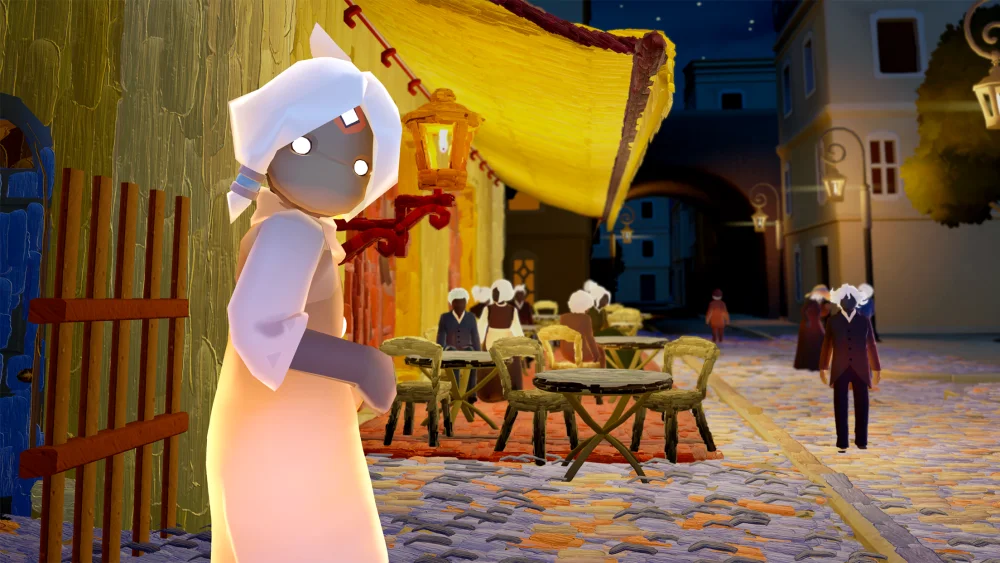
To streamline daily play in Sky: Children of the Light, configure your wardrobe pins, favorite emote wheel, chat translation, and audio channel sliders before starting your route. Setting up these interface features eliminates menu scrolling, prevents missed social cues, and keeps hazard warnings audible during candle runs.
Pinning Closet Items to Eliminate Scrolling
Changing closets in Aviary Village and the classic Home space allow you to pin cosmetic items directly to the top row of each category tab.
- Open any changing shrine or wardrobe closet.
- Navigate to the cosmetic category you want to organize (such as masks, capes, pants, or props).
- Select an item card and tap the star icon to pin it permanently to the top row of that tab.
Pinning is most effective for functional gear. For example, pin the Chibi Mask for navigating tight spaces, an Elder Mask for protection against Dark Dragons, and an energy-recharging prop (such as a torch, bonfire, or brazier) so it appears first in your prop backpack.
Limit pinned selections to three or four items per category. Pinning excessive cosmetics pushes items down and recreates the scrolling clutter the feature is designed to prevent.
Setting Up the Favorite Emote Wheel and History
The emote menu includes a dedicated favorites tray alongside an automatic history shelf, reducing the need to search through standard, seasonal, and Traveling Spirit expression trees.
- Open the emote tray from the top interface handle.
- Scroll to your most frequently needed expressions.
- Tap the favorite indicator on an expression to bind it to your quick-access favorites tray.
For daily candle runs, reserve your favorites slots for utility and quick etiquette:
- Level 1 Bow: Offers rapid acknowledgment and gratitude without long animations.
- Deep Call: Quickly recharges nearby companions and flips Dark Crabs.
- Wave or Point: Directs players toward multi-player doors or puzzle triggers.
- Play Dead or Faint: Helps with rapid stance drops or dodging specific hazards.
The interface also tracks your most recently used expressions in a history shelf. Leave this section accessible during cooperative quests or seasonal tasks to repeat required expressions without re-favoriting them.
Using In-Game Chat Translation for Cooperative Play
Sky: Children of the Light runs on shared global servers, placing players with different language settings in the same lobbies. Built-in machine translation allows you to read messages without leaving the game or using external optical character recognition apps.
- Triggering Translation: Whenever another player chats at a public bench, table prop, bonfire, or through an unlocked friend-tree node, tap the translation icon beside their speech bubble. The client will render the message into your default language.
- Communication Best Practices: Machine translation handles straightforward phrases well but can misinterpret game-specific abbreviations (such as "CR" for candle run or "WL" for winged light) and idioms. Keep outgoing text simple and direct when coordinating multi-player doors in Daylight Prairie or navigating the Eye of Eden.
Balancing Audio Channels for Navigation and Safety
Individual audio sliders in the settings menu allow you to separate sound effects, ambient environments, background music, and player instruments.
- Open the main settings menu and select audio preferences.
- Adjust individual sliders based on your current activity:
- For instrument practice: Lower background music and ambient sounds while keeping instrument audio high. This prevents soundtrack overlap in busy areas like Harmony Hall.
- For candle running in dangerous areas: Keep sound effects high and lower player instruments. In the Golden Wasteland and the Eye of Eden, directional audio cues from charging Dark Dragons (Krill) and falling debris often warn you of danger before the visual cues appear on screen.
- For crowded lobbies: Reduce the player instrument slider if loud instruments cause auditory clutter around event spaces or realm portals.
Recommended Daily Configuration
Applying a consistent baseline setup cuts downtime between realms and prevents accidental menu delays during timed events like the Sanctuary Islands geyser or Grandma's dinner.
| Feature | Recommended Setting | Primary Benefit |
|---|---|---|
| Wardrobe Pins | Pin Chibi Mask, 1 recharge prop, and 1 daily cape | Swap utility gear immediately without vertical closet scrolling. |
| Favorites Tray | Register Level 1 Bow, Deep Call, Point, and Wave | Trigger crab flips and door cooperation without searching menus. |
| Emote History | Monitor the recent action shelf | Rapidly replay carry emotes or temporary quest actions. |
| Chat Translation | Tap the translate icon beside incoming foreign text | Coordinate multi-player puzzles across language barriers. |
| Audio Sliders | Set Sound Effects high, Instruments low, and BGM moderate | Hear Krill attacks and hazard cues clearly over lobby noise. |
Once configured, your pinned items, favorite emotes, and audio levels remain saved across sessions. Verify your setup in Aviary Village before stepping through the realm portals to ensure smooth navigation throughout your daily run.
Free Sky: Children of the Light Codes
Current active codes and how to redeem them.

Michael Smith
Michael covers live-service games, events, reward systems, and efficient daily routines, turning frequent updates into clear actions for players.
COMMUNITY
Player Comments
112 players commented on this guide.
I tried this today and it worked better than my old setup.
Good guide for Sky: Children of the Light players. The strategy part was useful.
The explanation is clear, especially for beginners.
I wish I had read this before upgrading the wrong thing.