
Play Songs of Conquest Mobile on Windows PC
Download the official Songs of Conquest Mobile Windows PC client and learn how to install and play the game on PC, with controls, system requirements, and practical tips.

Download Songs of Conquest Mobile Official Windows PC Client
Official Windows PC client provided by LDPlayer.
About the Official Songs of Conquest Mobile PC Client
Developer: Coffee Stain Publishing
Combat is the central test of that preparation. Battles are turn-based, so every move matters as you position armies, respond to enemy threats, and decide when to rely on physical strength or magic. The store description presents several distinct approaches: you can darken the skies with arrows, charge directly into the enemy, or teleport your forces across the battlefield. These options make adaptation a key part of the loop rather than a single fixed solution. A larger PC display gives you more room to read the battlefield and weigh movement, magical options, and opposing positions before committing to a turn, while keyboard-and-mouse controls are well suited to selecting units, issuing repeated commands, and switching between combat information and strategic decisions. The same advantages apply outside combat when you are reviewing settlements, comparing available structures, organizing armies, and plotting your next expedition across Aerbor.
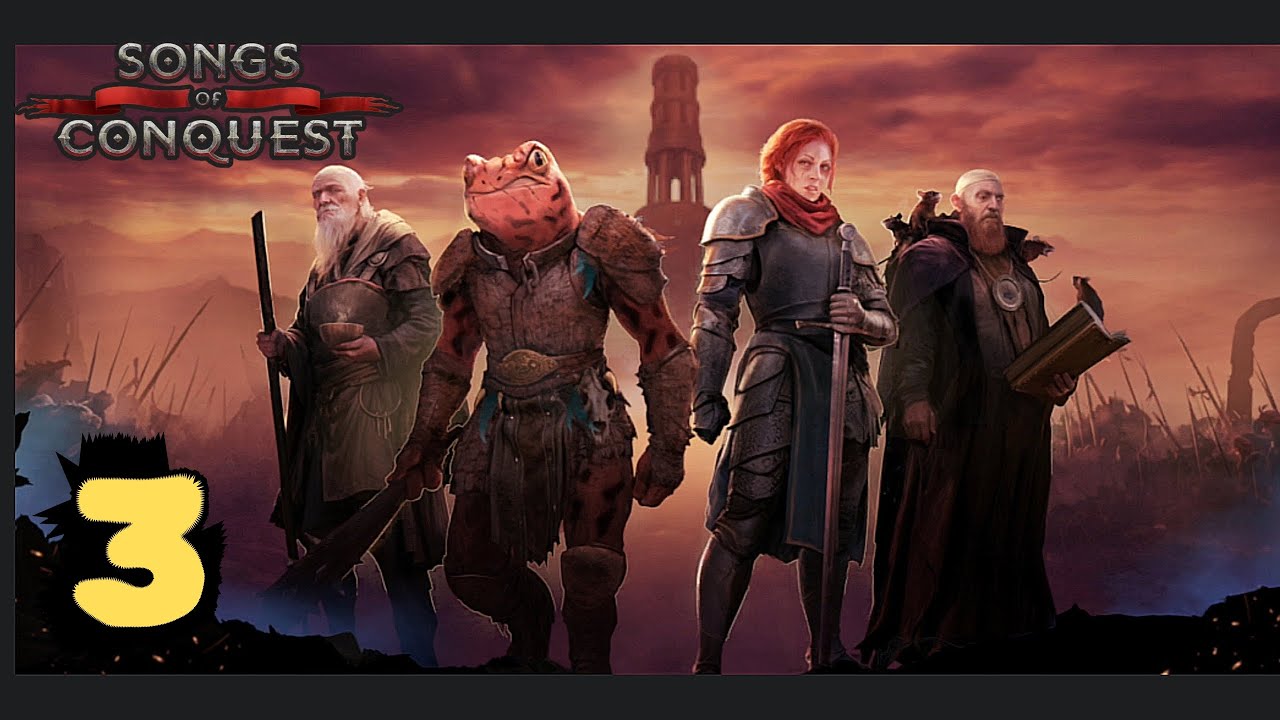
The campaign content is structured around the four Songs of Conquest, with each campaign revealing the story of a different faction. Conquest mode adds a broader replayable framework, allowing you to choose among four unique factions and play on randomly generated maps or handcrafted experiences. Loth is a declining barony that turns to necromancy in an attempt to reclaim its former glory. Arleon consists of the remnants of an Empire where only the strong prevail. Rana’s ancient frog-like tribes fight for survival in their beloved Marsh, while Barya’s independent mercenaries and merchants fight for the highest bidder. These identities give the strategic choices a clear setting: faction selection is also a decision about the kind of society, conflict, and military outlook you want to command. You can pursue the story campaigns for a guided adventure through Aerbor or use Conquest mode to test your planning across different maps and faction perspectives.
On PC, Songs of Conquest Mobile is best suited to players who enjoy a deliberate rhythm of exploration, resource management, settlement development, army planning, and tactical combat. The game asks you to connect the large-scale and small-scale parts of its systems: gather what your settlements need, build structures that support your preferred approach, assemble forces capable of carrying it out, and then use magic and might intelligently when battle begins. Whether your plan depends on ranged attacks, a direct charge, or battlefield teleportation, success comes from matching your resources and army to the situation in front of you. With the story campaigns, four factions, randomly generated maps, and handcrafted Conquest experiences all available as part of its described structure, the PC version offers a focused strategy game built around meaningful turns and long-term decisions.
Screenshots
How to Download and Install the Official Songs of Conquest Mobile PC Client
- Download and install the official Windows client distributed by LDPlayer.
- Open the app and sign in with your Google Play account.
- Search for Songs of Conquest Mobile in the app store.
- Install the game and finish the first-launch download.
- Use the same game login if account sync is available.
Why Play Songs of Conquest Mobile on PC?
Menus, maps, resources, and combat details are easier to read on a desktop display.
Keyboard and mouse input makes repeated actions and long sessions more comfortable.
Desktop play avoids phone battery drain during longer farming sessions.
Keep guides, codes, and notes open alongside the game on PC.
Controls and Performance
These three settings solve most common issues when playing on PC.
Map navigation, skill use, and repeated resource actions first.
Lower resolution or graphics quality if crowded scenes lose frames.
Link your account before switching devices so progress can be restored safely.
Songs of Conquest Mobile Official PC Client FAQ
Can I play Songs of Conquest Mobile on PC?
Yes. Download the official Windows PC client distributed by LDPlayer and play with a larger screen, keyboard, and mouse controls.
Is Songs of Conquest Mobile better on PC than mobile?
Playing on PC can make longer sessions, detailed menus, and resource management more comfortable, while mobile is still convenient for quick check-ins.
Will my Songs of Conquest Mobile progress sync on PC?
Progress depends on the sign-in options supported by the game. Use the same linked Google, Facebook, Apple, or game account on both devices.
Why does Songs of Conquest Mobile lag on PC?
Lag can be caused by limited RAM, demanding graphics settings, outdated client files, or background apps. Lower the graphics settings and keep the PC client up to date.
DOWNLOAD STARTED
Your download is starting
Check your browser Downloads if it does not appear.
Official PC client for Windows, distributed by LDPlayer.
Download again