
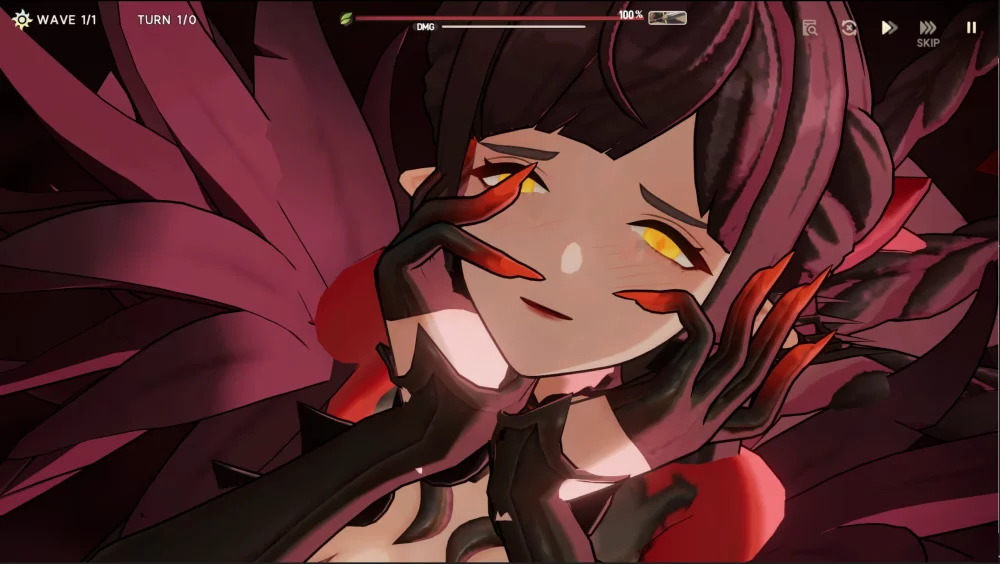
For players looking to optimize their early-game roster in Star Sailors, performing a reroll is the most effective way to secure high-tier units without additional investment. In Version 1.1, the reroll process involves navigating the account login screen and resetting your progress efficiently. By following the standardized steps below, you can bypass unnecessary delays and maximize your chances of pulling the specific characters you need to excel in the early content of the game.
Understanding the Reroll Workflow
The reroll process in Star Sailors centers on resetting your account data to trigger the initial recruitment phase repeatedly. In Version 1.1, this is primarily achieved through the settings menu or by clearing the application cache, depending on your platform.
- Initial Setup: Complete the mandatory tutorial sequences to gain access to the recruitment banners.
- Resource Collection: Claim any available rewards from your mailbox or active events to maximize your currency for the initial summons.
- The Pull: Spend your resources on your target banner.
- The Reset: If the outcome is unsatisfactory, navigate to the game's account management section to log out or reset your current profile.
Essential Reroll Steps for Version 1.1
To ensure your reroll is as fast as possible, follow this sequence. This workflow minimizes time spent in menus and maximizes the number of summons you can perform in a single session.
| Step | Action | Objective |
|---|---|---|
| 1 | Launch Game | Start as a guest account if possible. |
| 2 | Complete Tutorial | Skip dialogue where available to save time. |
| 3 | Claim Mail | Collect pre-registration or event currency. |
| 4 | Execute Pulls | Summon on your preferred rate-up banner. |
| 5 | Reset Account | Clear local data or log out to restart. |
Tips for Efficient Account Management
Resetting your account effectively is critical to maintaining a high speed during the reroll process. Always check the official in-game settings to see if there is a "Delete Account" or "Reset Data" feature, as this is often faster than uninstalling and reinstalling the entire game client.
If you find yourself stuck at the tutorial, ensure you are skipping all non-essential cutscenes. Most players prefer to use an emulator or a secondary device to manage multiple instances, though this is not required to perform a successful reroll. Once you have secured your desired unit, remember to bind your account to a permanent email address or social media service immediately to prevent the loss of your progress.

Free Star Sailors Codes
Current active codes and how to redeem them.

Michael Smith
Michael covers live-service games, events, reward systems, and efficient daily routines, turning frequent updates into clear actions for players.
COMMUNITY
Player Comments
65 players commented on this guide.
Can you add more details about strategy in a future update?
I wish I had read this before upgrading the wrong thing.
I tried this today and it worked better than my old setup.
This helped me understand strategy much better.