
Play Warhammer Survivors on Windows PC
Download the official Warhammer Survivors Windows PC client and learn how to install and play the game on PC, with controls, system requirements, and practical tips.

Download Warhammer Survivors Official Windows PC Client
Official Windows PC client provided by LDPlayer.
About the Official Warhammer Survivors PC Client
Developer: Auroch Digital
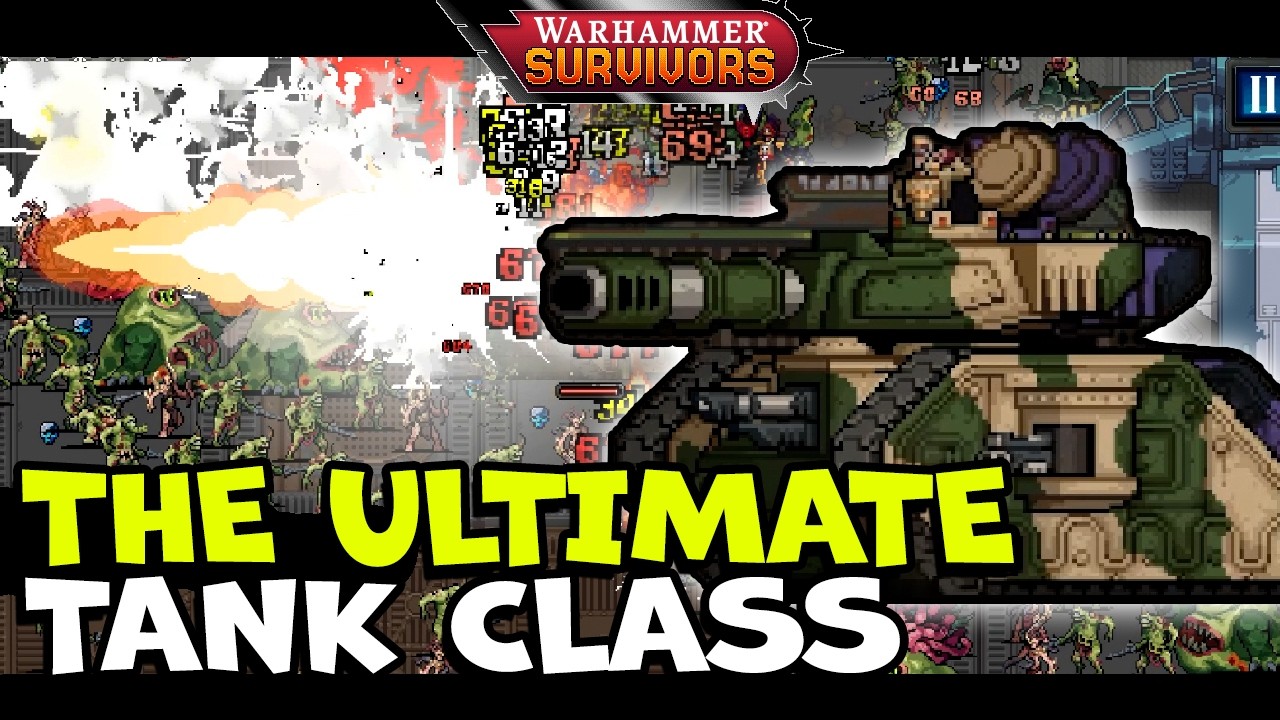
At the core of the experience lies a deep combat and build-crafting system driven by an expansive arsenal of more than 75 weapons, passives, and tactical power-ups. As you defeat swarms of grunts, you forge devastating offensive loadouts on the fly, combining ranged firepower like the iconic Boltgun and the tearing sweeps of an Astartes Chainsword with sweeping melee attacks like the Whirlwind Axes, alongside clever tabletop nods such as the humble pot of Nuln Oil. Progression hinges on tailoring your build to counter diverse enemy formations, selecting synergistic passives from a mighty cache of defensive and offensive boons. Periodic survival spikes culminate in brutal encounters with terrifying Extremis Bosses, including the disgustingly bloated Great Unclean One, whose sweeping attack patterns and massive health pool require deliberate build synergies. Beyond individual survival runs, tracking down esoteric secrets and unlocking over 40 distinct playable characters establishes a deeply rewarding loop of collection, experimentation, and mastery.
Experiencing the game on a desktop setup transforms these intense skirmishes by providing superior spatial awareness and surgical movement fidelity. On an expansive display, the visual clarity of high-density bullet-heaven combat is dramatically elevated. When hundreds of enemy sprites overwhelm the screen simultaneously, a large monitor ensures you can instantly read combat information, such as the telegraph animations of giant Extremis Bosses and safe pathways through teeming chaff, without your hands obscuring the play space. Furthermore, keyboard and mouse inputs provide a substantial advantage in critical gameplay moments. Navigating tight micro-gaps within an advancing horde demands the tactile precision of digital directional movement, letting you kite enemies smoothly around hazardous geometry. In addition, using mouse-driven navigation to review and select upgrades from your passive cache allows for swift, error-free decisions between waves of chaos, giving you the control and focus needed to survive the deadliest battlefields of both universes.
Screenshots
How to Download and Install the Official Warhammer Survivors PC Client
- Download and install the official Windows client distributed by LDPlayer.
- Open the app and sign in with your Google Play account.
- Search for Warhammer Survivors in the app store.
- Install the game and finish the first-launch download.
- Use the same game login if account sync is available.
Why Play Warhammer Survivors on PC?
Menus, maps, resources, and combat details are easier to read on a desktop display.
Keyboard and mouse input makes repeated actions and long sessions more comfortable.
Desktop play avoids phone battery drain during longer farming sessions.
Keep guides, codes, and notes open alongside the game on PC.
Controls and Performance
These three settings solve most common issues when playing on PC.
Map navigation, skill use, and repeated resource actions first.
Lower resolution or graphics quality if crowded scenes lose frames.
Link your account before switching devices so progress can be restored safely.
Warhammer Survivors Official PC Client FAQ
Can I play Warhammer Survivors on PC?
Yes. Download the official Windows PC client distributed by LDPlayer and play with a larger screen, keyboard, and mouse controls.
Is Warhammer Survivors better on PC than mobile?
Playing on PC can make longer sessions, detailed menus, and resource management more comfortable, while mobile is still convenient for quick check-ins.
Will my Warhammer Survivors progress sync on PC?
Progress depends on the sign-in options supported by the game. Use the same linked Google, Facebook, Apple, or game account on both devices.
Why does Warhammer Survivors lag on PC?
Lag can be caused by limited RAM, demanding graphics settings, outdated client files, or background apps. Lower the graphics settings and keep the PC client up to date.
DOWNLOAD STARTED
Your download is starting
Check your browser Downloads if it does not appear.
Official PC client for Windows, distributed by LDPlayer.
Download again