
Play Yes, Your Grace on Windows PC
Download the official Yes, Your Grace Windows PC client and learn how to install and play the game on PC, with controls, system requirements, and practical tips.

Download Yes, Your Grace Official Windows PC Client
Official Windows PC client provided by LDPlayer.
About the Official Yes, Your Grace PC Client
Developer: Noodlecake
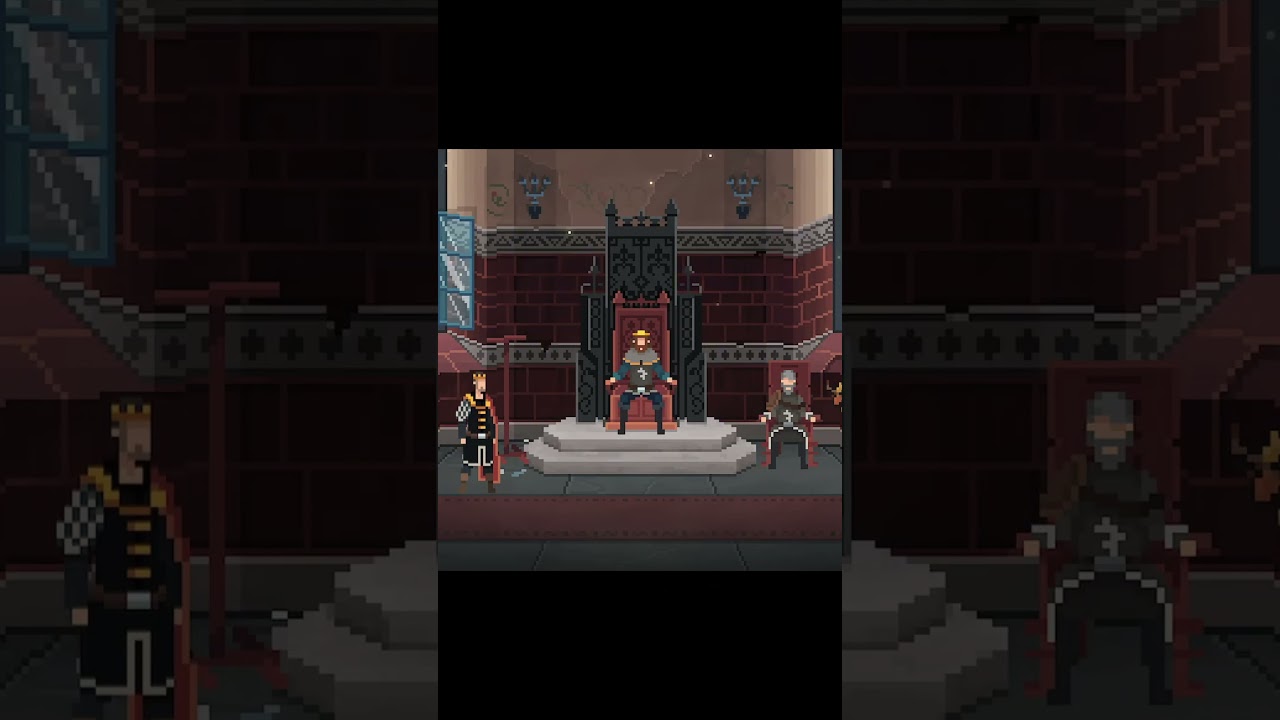
Your role extends beyond answering individual petitions. King Eryk must also support his family through their personal struggles and decide how to handle their fates, making the royal household part of the kingdom’s larger management challenge. At the same time, an upcoming battle requires preparation and political support. You can hire Generals, Witches, and Hunters to aid your efforts, then work to secure alliances with lords and kings whose personalities and demands vary considerably. Some may support Davern only if you perform dirty deeds to cement an alliance, creating a tension between short-term military needs and the kind of ruler you want to be. The central loop therefore moves between hearing petitioners, allocating scarce assistance, supporting family members, recruiting useful specialists, and satisfying powerful nobles well enough to prepare for battle. On PC, a larger display makes it easier to keep the throne-room requests, family concerns, available helpers, and political decisions in view while weighing several competing priorities. Keyboard-and-mouse input is also well suited to repeated management actions: selecting petitioners, checking the consequences of a request, choosing whether to hire a General, Witch, or Hunter, and moving through the decisions tied to alliances can all be handled precisely. When multiple lords are seeking your support and resources are limited, the added clarity of a monitor helps you compare those demands before committing. The result is a choice-driven management experience built around consequences rather than simple optimization: every decision contributes to the survival of Davern, the strength of its alliances, the wellbeing of its people, and the stories of the quirky and determined characters who enter your halls.
Screenshots
How to Download and Install the Official Yes, Your Grace PC Client
- Download and install the official Windows client distributed by LDPlayer.
- Open the app and sign in with your Google Play account.
- Search for Yes, Your Grace in the app store.
- Install the game and finish the first-launch download.
- Use the same game login if account sync is available.
Why Play Yes, Your Grace on PC?
Menus, maps, resources, and combat details are easier to read on a desktop display.
Keyboard and mouse input makes repeated actions and long sessions more comfortable.
Desktop play avoids phone battery drain during longer farming sessions.
Keep guides, codes, and notes open alongside the game on PC.
Controls and Performance
These three settings solve most common issues when playing on PC.
Map navigation, skill use, and repeated resource actions first.
Lower resolution or graphics quality if crowded scenes lose frames.
Link your account before switching devices so progress can be restored safely.
Yes, Your Grace Official PC Client FAQ
Can I play Yes, Your Grace on PC?
Yes. Download the official Windows PC client distributed by LDPlayer and play with a larger screen, keyboard, and mouse controls.
Is Yes, Your Grace better on PC than mobile?
Playing on PC can make longer sessions, detailed menus, and resource management more comfortable, while mobile is still convenient for quick check-ins.
Will my Yes, Your Grace progress sync on PC?
Progress depends on the sign-in options supported by the game. Use the same linked Google, Facebook, Apple, or game account on both devices.
Why does Yes, Your Grace lag on PC?
Lag can be caused by limited RAM, demanding graphics settings, outdated client files, or background apps. Lower the graphics settings and keep the PC client up to date.
DOWNLOAD STARTED
Your download is starting
Check your browser Downloads if it does not appear.
Official PC client for Windows, distributed by LDPlayer.
Download again