
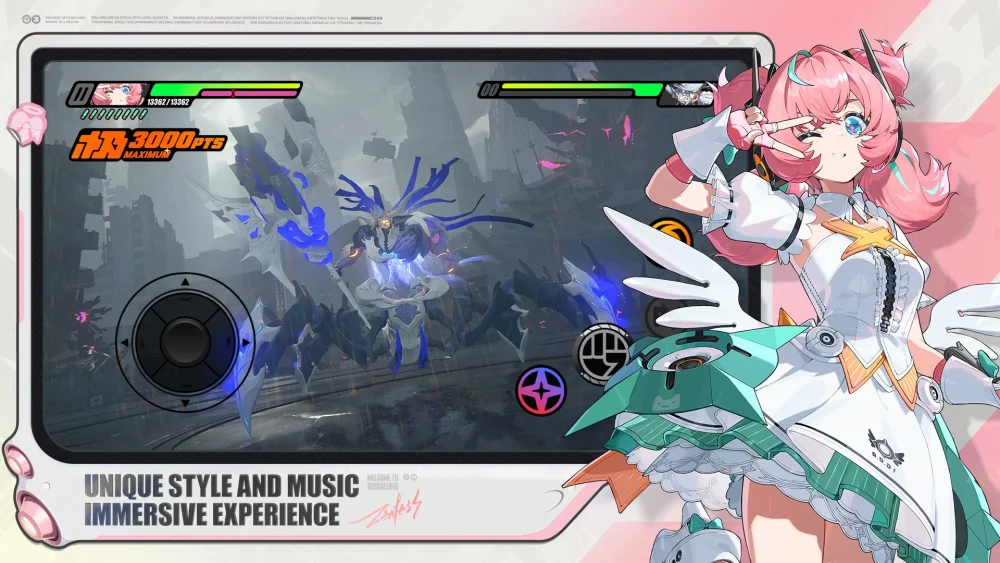
Mastering environmental interactions in Zenless Zone Zero requires close attention to the visual and auditory cues hidden within urban spaces. By identifying interactive objects and understanding how to trigger specific world responses, players can navigate complex areas more efficiently and uncover hidden progression paths. This guide focuses on interpreting environmental feedback and utilizing interactive elements to bypass common navigational hurdles that often slow down your exploration progress during active exploration sessions.
Identifying Interactive Objects and Environmental Cues
Successful exploration in Zenless Zone Zero relies on your ability to distinguish between static scenery and interactive world elements. Many objects in the game world provide subtle visual feedback when approached, indicating potential for interaction.
- Visual Prompts: Keep an eye out for glowing icons or specific shifts in lighting on objects like vending machines, electronic terminals, or debris piles.
- Auditory Feedback: High-frequency sound cues often accompany interactable items, serving as an audio indicator that you are close to a discoverable secret.
- Proximity Triggers: Some interactions only initiate when your character enters a specific radius, requiring you to move deliberately through dense environments to reveal hidden prompts.
Streamlining Exploration Through Object Manipulation
Interacting with the environment is not just for discovery; it is often a core requirement for solving traversal puzzles. When you encounter a blocked path or a locked sequence, look for nearby objects that can be moved, activated, or destroyed to alter the layout of the area.
| Interaction Type | Typical Result | Strategic Advantage |
|---|---|---|
| Terminal Access | Unlocks doors/paths | Bypasses long detours |
| Object Destruction | Clears path obstacles | Opens direct routes |
| NPC Interaction | Grants world info/hints | Reduces wasted time |
| Vending/Consumables | Restores minor stats | Sustains longer exploration |
Troubleshooting Common Navigational Stalls
If you find yourself stuck in a specific area, it is usually because an interaction has been missed or a sequence was performed out of order. Players often overlook small, non-obvious objects that serve as keys to larger puzzles.
- Check High and Low: Many interactions are placed at floor level or tucked behind corners, forcing you to rotate the camera frequently.
- Revisit Zones: If an area seems empty, perform a second pass; some interactions only spawn after you have triggered a primary event or dialogue elsewhere.
- Utilize Dash Mobility: Rapid movement can sometimes trigger proximity-based events faster than walking, allowing you to test multiple points of interest in a shorter time frame.

Free Zenless Zone Zero Codes
Current active codes and how to redeem them.

Emily Johnson
Emily writes practical mobile strategy guides with a focus on resource planning, base progression, and the early decisions that shape a long-term account.
COMMUNITY
Player Comments
51 players commented on this guide.
This helped me understand base building much better.
I tried this today and it worked better than my old setup.
The tips are practical and easy to follow.
Good guide for Zenless Zone Zero players. The base building part was useful.