
SilverPalace Display Settings: Optimize Visuals and Frame Rates
Prioritize high textures in SilverPalace, disable motion blur, and reduce ambient occlusion or render scale to preserve high performance.


More SilverPalace guides, page 3.
Prioritize high textures in SilverPalace, disable motion blur, and reduce ambient occlusion or render scale to preserve high performance.

Scan elevated ledges and follow environmental lighting in SilverPalace to bypass crowded streets and find hidden materials throughout the city.

Players can successfully complete the Law of Identity test in SilverPalace by strictly aligning collected evidence with environmental logic.

Learn how to navigate the SilverPalace Dichotomy Test to unlock unique character dialogue and build stronger tactical bonds with all 12 heroes.
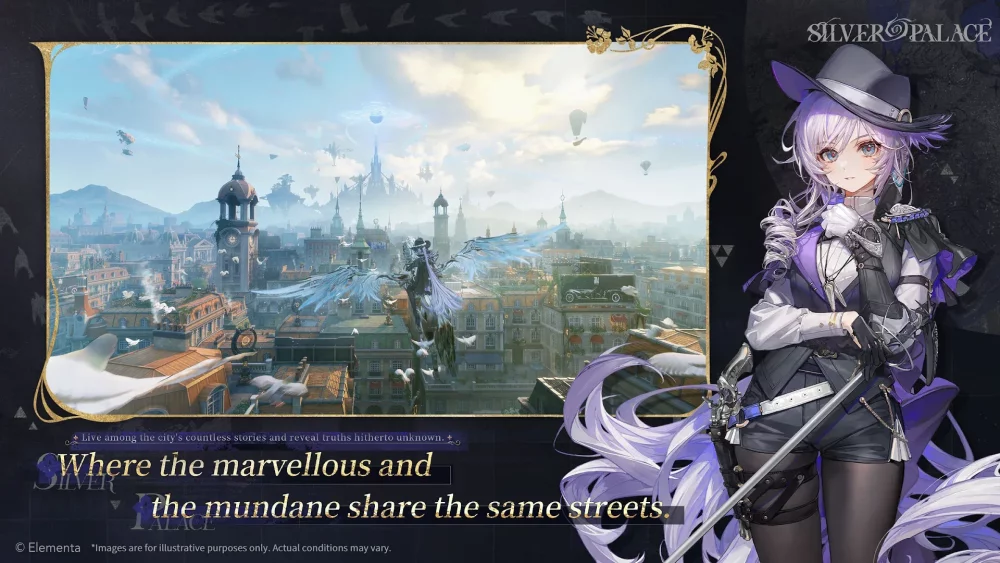
Execute precise sword strikes and mobility based evasions with Cinderella to dominate Victorian combat encounters in the SilverPalace Beta 1.
Master the SilverPalace soundscape by configuring your audio hardware and in game mixer to balance narrative atmosphere with critical combat cues.
Elevate your SilverPalace gameplay by mastering the rhythm of character swaps, environmental manipulation, and timing your finishers for maximum impact.
Streamline your SilverPalace progression by mastering essential UI navigation, character selection menus, and hub based tactical deployment tools.
Optimize your SilverPalace progression by mastering character archetypes, stacking faction synergies, and navigating the critical Dichotomy Test.
Players can stabilize SilverPalace frame rates during intensive combat and narrative sequences by adjusting specific graphical settings and hardware profiles.