

Download Vikingard Official Windows PC Client
Official Windows PC client provided by LDPlayer.
About the Official Vikingard PC Client
Developer: Orienjoy International Company Limited
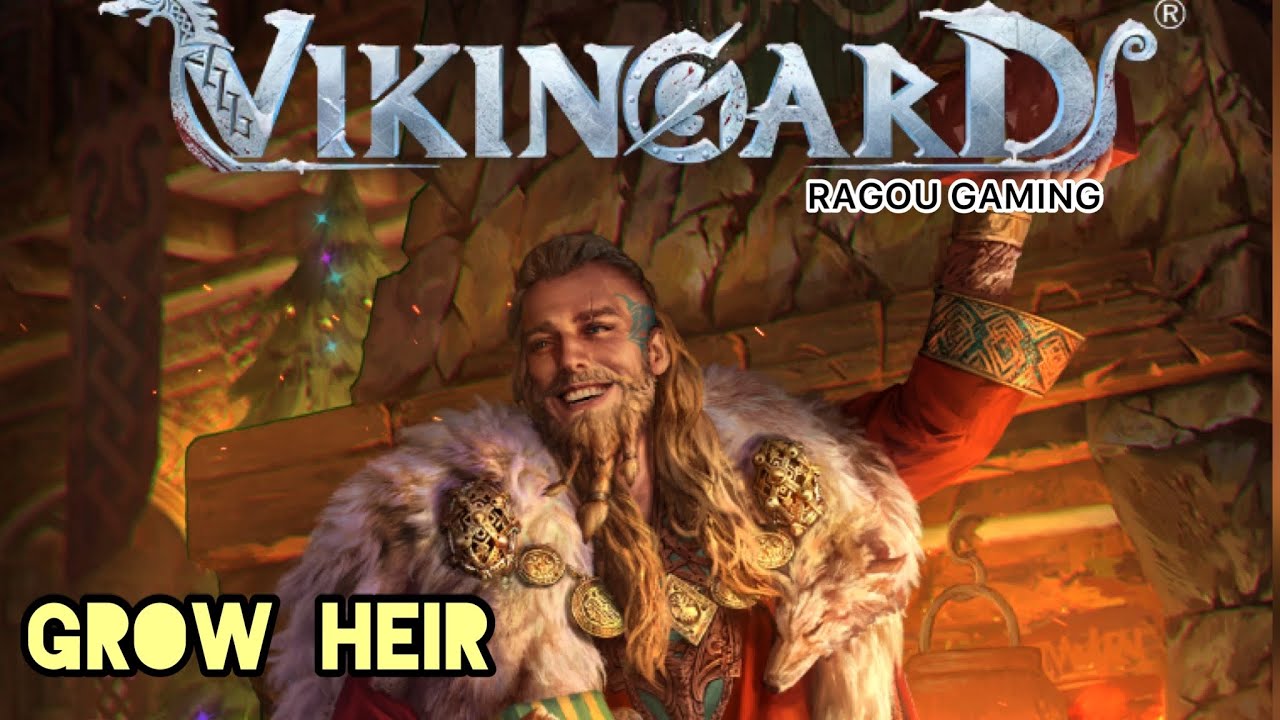
The centerpiece of your military development is the collection of hersirs, including Viking warriors and Valkyries. Hundreds of animated heroes can be placed under your command, with level, aptitude, weapon, and other stats available for upgrades. That makes resource allocation an important part of progression: investing in the hersirs you favor can turn them into stronger battlefield leaders and help them compete for higher leaderboard positions. Your decisions also extend beyond individual units. During voyages, you encounter different issues whose consequences depend on how you handle them, so exploration is not simply a matter of moving from one location to the next. The game also asks you to build a future for your Viking community by meeting companions, giving presents, going on dates, and unlocking romantic moments. Raising heirs adds another layer to that system, as you can train the next generation and appoint hersirs to mentor them, preparing capable assistants for the battlefield. Pets likewise require attention through play and training, and can accompany you in daily life and battles.
For players who prefer cooperative competition, Vikingard includes alliances and the strategic Alliance Clash. You can join or create an alliance in the name of the Nordic gods, contribute to its growth, arrange allies and troops, and challenge opposing forces. Choosing between Ice and Fire gives this group play a clear identity, while the alliance’s success depends on coordinating its members rather than treating the game as a purely solo campaign. Outside of expansion and conflict, the Mead Hall provides a social space for meeting players from all servers and taking part in Viking-themed mini games and other events. These varied activities help break up the routine of upgrading characters or managing territory, while also giving you additional ways to engage with the community.
Playing Vikingard on a larger PC display makes its many systems easier to follow at once. You can keep the map, voyage objectives, character information, and available management options visible with less need to repeatedly switch views, which is useful when deciding where to explore or how to respond to an issue with consequences. Keyboard-and-mouse input also suits the frequent selection-heavy tasks involved in reviewing hersirs, comparing their levels, aptitude, weapons, and other stats, assigning mentors, and organizing allies and troops for Alliance Clash. A mouse makes it easier to move through menus and inspect the game’s different activities, while the larger screen gives social events, alliance information, and animated heroes more room to remain readable. For players looking for a Viking game that combines land management, character collection, voyages, relationships, pets, alliance strategy, and recurring events, Vikingard offers a broad Norse progression loop rather than a single-purpose battle experience.
Screenshots
How to Download and Install the Official Vikingard PC Client
- Download and install the official Windows client distributed by LDPlayer.
- Open the app and sign in with your Google Play account.
- Search for Vikingard in the app store.
- Install the game and finish the first-launch download.
- Use the same game login if account sync is available.
Why Play Vikingard on PC?
Menus, maps, resources, and combat details are easier to read on a desktop display.
Keyboard and mouse input makes repeated actions and long sessions more comfortable.
Desktop play avoids phone battery drain during longer farming sessions.
Keep guides, codes, and notes open alongside the game on PC.
Controls and Performance
These three settings solve most common issues when playing on PC.
Map navigation, skill use, and repeated resource actions first.
Lower resolution or graphics quality if crowded scenes lose frames.
Link your account before switching devices so progress can be restored safely.
Vikingard Official PC Client FAQ
Can I play Vikingard on PC?
Yes. Download the official Windows PC client distributed by LDPlayer and play with a larger screen, keyboard, and mouse controls.
Is Vikingard better on PC than mobile?
Playing on PC can make longer sessions, detailed menus, and resource management more comfortable, while mobile is still convenient for quick check-ins.
Will my Vikingard progress sync on PC?
Progress depends on the sign-in options supported by the game. Use the same linked Google, Facebook, Apple, or game account on both devices.
Why does Vikingard lag on PC?
Lag can be caused by limited RAM, demanding graphics settings, outdated client files, or background apps. Lower the graphics settings and keep the PC client up to date.
DOWNLOAD STARTED
Your download is starting
Check your browser Downloads if it does not appear.
Official PC client for Windows, distributed by LDPlayer.
Download again