
Petit Planet Radial Menu and Expression Customization Guide
Access the Expression tab in the main menu to assign emotes to your radial wheel for faster communication with visitors and unique NPC reactions.


More Petit Planet guides, page 7.
Access the Expression tab in the main menu to assign emotes to your radial wheel for faster communication with visitors and unique NPC reactions.

Pre register for Petit Planet through official portals using a verified main account to secure milestone rewards before the game launches.
Focus on low hanging achievement objectives while using character voice responses to guide your daily NPC requests in Petit Planet.
Lock your mobile frame rate to 60 FPS and adjust model quality in Petit Planet to maintain smooth performance and reduce device heating.

Set primary tools to the top radial slots in Petit Planet and pause character movement whenever menu commands fail to register properly.

Structure your Petit Planet Final CBT sessions by clearing NPC requests first, using tool radial shortcuts, and organizing base storage containers.
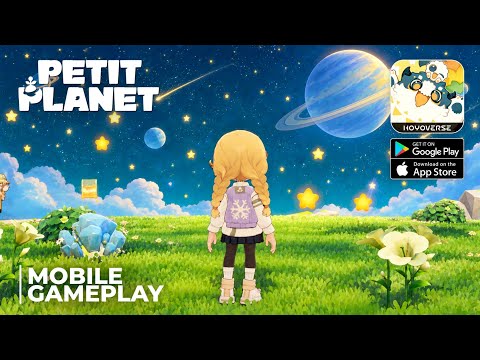
Assign active tools and emotes to the Petit Planet radial menu through your inventory menu to quickly switch actions while exploring your world.

Organize your Petit Planet radial menu by mapping essential gathering tools and social emotes based on your active exploration or farming tasks.

Petit Planet is not pay to win because core progression relies on daily planet tasks and NPC interactions rather than paid store bundles.

Prepare for the Petit Planet Final Beta test by verifying device specs, setting up pre downloads, and focusing on base and multiplayer features.