
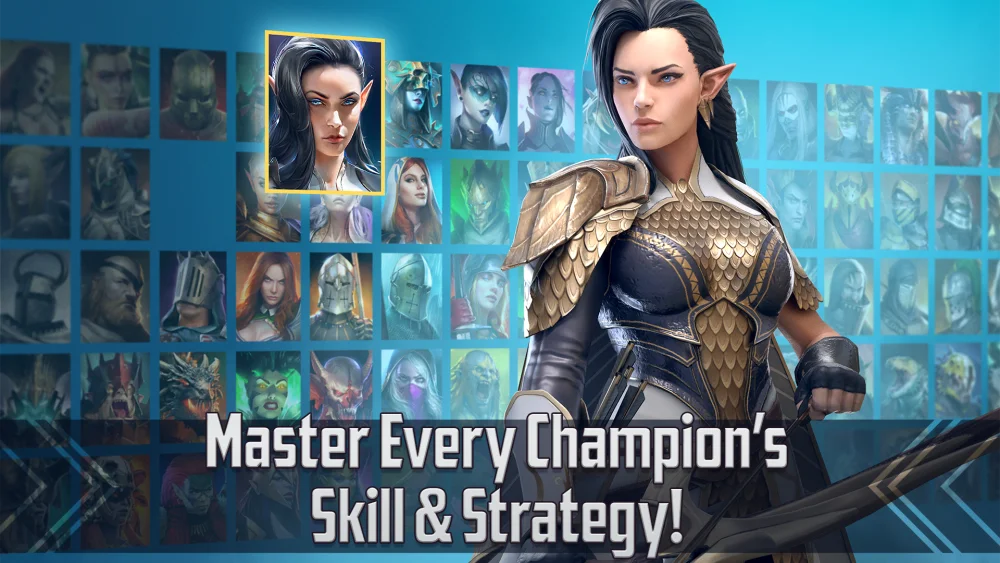
To optimize your RAID: Shadow Legends account using GESTAL.GG, sync your game data to generate an external audit of your roster, gear, and team synergy. This third-party diagnostic tool analyzes your saved profile against community statistical trends, helping you prioritize Champion upgrades and eliminate gear bottlenecks.
Linking Your Account to GESTAL.GG
The first step in using GESTAL.GG is establishing an account link to sync your profile data.
- Access the official GESTAL.GG platform domain.
- Follow the prompt to connect your RAID: Shadow Legends account data.
- Allow the platform to generate a digital mirror of your roster, stored gear pieces, and stage progression.
Once synced, the interface displays your full collection in a centralized view. Instead of inspecting each artifact manually in-game, you can review aggregate stats across your entire inventory.
Auditing Champion Builds and Gear Sets
GESTAL.GG analyzes high-performing player profiles to recommend target stats and set configurations based on your account's progression stage.
- Primary Stat Priorities: The tool highlights essential attributes—such as Speed, Accuracy, or Crit Damage—required for specific Champion roles.
- Artifact Set Selection: Suggestions compare your equipped gear against optimal set templates, showing where underperforming pieces lower combat effectiveness.
- Sub-stat Allocation: View recommended secondary stats to ensure you reserve high-value Silver for upgrading artifacts with high-return potential.
Following these suggestions prevents spreading top-tier gear across too many secondary Champions.
Optimizing Team Compositions for Bosses and Dungeons
For team-based challenges like Dungeons and the Clan Boss, GESTAL.GG identifies structural gaps in your lineup.
| Focus Area | Identified Problem | Tool Recommendation |
|---|---|---|
| Debuff Coverage | Missing essential status effects | Hero substitutions applying required debuffs |
| Turn Order | Incorrect action sequences | Speed-tuning targets for turn-meter control |
| Survival | Team wiping before boss enrage | Passive skill stacking and defensive sets |
Comparing your pool of heroes against successful player templates lets you adjust your team turn-orders and role coverage before spending energy on difficult stages.
Managing Progression Resources Safely
Resource allocation determines how fast an account progresses. GESTAL.GG provides diagnostic tracking to guide long-term planning:
- Promotion Targets: Identifies which Champions yield the highest return when leveled to 60.
- Inventory Cleaning: Highlights suboptimal gear pieces to sell for Silver.
- Skill & Ascension Upgrades: Suggests where to invest scarce skill tomes and ascension materials.
Because GESTAL.GG processes third-party statistical trends, use its output as advice rather than absolute rules. Niche strategies or exceptional artifact rolls may outperform standard statistical templates. Always verify official platform web addresses to protect account security.

Free RAID: Shadow Legends Codes
Current active codes and how to redeem them.

Sarah Williams
Sarah specializes in RPG and collection games, explaining team building, character growth, and beginner-friendly ways to avoid expensive early mistakes.
COMMUNITY
Player Comments
87 players commented on this guide.
I tried this today and it worked better than my old setup.
The tips are practical and easy to follow.
The explanation is clear, especially for beginners.
This guide answered the exact question I had.