
MiniMuses Guide: Transitioning from Gacha Games to Creative Design
Master MiniMuses by replacing gacha collection habits with custom character customization, layering discipline, and Studio Mode scene composition.

The latest MiniMuses guides.
MiniMuses is a creative character design and scene composition game. This guide hub provides practical instructions for managing custom PNG assets, utilizing studio mode tools, and fine tuning character models through sliders and layering options to help players build their original scenes.
Game information is refreshed when tracked chart data changes; guides are added as they are published.
Master MiniMuses by replacing gacha collection habits with custom character customization, layering discipline, and Studio Mode scene composition.
Align characters and props in MiniMuses by adjusting character layer order, tweaking body sliders in the pose tab, and altering inspector depth.

Set up MiniMuses by keeping the executable in the root folder, organizing custom PNG assets by category, and backing up save files regularly.

To stage scenes in MiniMuses Studio Mode, arrange assets in the layer list, lock backgrounds early, and use list view to edit hidden objects.

Build MiniMuses original characters from base layers outward, re apply misordered assets to fix clipping, and manually export files to save your progress.

Select specific character layers before recoloring items and wait for UI rendering to complete in MiniMuses Early Access to prevent palette resets.

To fix clipping in MiniMuses Studio Mode, lower character layer values behind props using the right side asset panel before hiding the UI.

Select the Hazel archetype in MiniMuses as your character base, resolve asset clipping with manual offsets, and pair expressions with matching poses.

To fix misaligned assets in MiniMuses studio mode, place background props first, match character scale, and manually adjust asset layers.
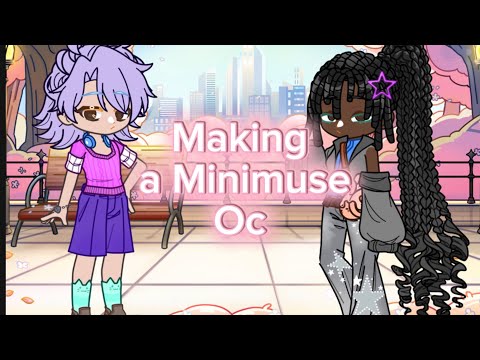
To design an original character in MiniMuses, build a three tone color scheme, stack layered assets by Z index, and resolve visual clipping.